Free Figma UX Design & UI Essentials Course 🎨
Join the free Figma UX/UI course, watch lessons, and get 10% off with BYOL. Download exercise files and try Figma for free!

Bring Your Own Laptop
3.0M views • Dec 1, 2021
About this video
Watch + join BYOL for the full Figma course and 10% off: https://byol.com/fer25l
Download the free exercise files: https://byol.com/fx25
Try Figma for Free: https://byol.com/figf
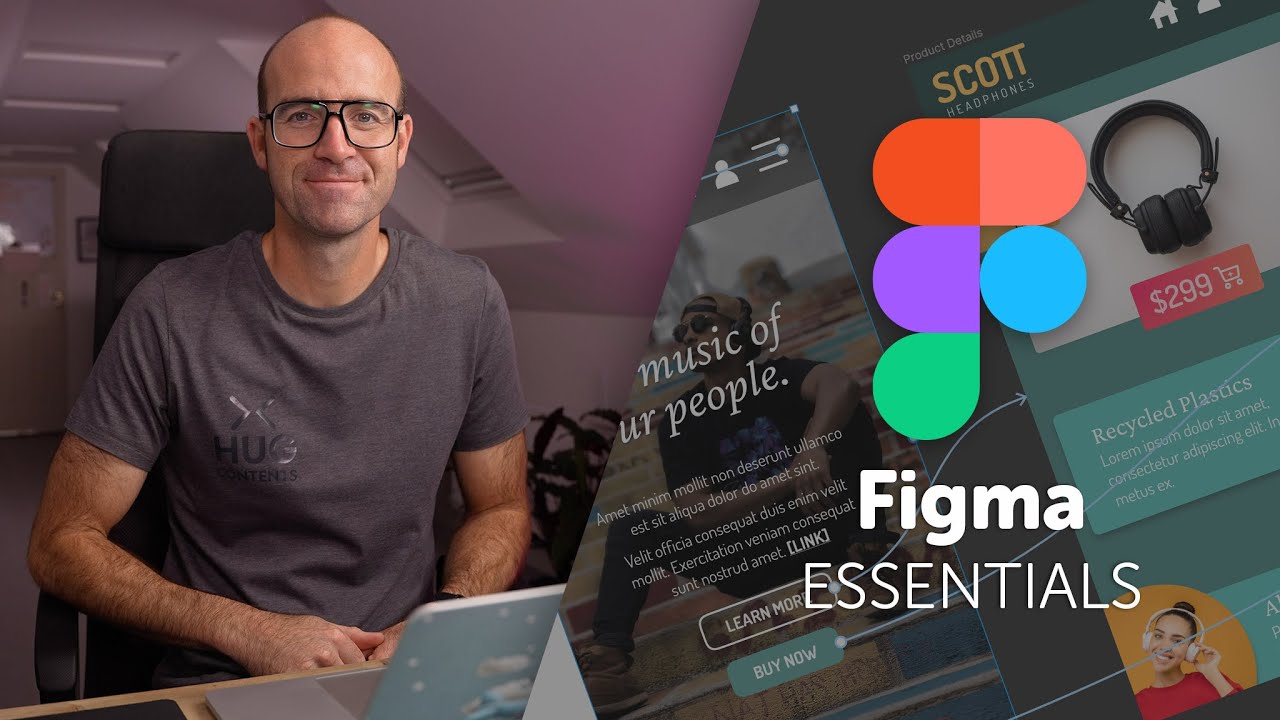
Hi there - my name is Dan Scott & welcome to Figma UX UI Essentials Course.
Together - you and me - are going to learn everything you need to get started working as a UX Designer using Figma.
We’ll use this UI UX design tool to create beautiful User Interfaces and engaging prototypes. Most importantly... we'll cover the client expectations of you as a new UX designer.
This course is aimed at people new to design, new to User Experience design. Even if you’re not totally sure what UX really means, don’t worry. We’ll start right at the beginning and work our way through step by step.
• First we’ll describe the brief & how to work with a UX persona.
• Then you’ll learn how to create simple wireframes.
• From there we’ll look at how to implement colours & images properly in your designs.
• You’ll learn the do’s & don’ts around choosing fonts for web & mobile apps.
• You’ll learn how to create your own icons, buttons & other UI components.
• You’ll learn some pretty scary terms such as Components, Constraints & Multi Dimensional Variants. They are all really easy to understand once you know how.
• We’ll also make our lives easier by using free UI kits & plugins for Figma which will speed up our workflow dramatically!
• We’ll build a simple Style Guide ready for client handoff.
• You’ll understand how to make both simple & advanced micro interactions, page transitions & animations
• Before the end of this course you will have made fully interactive prototypes
• You will take a project all the way through - collaborating with other team members and exporting the right files ready to hand off to your developer or software engineer.
We’ll be focusing on the software Figma but I’ll make sure to explain the techniques & terms used in the UX and how real world projects are run. You will develop a great understanding of the industry and will be able to manage your own UX projects.
I will be setting assignments through the course which will help develop your skills and enable you to create something special and unique for your own portfolio.
Alright - it's time to upgrade yourself & go from Figma Zero to Figma Hero.
Intro to Figma Essentials: 0:00
Getting started with Figma: 3:10
What is Figma?: 5:55
Difference between UI & UX: 9:42
What we are making?: 15:05
Class project 01- Create your own brief: 24:23
What is Lo Fi vs Hi Fi: 28:24
Introducing frames in Figma: 30:58
The basics of type & fonts in Figma: 39:27
Rectangles Circles Buttons in Figma: 50:19
Middletro: 57:09
How to use color in Figma: 58:07
Strokes & color defaults in Figma: 1:03:53
Object editing in Figma: 1:13:21
Scale vs Selection Tool in Figma: 1:15:08
Frames vs Groups in Figma: 1:17:47
Class project 02- Wireframe: 1:27:11
Free icons in Figma: 1:30:12
Matching the stroke in Figma: 1:39:23
Plugins in Figma: 1:44:39
Class project 03 - Icons: 1:49:11
How to use Pages in Figma: 1:52:59
How to prototype in Figma: 2:01:31
Prototype animation in Figma: 2:11:15
Testing on your phone in Figma: 2:22:08
Class project 04 - Testing on your phone: 2:27:49
Smart Animation & delays in Figma: 2:31:40
Class project 05 - My first animation: 2:40:25
Sharing & Commenting in Figma: 2:42:26
Sharing with others in Figma: 2:49:36
Outro: 2:56:35
Join the Bring Your Own Laptop Facebook Group: https://www.byol.com/FB
Follow me on Instagram: https://www.byol.com/IG
Follow me on TikTok: https://www.byol.com/tiktok/
Follow me on Twitter: / danlovesadobe
Join the LinkedIn Group: https://www.byol.com/LINKEDIN/
#Figma #UXDesign #FigmaTutorial
Download the free exercise files: https://byol.com/fx25
Try Figma for Free: https://byol.com/figf
Hi there - my name is Dan Scott & welcome to Figma UX UI Essentials Course.
Together - you and me - are going to learn everything you need to get started working as a UX Designer using Figma.
We’ll use this UI UX design tool to create beautiful User Interfaces and engaging prototypes. Most importantly... we'll cover the client expectations of you as a new UX designer.
This course is aimed at people new to design, new to User Experience design. Even if you’re not totally sure what UX really means, don’t worry. We’ll start right at the beginning and work our way through step by step.
• First we’ll describe the brief & how to work with a UX persona.
• Then you’ll learn how to create simple wireframes.
• From there we’ll look at how to implement colours & images properly in your designs.
• You’ll learn the do’s & don’ts around choosing fonts for web & mobile apps.
• You’ll learn how to create your own icons, buttons & other UI components.
• You’ll learn some pretty scary terms such as Components, Constraints & Multi Dimensional Variants. They are all really easy to understand once you know how.
• We’ll also make our lives easier by using free UI kits & plugins for Figma which will speed up our workflow dramatically!
• We’ll build a simple Style Guide ready for client handoff.
• You’ll understand how to make both simple & advanced micro interactions, page transitions & animations
• Before the end of this course you will have made fully interactive prototypes
• You will take a project all the way through - collaborating with other team members and exporting the right files ready to hand off to your developer or software engineer.
We’ll be focusing on the software Figma but I’ll make sure to explain the techniques & terms used in the UX and how real world projects are run. You will develop a great understanding of the industry and will be able to manage your own UX projects.
I will be setting assignments through the course which will help develop your skills and enable you to create something special and unique for your own portfolio.
Alright - it's time to upgrade yourself & go from Figma Zero to Figma Hero.
Intro to Figma Essentials: 0:00
Getting started with Figma: 3:10
What is Figma?: 5:55
Difference between UI & UX: 9:42
What we are making?: 15:05
Class project 01- Create your own brief: 24:23
What is Lo Fi vs Hi Fi: 28:24
Introducing frames in Figma: 30:58
The basics of type & fonts in Figma: 39:27
Rectangles Circles Buttons in Figma: 50:19
Middletro: 57:09
How to use color in Figma: 58:07
Strokes & color defaults in Figma: 1:03:53
Object editing in Figma: 1:13:21
Scale vs Selection Tool in Figma: 1:15:08
Frames vs Groups in Figma: 1:17:47
Class project 02- Wireframe: 1:27:11
Free icons in Figma: 1:30:12
Matching the stroke in Figma: 1:39:23
Plugins in Figma: 1:44:39
Class project 03 - Icons: 1:49:11
How to use Pages in Figma: 1:52:59
How to prototype in Figma: 2:01:31
Prototype animation in Figma: 2:11:15
Testing on your phone in Figma: 2:22:08
Class project 04 - Testing on your phone: 2:27:49
Smart Animation & delays in Figma: 2:31:40
Class project 05 - My first animation: 2:40:25
Sharing & Commenting in Figma: 2:42:26
Sharing with others in Figma: 2:49:36
Outro: 2:56:35
Join the Bring Your Own Laptop Facebook Group: https://www.byol.com/FB
Follow me on Instagram: https://www.byol.com/IG
Follow me on TikTok: https://www.byol.com/tiktok/
Follow me on Twitter: / danlovesadobe
Join the LinkedIn Group: https://www.byol.com/LINKEDIN/
#Figma #UXDesign #FigmaTutorial
Tags and Topics
Browse our collection to discover more content in these categories.
Video Information
Views
3.0M
Likes
70.2K
Duration
02:57:40
Published
Dec 1, 2021
User Reviews
4.8
(596) Related Trending Topics
LIVE TRENDSRelated trending topics. Click any trend to explore more videos.
No specific trending topics match this video yet.
Explore All Trends