Fix High Sierra Recovery Server Error 🚫
Learn how to resolve the 'Recovery Server Could Not Be Contacted' error when installing macOS High Sierra via recovery or internet recovery.
Mr. Macintosh
738.9K views • Jan 1, 2024
About this video
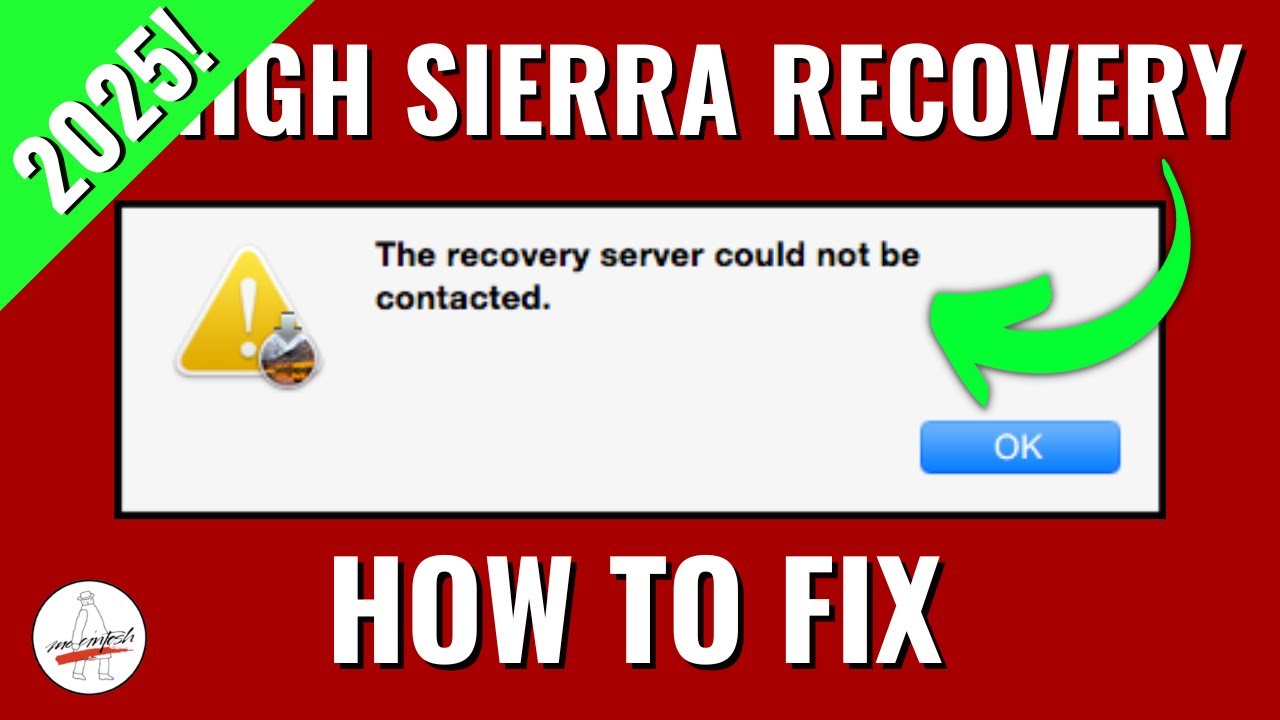
Are you trying to install macOS High Sierra from recovery or internet recovery and are getting the error "The recovery server could not be contacted" ? THIS IS A NEW ISSUE & NOT THE DATE AND TIME OR CERT ISSUE! In this video, I will show you 3 ways to fix the issue. CHAPTERS BELOW
Command
This is the full command to run in terminal to change the apple software update server url from https to http in nvram
nvram IASUCatalogURL="http://swscan.apple.com/content/catalogs/others/index-10.13-10.12-10.11-10.10-10.9-mountainlion-lion-snowleopard-leopard.merged-1.sucatalog"
URL with spaces because of YouTube formatting
http://swscan.apple.com/ content/ catalogs/ others/ index-10.13-10.12-10.11-10.10-10.9-mountainlion-lion-snowleopard-leopard.merged-1.sucatalog
NOTE! IF YOUTUBE DOES NOT SHOW FULL COMMAND PATH VISIT MY ARTICLE BELOW
https://mrmacintosh.com/how-to-fix-the-recovery-server-could-not-be-contacted-error-high-sierra-recovery-is-still-online-but-broken/
Support Mr. Macintosh
https://www.patreon.com/mrmacintosh
https://paypal.me/mrmacintoshblog
0:00 Welcome and intro
0:30 MrMacintosh.com Article link
0:42 Quick review of the 3 different ways to fix this issue
1:11 What is the root problem of this issue?
2:38 Fix Option #1 Boot to a newer version of macOS Internet Recovery
3:39 Fix Option #2 Boot to macOS High Sierra USB Drive
3:58 Fix Option #3 If you can’t do #1 or #2 Change SUS URL = connect to recovery server
4:28 If you are using macOS recovery from Command R make sure you are connected to WIFI first!
4:39 Just to be sure, make sure your date and time are correct in macOS terminal with the date command
4:55 Showing a demo of how macOS High Sierra recovery fails
5:28 Walkthrough step by step fix changing the macOS Recovery SUS URL for the recovery server issue
8:51 Let me know if you have any questions! + macOS Sierra Recovery is also broken!
Huge thanks goes out to dhinakg for helping me investigate this issue! You can follow him on twitter here = https://twitter.com/dhinakg
Main article link on now to fix the macOS High Sierra The recovery server could not be contacted error!
https://mrmacintosh.com/how-to-fix-the-recovery-server-could-not-be-contacted-error-high-sierra-recovery-is-still-online-but-broken/
https://MrMacintosh.com - Apple Mac Enterprise IT Blog & macOS News for MacAdmins
Twitter
https://twitter.com/ClassicII_MrMac
Command
This is the full command to run in terminal to change the apple software update server url from https to http in nvram
nvram IASUCatalogURL="http://swscan.apple.com/content/catalogs/others/index-10.13-10.12-10.11-10.10-10.9-mountainlion-lion-snowleopard-leopard.merged-1.sucatalog"
URL with spaces because of YouTube formatting
http://swscan.apple.com/ content/ catalogs/ others/ index-10.13-10.12-10.11-10.10-10.9-mountainlion-lion-snowleopard-leopard.merged-1.sucatalog
NOTE! IF YOUTUBE DOES NOT SHOW FULL COMMAND PATH VISIT MY ARTICLE BELOW
https://mrmacintosh.com/how-to-fix-the-recovery-server-could-not-be-contacted-error-high-sierra-recovery-is-still-online-but-broken/
Support Mr. Macintosh
https://www.patreon.com/mrmacintosh
https://paypal.me/mrmacintoshblog
0:00 Welcome and intro
0:30 MrMacintosh.com Article link
0:42 Quick review of the 3 different ways to fix this issue
1:11 What is the root problem of this issue?
2:38 Fix Option #1 Boot to a newer version of macOS Internet Recovery
3:39 Fix Option #2 Boot to macOS High Sierra USB Drive
3:58 Fix Option #3 If you can’t do #1 or #2 Change SUS URL = connect to recovery server
4:28 If you are using macOS recovery from Command R make sure you are connected to WIFI first!
4:39 Just to be sure, make sure your date and time are correct in macOS terminal with the date command
4:55 Showing a demo of how macOS High Sierra recovery fails
5:28 Walkthrough step by step fix changing the macOS Recovery SUS URL for the recovery server issue
8:51 Let me know if you have any questions! + macOS Sierra Recovery is also broken!
Huge thanks goes out to dhinakg for helping me investigate this issue! You can follow him on twitter here = https://twitter.com/dhinakg
Main article link on now to fix the macOS High Sierra The recovery server could not be contacted error!
https://mrmacintosh.com/how-to-fix-the-recovery-server-could-not-be-contacted-error-high-sierra-recovery-is-still-online-but-broken/
https://MrMacintosh.com - Apple Mac Enterprise IT Blog & macOS News for MacAdmins
https://twitter.com/ClassicII_MrMac
Video Information
Views
738.9K
Likes
22.6K
Duration
9:30
Published
Jan 1, 2024
User Reviews
4.8
(147) Related Trending Topics
LIVE TRENDSRelated trending topics. Click any trend to explore more videos.
No specific trending topics match this video yet.
Explore All Trends