Fix RAW Files Opening as 16-Bit in Photoshop 📸
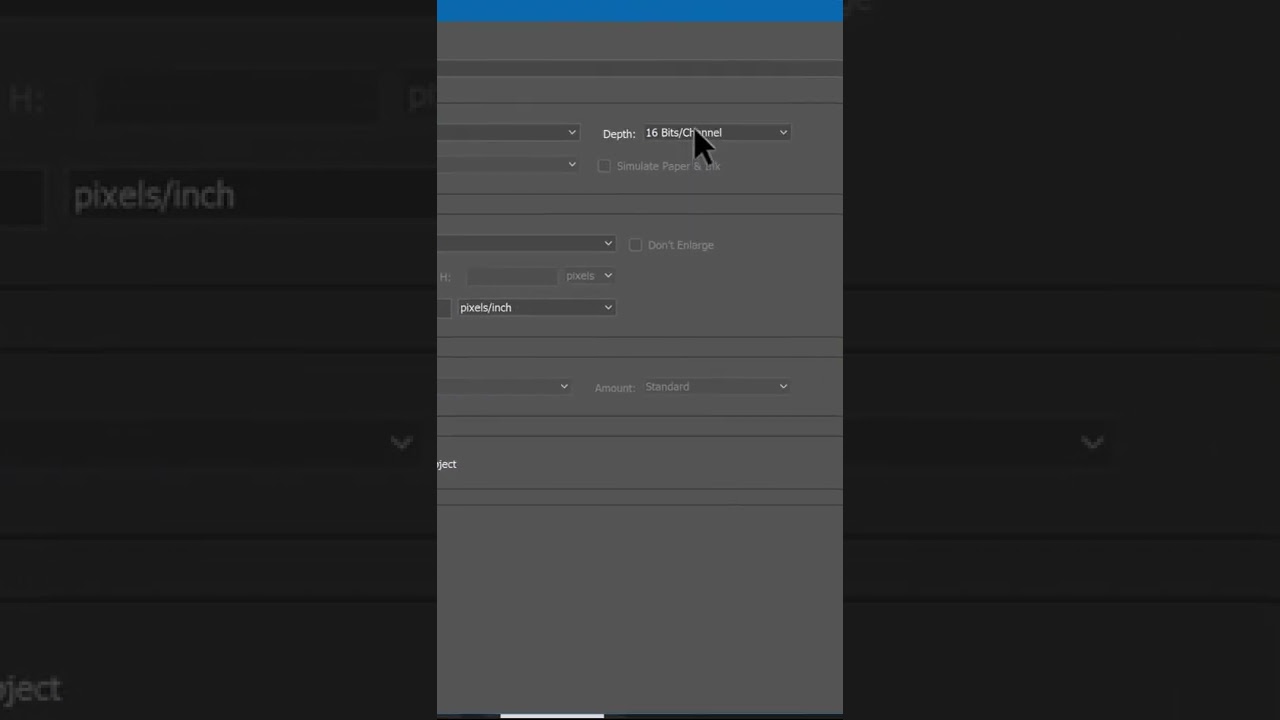
Learn how to quickly change your Adobe Camera Raw preferences to ensure RAW files open as 8-bit images in Photoshop for better editing control. Watch this quick guide! #shorts

Bojan Živković
231.1K views • Nov 17, 2022
About this video
#shorts
If your raw files and images processed in Adobe Camera Raw opens as 16 bit instead of 8 bit in Photoshop change ACR preferences as shown in this quick video tip.
If your raw files and images processed in Adobe Camera Raw opens as 16 bit instead of 8 bit in Photoshop change ACR preferences as shown in this quick video tip.
Tags and Topics
Browse our collection to discover more content in these categories.
Video Information
Views
231.1K
Likes
1.7K
Duration
0:15
Published
Nov 17, 2022
User Reviews
4.3
(46) Related Trending Topics
LIVE TRENDSRelated trending topics. Click any trend to explore more videos.
Trending Now