Fix Automatic Repair Loop in Windows 10/11 🔧
Learn how to resolve the Automatic Repair Loop in Windows 10/11 with our step-by-step guide. Fully solved for 2026!

Silent Tech
779 views • Jan 25, 2026
About this video
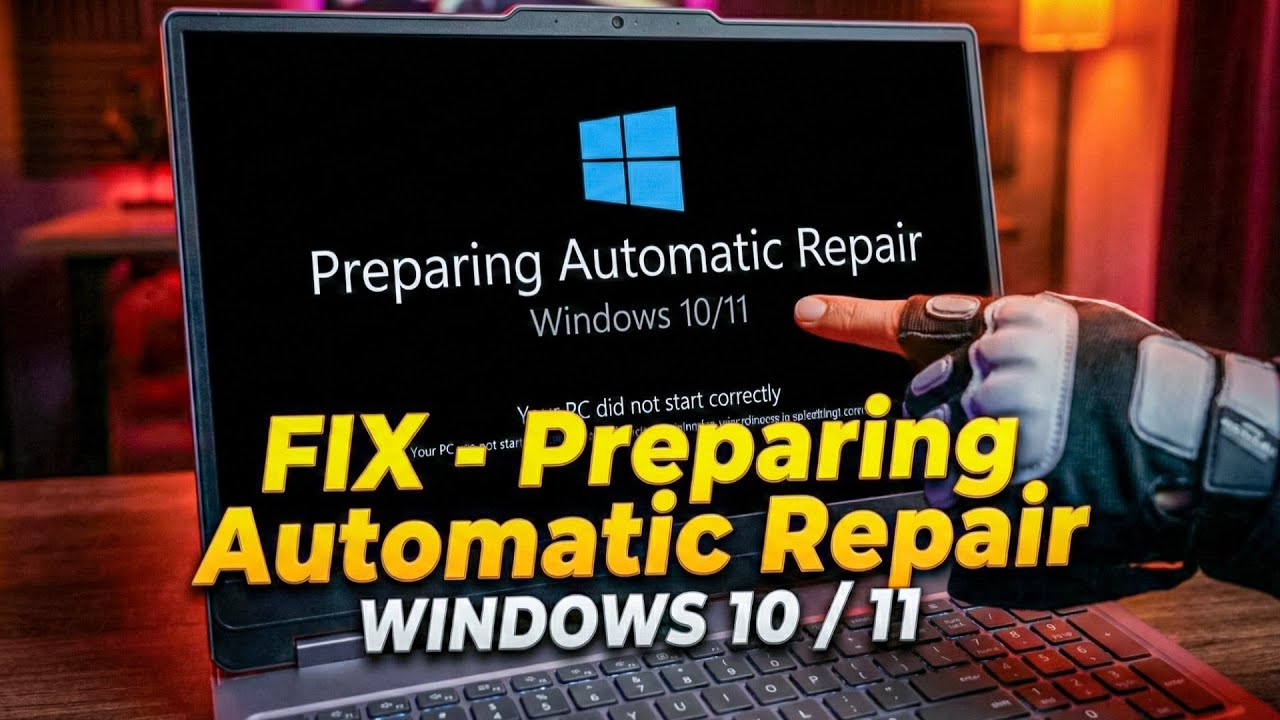
Fix Preparing Automatic Repair Loop Windows 10/11 | 100% Solved (2026) | How to Fix Automatic Repair Loop in Windows 10/11 | Startup Repair Problem Solved
Stuck on "Preparing Automatic Repair" screen? In this video, I will show you how to fix the Automatic Repair Loop on Windows 10 and Windows 11. This method works for all laptops (Lenovo, HP, Dell, Asus, Acer) and PCs.
📌 Topics Covered in this video:
Fix Preparing Automatic Repair Windows 10/11
How to solve Startup Repair Loop
Laptop stuck on boot screen fix
Advanced Startup Options troubleshooting
Don't forget to LIKE, SHARE & SUBSCRIBE to Silent Tech for more tech tutorials!
DISCLAIMER:⚠️
This video is for educational purposes only and demonstrates general conversion techniques and procedures. By watching and following along, you acknowledge that you understand and assume the risks involved in modifying your device's operating system. I shall not be held responsible for any damage, data loss, or software issues that may arise from following these steps. Proceed at your own risk. It is recommended to seek professional assistance if you are not confident in performing these procedures yourself. Additionally, please ensure that you comply with the licensing terms and conditions of any software and tools featured in this video.!
#Windows11 #AutomaticRepair #LaptopRepair #Windows10 #BootLoop
Stuck on "Preparing Automatic Repair" screen? In this video, I will show you how to fix the Automatic Repair Loop on Windows 10 and Windows 11. This method works for all laptops (Lenovo, HP, Dell, Asus, Acer) and PCs.
📌 Topics Covered in this video:
Fix Preparing Automatic Repair Windows 10/11
How to solve Startup Repair Loop
Laptop stuck on boot screen fix
Advanced Startup Options troubleshooting
Don't forget to LIKE, SHARE & SUBSCRIBE to Silent Tech for more tech tutorials!
DISCLAIMER:⚠️
This video is for educational purposes only and demonstrates general conversion techniques and procedures. By watching and following along, you acknowledge that you understand and assume the risks involved in modifying your device's operating system. I shall not be held responsible for any damage, data loss, or software issues that may arise from following these steps. Proceed at your own risk. It is recommended to seek professional assistance if you are not confident in performing these procedures yourself. Additionally, please ensure that you comply with the licensing terms and conditions of any software and tools featured in this video.!
#Windows11 #AutomaticRepair #LaptopRepair #Windows10 #BootLoop
Tags and Topics
Browse our collection to discover more content in these categories.
Video Information
Views
779
Likes
8
Duration
1:58
Published
Jan 25, 2026
Related Trending Topics
LIVE TRENDSRelated trending topics. Click any trend to explore more videos.
Trending Now