iPhone Brightness Maxed But Still Dark? Fix 2025
Learn how to troubleshoot iPhone brightness glitches when your screen remains dark despite full brightness settings. 🔧

Apple Wiz
37 views • Oct 2, 2025
About this video
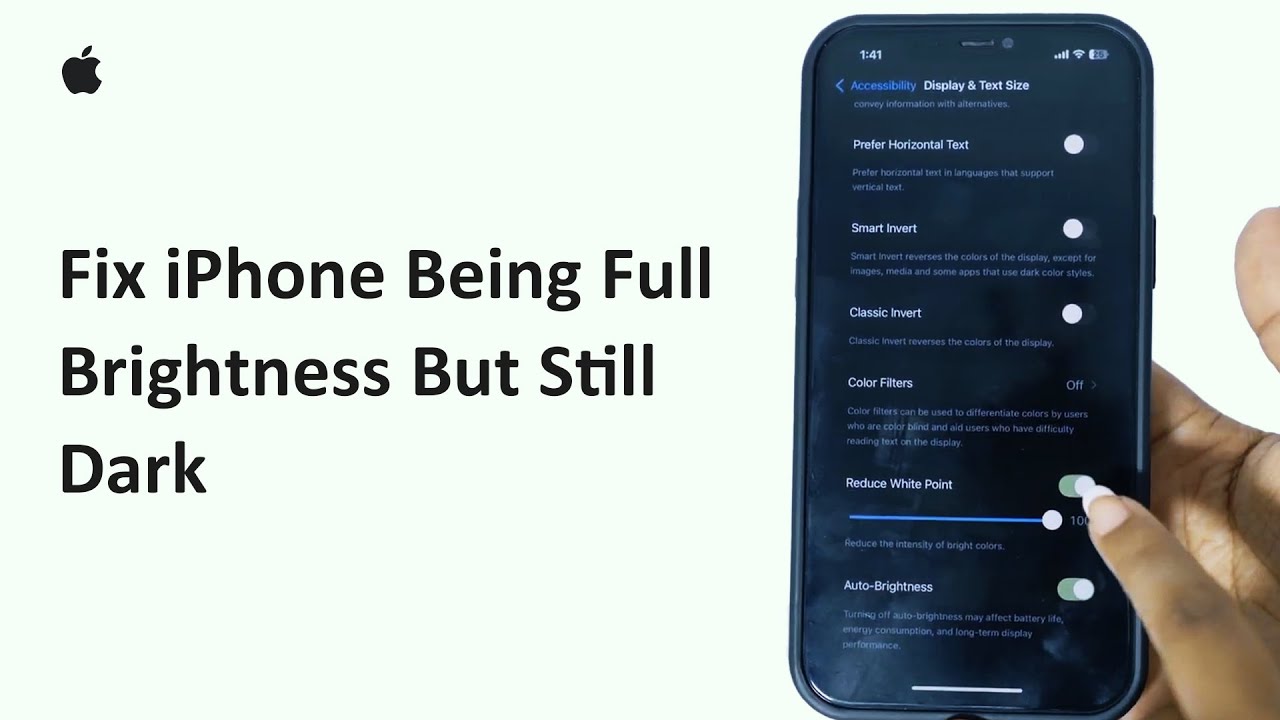
Fix iPhone Being Full Brightness But Still Dark 2025 | Troubleshoot iPhone Brightness Glitch
If your iPhone looks dark even when brightness is maxed out, here’s what to do: disable Auto-Brightness, turn off Night Shift and True Tone, and make sure Low Power Mode isn’t enabled.
#iPhoneTips #iPhoneBrightness #FixiPhoneScreen #iPhoneDisplay
If your iPhone looks dark even when brightness is maxed out, here’s what to do: disable Auto-Brightness, turn off Night Shift and True Tone, and make sure Low Power Mode isn’t enabled.
#iPhoneTips #iPhoneBrightness #FixiPhoneScreen #iPhoneDisplay
Tags and Topics
Browse our collection to discover more content in these categories.
Video Information
Views
37
Duration
1:51
Published
Oct 2, 2025
Related Trending Topics
LIVE TRENDSRelated trending topics. Click any trend to explore more videos.
No specific trending topics match this video yet.
Explore All Trends