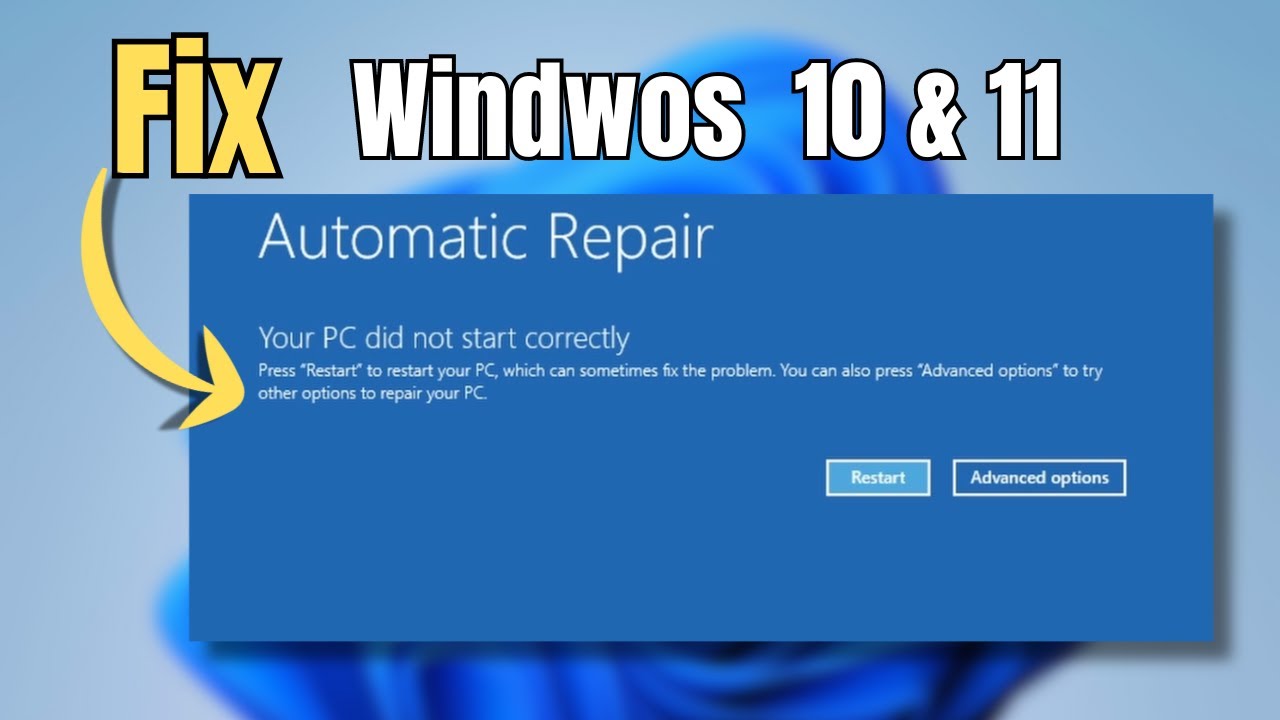
Fix 'Automatic Repair' Loop and Startup Repair in Windows 10 & 11 (5 Easy Ways)
Are you stuck on the Automatic Repair screen in Windows 10 or 11? In this video, I'll guide you through five effective methods to troubleshoot and resolve st...

TechWise
71.3K views • Sep 27, 2024
About this video
Are you stuck on the Automatic Repair screen in Windows 10 or 11? In this video, I'll guide you through five effective methods to troubleshoot and resolve startup issues, including how to run the Startup Repair tool, use System Restore to revert to a previous state, check your hard drive for errors with the Check Disk utility, fix Boot Configuration Data (BCD), and restore your registry. Follow along as we tackle these solutions step by step to get your computer back up and running smoothly in no time!
CMD Commands:
chkdsk /f /r C:
bcdboot C:\Windows /s Z: /f ALL
bootrec /fixmbr
bootrec /fixboot
bootrec /rebuildbcd
CMD Commands:
chkdsk /f /r C:
bcdboot C:\Windows /s Z: /f ALL
bootrec /fixmbr
bootrec /fixboot
bootrec /rebuildbcd
Tags and Topics
Browse our collection to discover more content in these categories.
Video Information
Views
71.3K
Likes
500
Duration
7:22
Published
Sep 27, 2024
User Reviews
4.2
(14) Related Trending Topics
LIVE TRENDSRelated trending topics. Click any trend to explore more videos.
No specific trending topics match this video yet.
Explore All Trends