Fix Play Store on Android & TV Boxes Without Factory Reset
Resolve Play Store errors on Android TV, Google TV, and TV boxes like Sony, TCL, Xiaomi without resetting. 🚀

Sid The Geek
111.9K views • Jul 18, 2025
About this video
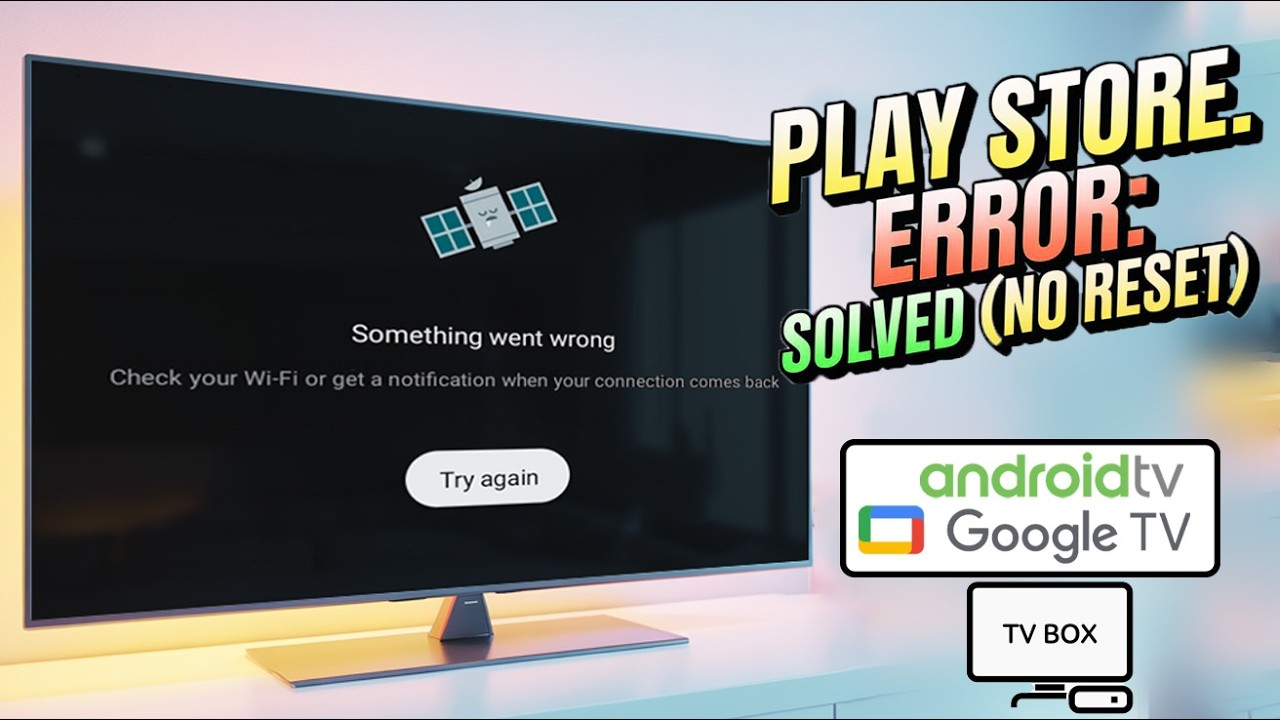
Are you seeing errors like “Something went wrong, Check your Wi-Fi or get a notification when your connection comes back, Try again” when opening the Google Play Store on your Android TV , Google TV or Android TV Box?
Don’t worry! in this 2025 updated guide, I’ll show you a step-by-step fix that works for Sony, TCL, Hisense and Xiaomi TVs without performing a factory reset.
MORE LIKE THIS:
---------------------------
◣Could This Android TV Box Replace Your Smart TV?
https://youtu.be/hnwfpjUnuUU
◣I Thought This TV Box Had No Play Store
https://youtu.be/D7y7phlhyvo
This tutorial covers:
Fixing Play Store not working on Android TV and Google TV.
Clearing critical caches and updating Google Play Services, Google Services Framework, and Google Account Manager.
Solving the “Something went wrong” Play Store error permanently.
How to avoid seeing “Check your Wi-Fi” or “Try again” messages.
This method is simple, safe, and works on TCL, Sony, Xiaomi, Hisense, and other Android TV/Google TV devices.
🛟Help Sid The Geek grow — $1/month in the Geek Supporter Tip Jar goes a long way!: https://patreon.com/sidthegeek?utm_medium=unknown&utm_source=join_link&utm_campaign=creatorshare_fan&utm_content=copyLink
#AndroidTV #GoogleTV #PlayStoreNotWorking #SomethingWentWrong #SidTheGeek #SonyTV #TCLTV #XiaomiTV
tcl android tv play store error something went wrong check your wifi
something went wrong play store problem no internet connection
xiaomi mi tv box play store fix something went wrong
android tv google play store something went wrong
amazon fire tv stick google play store error
how to fix Play Store not working problem
something went wrong play store problem
play store not working on amazon fire
android tv box play store not working
google play store not working in tv
Don’t worry! in this 2025 updated guide, I’ll show you a step-by-step fix that works for Sony, TCL, Hisense and Xiaomi TVs without performing a factory reset.
MORE LIKE THIS:
---------------------------
◣Could This Android TV Box Replace Your Smart TV?
https://youtu.be/hnwfpjUnuUU
◣I Thought This TV Box Had No Play Store
https://youtu.be/D7y7phlhyvo
This tutorial covers:
Fixing Play Store not working on Android TV and Google TV.
Clearing critical caches and updating Google Play Services, Google Services Framework, and Google Account Manager.
Solving the “Something went wrong” Play Store error permanently.
How to avoid seeing “Check your Wi-Fi” or “Try again” messages.
This method is simple, safe, and works on TCL, Sony, Xiaomi, Hisense, and other Android TV/Google TV devices.
🛟Help Sid The Geek grow — $1/month in the Geek Supporter Tip Jar goes a long way!: https://patreon.com/sidthegeek?utm_medium=unknown&utm_source=join_link&utm_campaign=creatorshare_fan&utm_content=copyLink
#AndroidTV #GoogleTV #PlayStoreNotWorking #SomethingWentWrong #SidTheGeek #SonyTV #TCLTV #XiaomiTV
tcl android tv play store error something went wrong check your wifi
something went wrong play store problem no internet connection
xiaomi mi tv box play store fix something went wrong
android tv google play store something went wrong
amazon fire tv stick google play store error
how to fix Play Store not working problem
something went wrong play store problem
play store not working on amazon fire
android tv box play store not working
google play store not working in tv
Tags and Topics
Browse our collection to discover more content in these categories.
Video Information
Views
111.9K
Likes
935
Duration
4:19
Published
Jul 18, 2025
User Reviews
4.3
(22) Related Trending Topics
LIVE TRENDSRelated trending topics. Click any trend to explore more videos.
No specific trending topics match this video yet.
Explore All Trends