Fix 3uTools Connection Timeout by Verifying AMD Service Status
Learn how to resolve the 3uTools connection timeout error by checking if the AMD service is started. Follow these steps to troubleshoot and fix the issue effectively.
TompTech
591 views • Sep 29, 2024
About this video
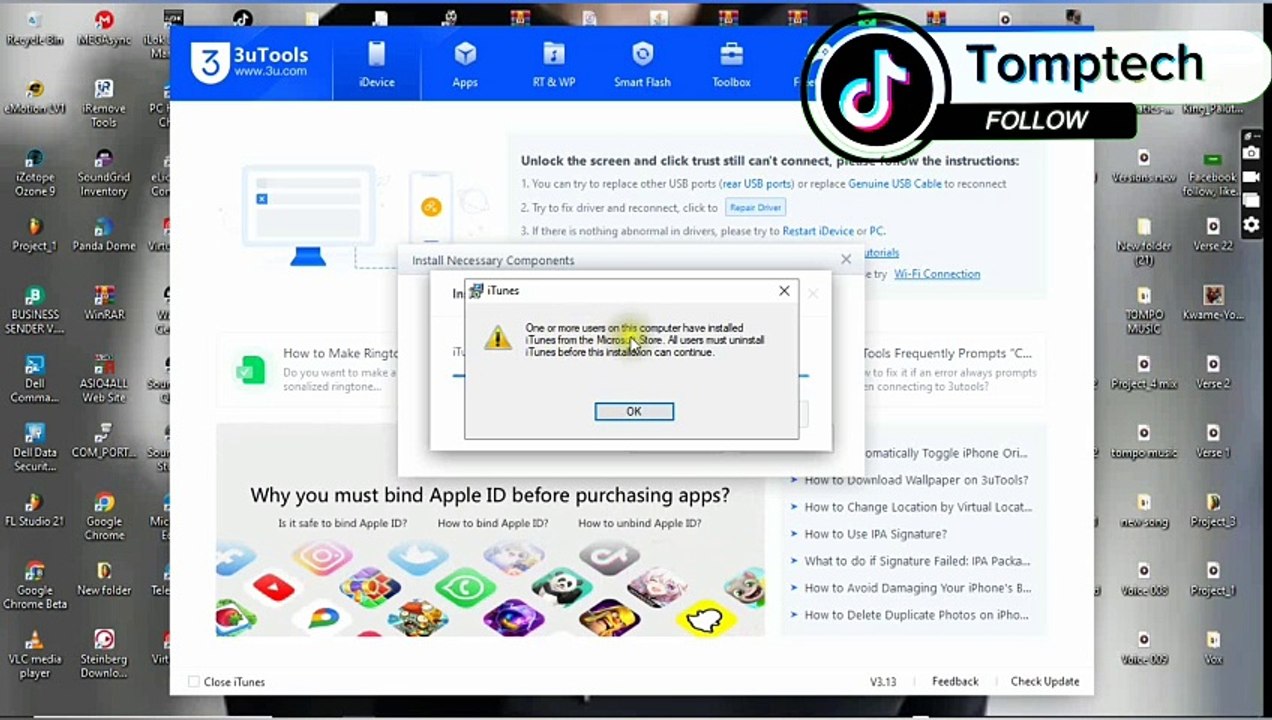
Are you struggling with the 3uTools connection timeout error? In this video, we will guide you through the steps to fix this issue by checking if the AMD service is running. A stable connection is essential for a seamless experience when managing your iOS devices, and we’ll help you troubleshoot this common problem. <br /><br />In this tutorial, you will learn:<br />- How to identify the connection timeout error in 3uTools<br />- Steps to check if the AMD service is active on your PC<br />- Solutions to restart the AMD service if it’s not running<br />- Additional tips to ensure a stable connection with 3uTools <br /><br />Whether you are a beginner or an experienced user, this video will provide you with the necessary troubleshooting techniques to resolve the connection timeout issue. Don’t let technical problems hold you back from using 3uTools to its full potential!<br /><br />Make sure to like, comment, and subscribe for more helpful tech tips and tutorials. Let’s get started on fixing your 3uTools connection issues today!<br /><br />Music: Up In Flames<br />Musician: LAB HITS-Andrew Jordan<br />https://youtu.be/UYN5MTvde8Y?si=t8cXBCcNYTSFZbSg
Video Information
Views
591
Duration
4:54
Published
Sep 29, 2024
Related Trending Topics
LIVE TRENDSRelated trending topics. Click any trend to explore more videos.
Trending Now