Extracting Text from Scanned PDFs with Python and PyMuPDF
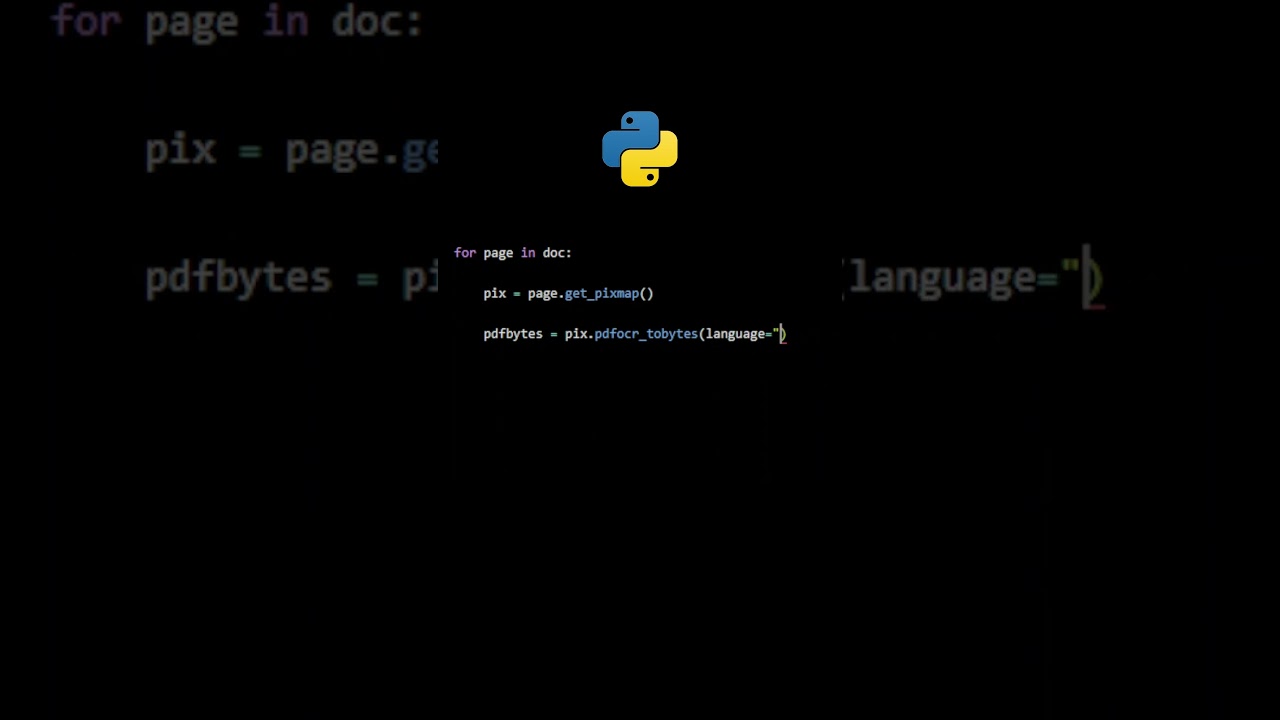
This tutorial guides you through the process of using Optical Character Recognition (OCR) to extract text from scanned PDFs in Python, utilizing the PyMuPDF library.

PyMuPDF
7.4K views • Jan 31, 2025
About this video
#coding #programming #pdfautomation
Learn how to extract text from scanned PDFs using OCR (Optical Character Recognition) with PyMuPDF in Python. This tutorial will teach you how to process image-based PDFs and generate searchable text documents.
🔗 Helpful Resources:
• PyMuPDF Documentation: https://pymupdf.readthedocs.io/en/latest
• Code Examples: https://github.com/pymupdf/PyMuPDF-Utilities
#pymupdf #dataprocessing #pythontips #automatepdf #datascience
Learn how to extract text from scanned PDFs using OCR (Optical Character Recognition) with PyMuPDF in Python. This tutorial will teach you how to process image-based PDFs and generate searchable text documents.
🔗 Helpful Resources:
• PyMuPDF Documentation: https://pymupdf.readthedocs.io/en/latest
• Code Examples: https://github.com/pymupdf/PyMuPDF-Utilities
#pymupdf #dataprocessing #pythontips #automatepdf #datascience
Tags and Topics
Browse our collection to discover more content in these categories.
Video Information
Views
7.4K
Likes
132
Duration
1:03
Published
Jan 31, 2025
User Reviews
4.6
(1) Related Trending Topics
LIVE TRENDSRelated trending topics. Click any trend to explore more videos.
No specific trending topics match this video yet.
Explore All Trends