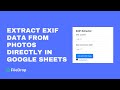
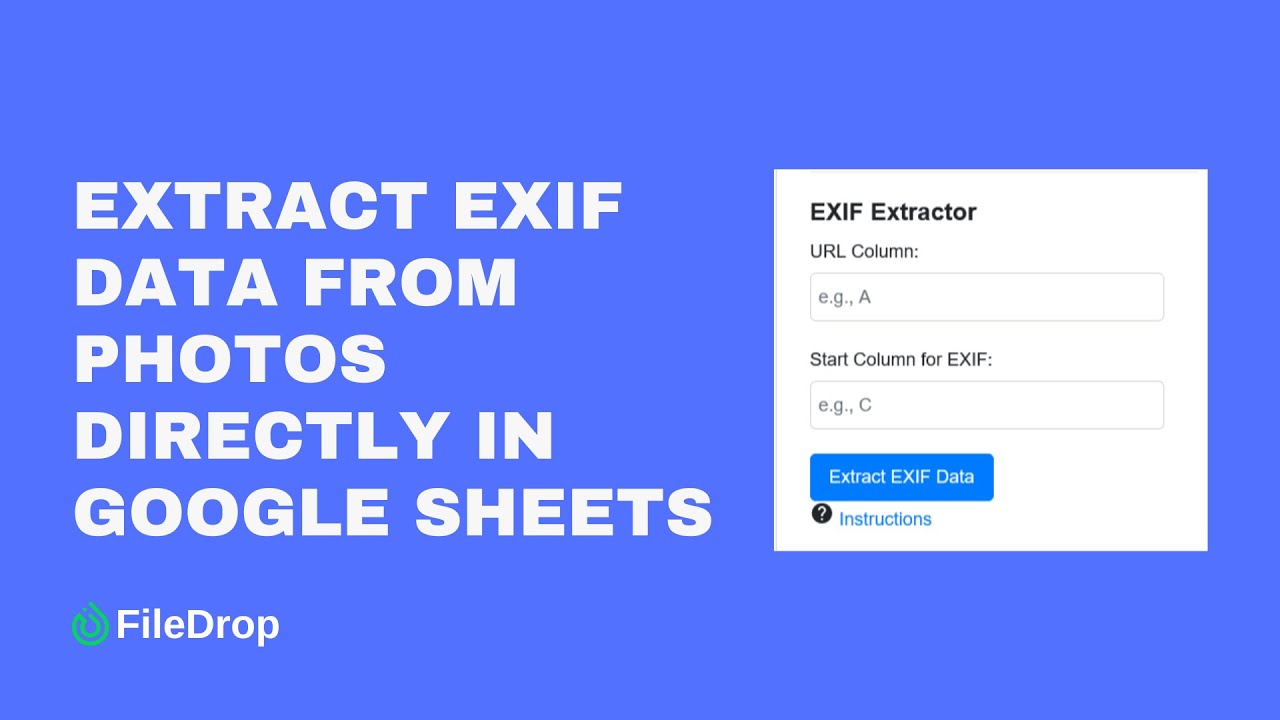
Extract EXIF Data from Photos in Google Sheets 📸
Easily extract image metadata in Google Sheets to streamline workflows and gain insights from your photos.
HeadwayApps
846 views • Jul 24, 2024
About this video
This nifty tool allows you to extract the EXIF - metadata from your images, streamlining your workflow and unlocking a wealth of insights directly in Google Sheets. Images must be located in a Google Drive folder.
The extracted EXIF data will provide you with a wealth of information about your photos, including details such as white balance, location (latitude and longitude), camera settings, and more.
✅ Over 170.000 people already use FileDrop. If you want to use it you can install it from here https://workspace.google.com/marketplace/app/filedrop/223672111812.
✅ Visit our blog to learn more Google Sheets tips and tricks at https://getfiledrop.com/blog/.
✅ More products from HeadwayApps here https://headwayapps.com.
#googlesheets #productivity #googlephotos
The extracted EXIF data will provide you with a wealth of information about your photos, including details such as white balance, location (latitude and longitude), camera settings, and more.
✅ Over 170.000 people already use FileDrop. If you want to use it you can install it from here https://workspace.google.com/marketplace/app/filedrop/223672111812.
✅ Visit our blog to learn more Google Sheets tips and tricks at https://getfiledrop.com/blog/.
✅ More products from HeadwayApps here https://headwayapps.com.
#googlesheets #productivity #googlephotos
Tags and Topics
Browse our collection to discover more content in these categories.
Video Information
Views
846
Likes
5
Duration
3:20
Published
Jul 24, 2024
Related Trending Topics
LIVE TRENDSRelated trending topics. Click any trend to explore more videos.
No specific trending topics match this video yet.
Explore All Trends