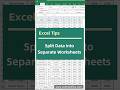
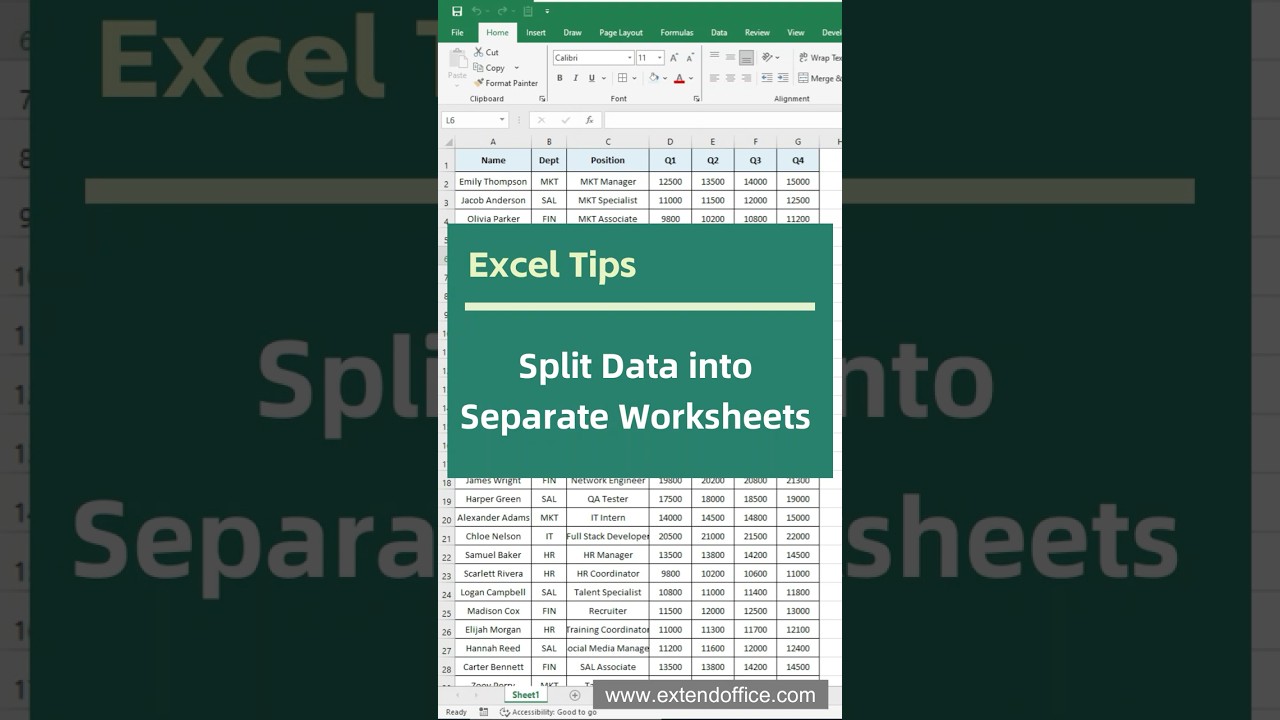
Excel Tips - Split Data into Separate Worksheets #excel #exceltips
Have a large table with multiple departments or categories and want to split it into individual sheets? This tutorial shows you two easy ways to get it done:...
ExtendOffice
47.4K views • Sep 17, 2025
About this video
Have a large table with multiple departments or categories and want to split it into individual sheets?
This tutorial shows you two easy ways to get it done:
Method 1: Use PivotTable + Show Report Filter Pages
Automatically generate separate worksheets based on a field (like department) using Excel’s built-in tools.
Method 2: Use Kutools for Excel
With just a few clicks, split data by column values into separate, named worksheets — supports batch processing and keeps formatting!
📌 Which method do you prefer? Let me know in the comments and don’t forget to subscribe for more Excel tips!
👉 Try Kutools for Excel: https://www.extendoffice.com/product/kutools-for-excel.html
This tutorial shows you two easy ways to get it done:
Method 1: Use PivotTable + Show Report Filter Pages
Automatically generate separate worksheets based on a field (like department) using Excel’s built-in tools.
Method 2: Use Kutools for Excel
With just a few clicks, split data by column values into separate, named worksheets — supports batch processing and keeps formatting!
📌 Which method do you prefer? Let me know in the comments and don’t forget to subscribe for more Excel tips!
👉 Try Kutools for Excel: https://www.extendoffice.com/product/kutools-for-excel.html
Video Information
Views
47.4K
Likes
919
Duration
2:21
Published
Sep 17, 2025
User Reviews
4.7
(9) Related Trending Topics
LIVE TRENDSRelated trending topics. Click any trend to explore more videos.
No specific trending topics match this video yet.
Explore All Trends