Quick Excel Tip: Remove or Replace Text Without Delete ✨
Learn a fast way to remove or replace text in Excel without pressing delete, perfect for quick edits in your spreadsheets.

Excel tips & tricks XecuteTheVision
458.7K views • Jan 20, 2023
About this video
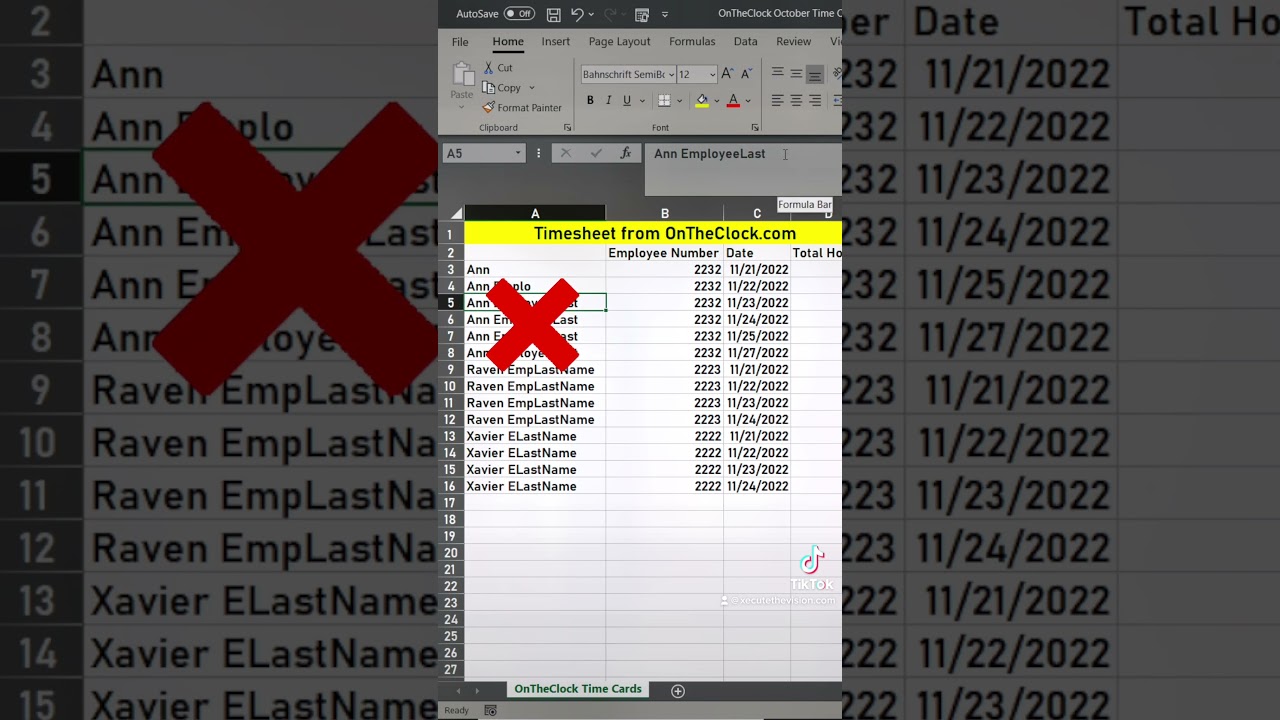
In this Excel tip, we'll show you a quick way to remove and replace text in a spreadsheet. This tip is handy if you need to make small changes to a text column or row, or if you just want to quickly replace one string of text with another.
If you're ever in a situation where you need to quickly remove or replace text in a spreadsheet, this tip is a great way to get the job done. It's easy to use and can save you some time and hassle!
#exceltips #exceltricks #excel
If you're ever in a situation where you need to quickly remove or replace text in a spreadsheet, this tip is a great way to get the job done. It's easy to use and can save you some time and hassle!
#exceltips #exceltricks #excel
Tags and Topics
Browse our collection to discover more content in these categories.
Video Information
Views
458.7K
Likes
2.2K
Duration
0:19
Published
Jan 20, 2023
User Reviews
4.2
(91) Related Trending Topics
LIVE TRENDSRelated trending topics. Click any trend to explore more videos.
No specific trending topics match this video yet.
Explore All Trends