Excel: Split & Group Data with Power Query
In this video, we're given a list of employees tagged with attended events, and the goal is to determine event attendance counts as efficiently as possible. ...

Excel Campus - Jon
316.0K views • Nov 22, 2023
About this video
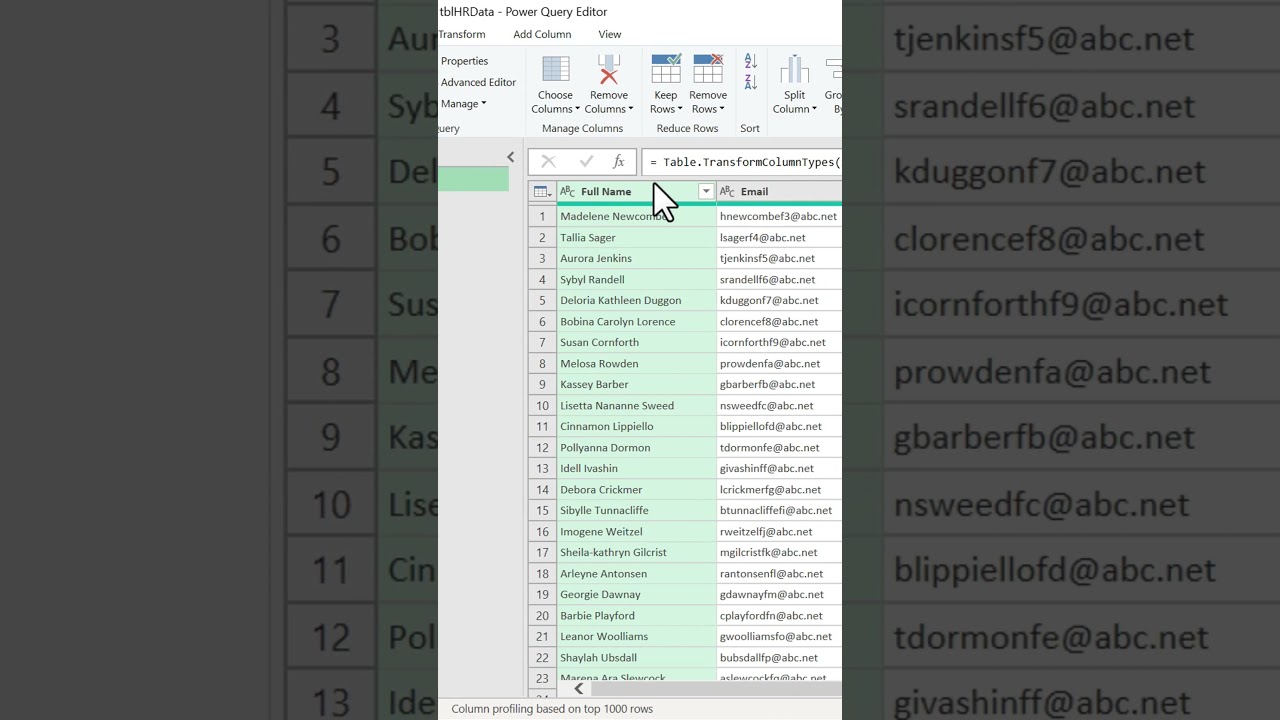
In this video, we're given a list of employees tagged with attended events, and the goal is to determine event attendance counts as efficiently as possible. We start by loading data into Power Query from the Data tab. Focusing on the tags column, we split it by a comma and space delimiter, creating distinct rows for analysis. Utilizing the "Group By" function, we aggregate attendance counts for each event. Closing with "Close and Load," we produce a concise, insightful report ready for HR.
Power Query's efficiency shines, demonstrating its capacity to streamline complex data tasks in Excel.
Check out our complete video on Power Query for HR tasks: https://youtu.be/HBgq0La7dj4
**JOIN OUR FREE TRAINING SESSION ** https://excelcampus.com/blueprint
Power Query's efficiency shines, demonstrating its capacity to streamline complex data tasks in Excel.
Check out our complete video on Power Query for HR tasks: https://youtu.be/HBgq0La7dj4
**JOIN OUR FREE TRAINING SESSION ** https://excelcampus.com/blueprint
Tags and Topics
Browse our collection to discover more content in these categories.
Video Information
Views
316.0K
Likes
5.8K
Duration
0:43
Published
Nov 22, 2023
User Reviews
4.7
(63) Related Trending Topics
LIVE TRENDSRelated trending topics. Click any trend to explore more videos.
No specific trending topics match this video yet.
Explore All Trends