Excel Shortcut Keys: Quickly Highlight Rows & Columns 📝
Learn easy shortcut keys to instantly highlight entire rows or columns in Excel and boost your efficiency with these handy tips!
RabiGurungXybernetics
50 views • Apr 14, 2025
About this video
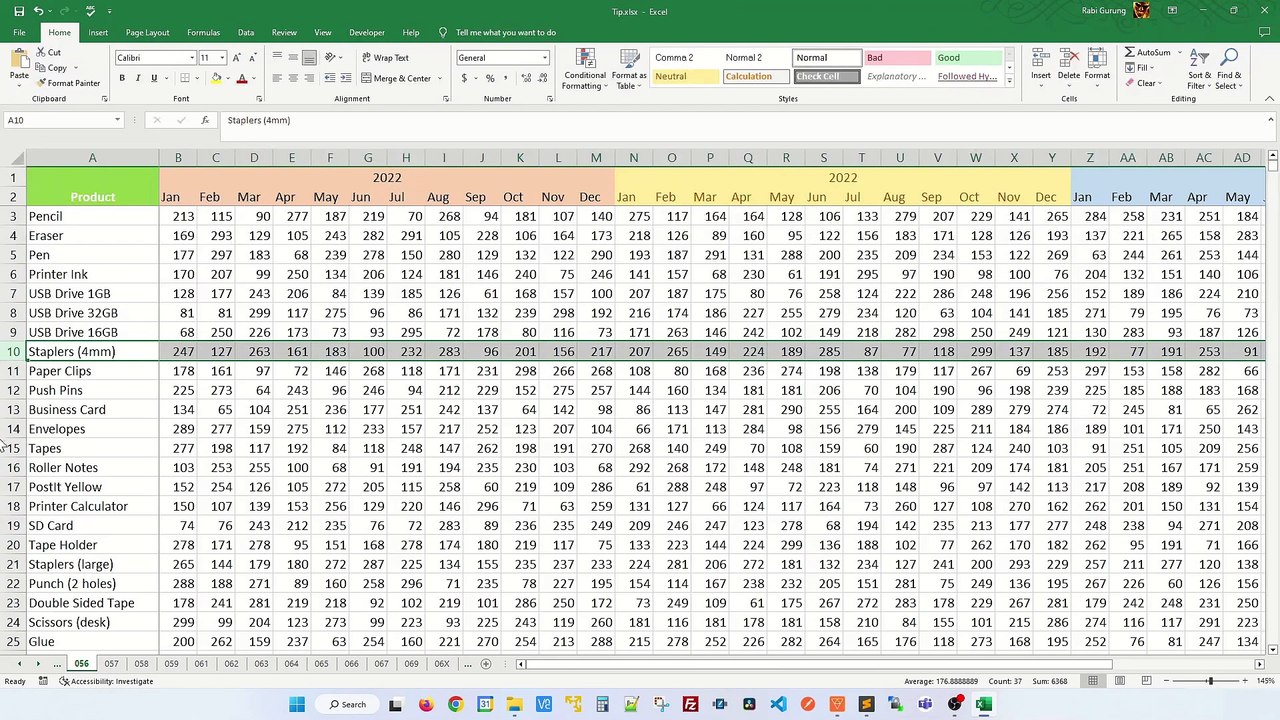
What is the shortcut key to highlight a row in Excel? How do you quickly highlight a column in Excel? - Excel Tips and Tricks <br /><br />Learn how to highlight a column or highlight a row with a hotkey. <br /><br />These simple hotleys will make your Excel experience much better, especially if you have a large spreadsheet or dataset. <br /><br />Highlight Row <br />To select the whole row, click on any cell, and press Shift + Space. <br /><br />Highlight Column <br />To highlight a column, click on any cell, and press Ctrl + Space. <br />Ctrl + Space <br /><br /><br />how to select entire column in excel keyboard shortcut,how to highlight entire row in excel with conditional formatting,how to select entire row in excel,how to select entire column in excel mac,excel shortcut to highlight row yellow,how to select entire column in excel formula,how to highlight a row in excel,shortcut to unhide columns in excel, <br />
Video Information
Views
50
Duration
0:52
Published
Apr 14, 2025
Related Trending Topics
LIVE TRENDSRelated trending topics. Click any trend to explore more videos.
No specific trending topics match this video yet.
Explore All Trends