Excel Tips: Link Multiple Sheets to a Master Sheet 📊
Learn how to connect multiple worksheets to a master sheet in Excel for efficient data management and analysis.

English with History
5.7K views • Oct 15, 2023
About this video
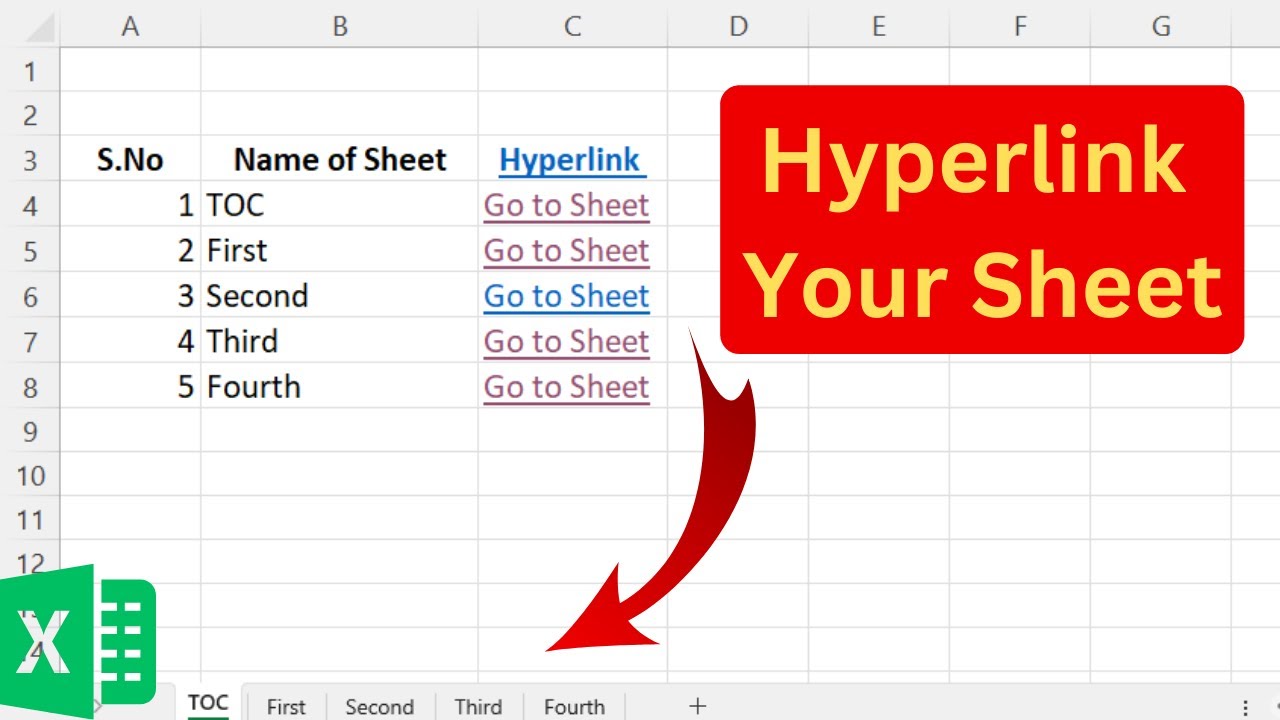
In this Excel tutorial, we'll show you how to link every worksheet to a master sheet in Excel. You'll learn how to create dynamic connections between different sheets, making data management a breeze. Whether you're working on complex projects or just need to consolidate information, this method will save you time and effort.
=REPLACE(GET.WORKBOOK(1),1,FIND("]",GET.WORKBOOK(1)),"")
#hyperlink #linkTwoSheets #exceltips #Excel #DataManagement #ExcelTutorial #LinkWorksheets #MasterSheet #Productivity
=REPLACE(GET.WORKBOOK(1),1,FIND("]",GET.WORKBOOK(1)),"")
#hyperlink #linkTwoSheets #exceltips #Excel #DataManagement #ExcelTutorial #LinkWorksheets #MasterSheet #Productivity
Tags and Topics
Browse our collection to discover more content in these categories.
Video Information
Views
5.7K
Likes
29
Duration
3:24
Published
Oct 15, 2023
User Reviews
4.0
(1)