Unlock Excel Agent Mode in Copilot: 3 Must-Know Finance Use Cases 💼
Discover how Excel's new Agent Mode in Copilot Chat transforms finance tasks. Learn 3 powerful use cases that can boost your productivity and accuracy today!

Christian Martinez: AI for Finance
1.6K views • Oct 24, 2025
About this video
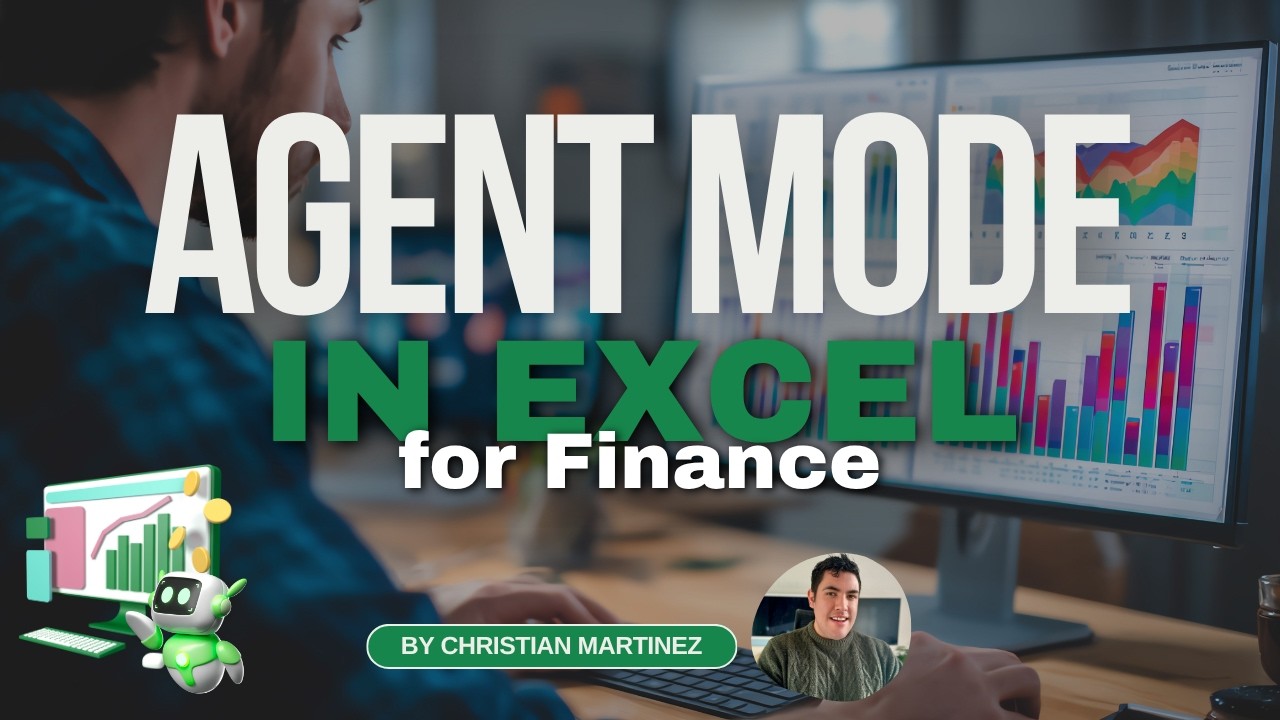
Excel’s new Agent Mode has officially arrived inside Copilot Chat — and it’s a total game-changer for finance professionals!
In this video, I’ll show you exactly how to enable Agent Mode in Excel and walk you through 5 real-world finance use cases that will help you automate reports, dashboards, and models with AI — directly inside Excel.
I’m Christian Martinez, and together we’ll explore how to combine Copilot, Agent Mode, and Python in Excel to take your FP&A and financial modeling to the next level.
💡 Here’s what you’ll learn:
✅ How to enable Agent Mode inside Excel Copilot Chat
✅ How to use prompts to automate your dashboards and reports
✅ 3 finance use cases for Agent Mode:
📊 Dashboard creation (Budget vs Actual)
🔥 Cohort Analysis with AI & Python
💰 Discounted Cash Flow (DCF) Model
⏳ Timestamps
0:00 Introduction
0:18 How to Access Agent Mode in Copilot Chat
2:20 Use Case 1 – Create a Financial Dashboard
10:37 Use Case 2 – Cohort Analysis Heatmap
13:20 Bonus – Cohort Analysis with Copilot + Python in Excel
16:10 Use Case 3 – DCF Model with Agent Mode
📥 Download the Excel Files & Guide
👉 Get the datasets, templates, and Agent Mode quick guide here:
https://breakintodigitalfinance.kit.com/excelagentmodefinance
💬 Join the Conversation!
What finance task would you automate first with Agent Mode?
Drop a comment below or connect with me on LinkedIn:
https://www.linkedin.com/in/christianmartinezthefinancialfox/
👍 Like this video if you found it helpful
🔔 Subscribe for more Excel + Copilot + Finance tutorials every week!
In this video, I’ll show you exactly how to enable Agent Mode in Excel and walk you through 5 real-world finance use cases that will help you automate reports, dashboards, and models with AI — directly inside Excel.
I’m Christian Martinez, and together we’ll explore how to combine Copilot, Agent Mode, and Python in Excel to take your FP&A and financial modeling to the next level.
💡 Here’s what you’ll learn:
✅ How to enable Agent Mode inside Excel Copilot Chat
✅ How to use prompts to automate your dashboards and reports
✅ 3 finance use cases for Agent Mode:
📊 Dashboard creation (Budget vs Actual)
🔥 Cohort Analysis with AI & Python
💰 Discounted Cash Flow (DCF) Model
⏳ Timestamps
0:00 Introduction
0:18 How to Access Agent Mode in Copilot Chat
2:20 Use Case 1 – Create a Financial Dashboard
10:37 Use Case 2 – Cohort Analysis Heatmap
13:20 Bonus – Cohort Analysis with Copilot + Python in Excel
16:10 Use Case 3 – DCF Model with Agent Mode
📥 Download the Excel Files & Guide
👉 Get the datasets, templates, and Agent Mode quick guide here:
https://breakintodigitalfinance.kit.com/excelagentmodefinance
💬 Join the Conversation!
What finance task would you automate first with Agent Mode?
Drop a comment below or connect with me on LinkedIn:
https://www.linkedin.com/in/christianmartinezthefinancialfox/
👍 Like this video if you found it helpful
🔔 Subscribe for more Excel + Copilot + Finance tutorials every week!
Tags and Topics
Browse our collection to discover more content in these categories.
Video Information
Views
1.6K
Likes
31
Duration
19:35
Published
Oct 24, 2025
User Reviews
4.5
(1) Related Trending Topics
LIVE TRENDSRelated trending topics. Click any trend to explore more videos.
Trending Now