Essential Windows 10 Tips & Tricks for All Users
A comprehensive guide to useful tips and tricks for Windows 10, suitable for both beginners and advanced users to enhance their experience with the operating system.

Brett In Tech
1.8M views • Mar 20, 2020
About this video
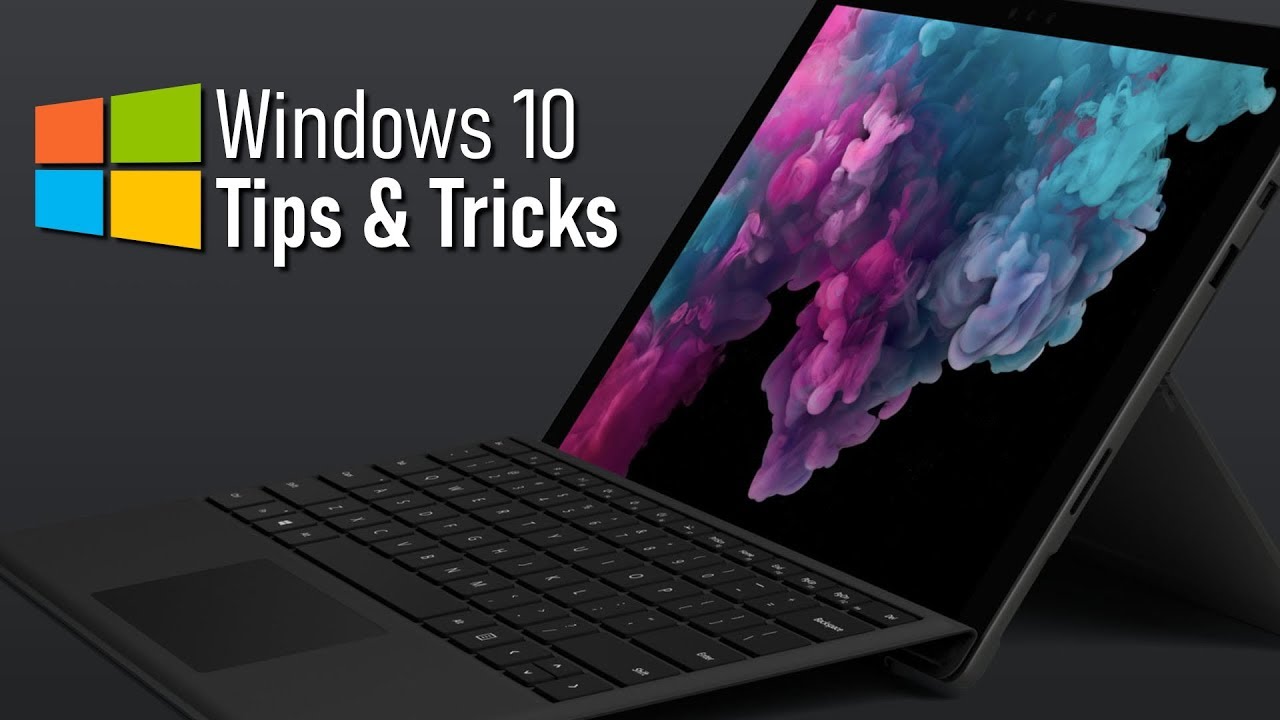
These are tips and tricks for Windows 10 for both beginners and power users… While Windows 10 may be the most convoluted operating system Microsoft has ever created, it does include many handy features that are quite useful. So, coming up, I will show you more than 30 tips, tricks and features that will help you get the most out of using Windows 10. Because there are many of you watching this that have recently upgraded, this video will include a mix of the newer features with some of the older classics that are still available for use with Windows 10.
Subscribe! ▶ https://www.youtube.com/@BrettInTech
Share This Video ▶ https://youtu.be/RX160bcMFuA
How to Use Windows 10 PowerToys (Beginners Guide)
https://youtu.be/5vpcaTA9y20
Slide to Shutdown
%windir%\System32\SlideToShutDown.exe
PowerToys (Download)
https://github.com/Microsoft/powertoys/releases
God Mode
GodMode.{ED7BA470-8E54-465E-825C-99712043E01C}
0:00 Intro
0:30 Shake
1:15 Old-School Start Menu
1:41 Calendar Event (Taskbar)
2:15 Take a Screenshot
2:50 Background Apps
3:30 Reduce Distractions
4:06 Manage Notifications
4:32 Slide to Shutdown
5:06 Dictation
5:30 Emoji Menu
5:43 Cloud Clipboard
6:09 Nearby Sharing
6:33 Dark or Light Mode
7:05 Blue Light Filter
7:25 Open Pinned Programs
7:53 Pause Updates
8:31 Calculator
8:59 Calculate Time Difference
9:54 Windows Key Shortcuts (PowerToys)
10:26 Improved Game Bar
11:01 Ransomware Protection
11:51 Graphics Performance
12:40 Automate Deleting Files
13:30 Change Cursor Size & Color
13:56 Change Audio Output
14:21 File Explorer View
14:52 View Reliability History
15:30 Jump Lists
15:44 Enable/Disable Startup Programs
16:22 Command Prompt Copy & Paste
16:57 Enable God Mode
--------------------------------------
WATCH MORE VIDEOS
10 Free Software That Are Actually Great!
https://youtu.be/bX0K1mXXmjI
The All-New Microsoft Edge Browser – Is It Any Good?
https://youtu.be/RVrkWQMo6Xo
Top 10 Most Useful Chrome Extensions
https://youtu.be/cwkVgBNc_hg
Faster Internet for FREE on Windows 10 (DNS Settings Tutorial)
https://youtu.be/VNzHMx4V-h4
Top 10 Best Netflix Original Series to Watch Now!
https://youtu.be/OsnSHP9Wcvo
Twitter: https://twitter.com/BrettInTech
Facebook: https://www.facebook.com/BrettInTech/
Brett In Tech is a leading source for the technology that we use each day. Whether it’s discussing computer operating system tricks, the latest tips for your mobile phone, finding out about the newest gadgets, or letting you know about the most useful software and websites, Brett In Tech has boundless topics on technology for the astute YouTube viewer.
Subscribe! ▶ https://www.youtube.com/@BrettInTech
Share This Video ▶ https://youtu.be/RX160bcMFuA
How to Use Windows 10 PowerToys (Beginners Guide)
https://youtu.be/5vpcaTA9y20
Slide to Shutdown
%windir%\System32\SlideToShutDown.exe
PowerToys (Download)
https://github.com/Microsoft/powertoys/releases
God Mode
GodMode.{ED7BA470-8E54-465E-825C-99712043E01C}
0:00 Intro
0:30 Shake
1:15 Old-School Start Menu
1:41 Calendar Event (Taskbar)
2:15 Take a Screenshot
2:50 Background Apps
3:30 Reduce Distractions
4:06 Manage Notifications
4:32 Slide to Shutdown
5:06 Dictation
5:30 Emoji Menu
5:43 Cloud Clipboard
6:09 Nearby Sharing
6:33 Dark or Light Mode
7:05 Blue Light Filter
7:25 Open Pinned Programs
7:53 Pause Updates
8:31 Calculator
8:59 Calculate Time Difference
9:54 Windows Key Shortcuts (PowerToys)
10:26 Improved Game Bar
11:01 Ransomware Protection
11:51 Graphics Performance
12:40 Automate Deleting Files
13:30 Change Cursor Size & Color
13:56 Change Audio Output
14:21 File Explorer View
14:52 View Reliability History
15:30 Jump Lists
15:44 Enable/Disable Startup Programs
16:22 Command Prompt Copy & Paste
16:57 Enable God Mode
--------------------------------------
WATCH MORE VIDEOS
10 Free Software That Are Actually Great!
https://youtu.be/bX0K1mXXmjI
The All-New Microsoft Edge Browser – Is It Any Good?
https://youtu.be/RVrkWQMo6Xo
Top 10 Most Useful Chrome Extensions
https://youtu.be/cwkVgBNc_hg
Faster Internet for FREE on Windows 10 (DNS Settings Tutorial)
https://youtu.be/VNzHMx4V-h4
Top 10 Best Netflix Original Series to Watch Now!
https://youtu.be/OsnSHP9Wcvo
Twitter: https://twitter.com/BrettInTech
Facebook: https://www.facebook.com/BrettInTech/
Brett In Tech is a leading source for the technology that we use each day. Whether it’s discussing computer operating system tricks, the latest tips for your mobile phone, finding out about the newest gadgets, or letting you know about the most useful software and websites, Brett In Tech has boundless topics on technology for the astute YouTube viewer.
Tags and Topics
Browse our collection to discover more content in these categories.
Video Information
Views
1.8M
Likes
43.2K
Duration
17:58
Published
Mar 20, 2020
User Reviews
4.8
(353) Related Trending Topics
LIVE TRENDSRelated trending topics. Click any trend to explore more videos.
No specific trending topics match this video yet.
Explore All Trends