Easy Guide: Change Home & Lock Screen Wallpapers on MIUI 10 📱
Learn how to quickly customize your MIUI 10 device by changing your home and lock screen wallpapers with this simple step-by-step tutorial.
TechTips
288 views • Feb 17, 2019
About this video
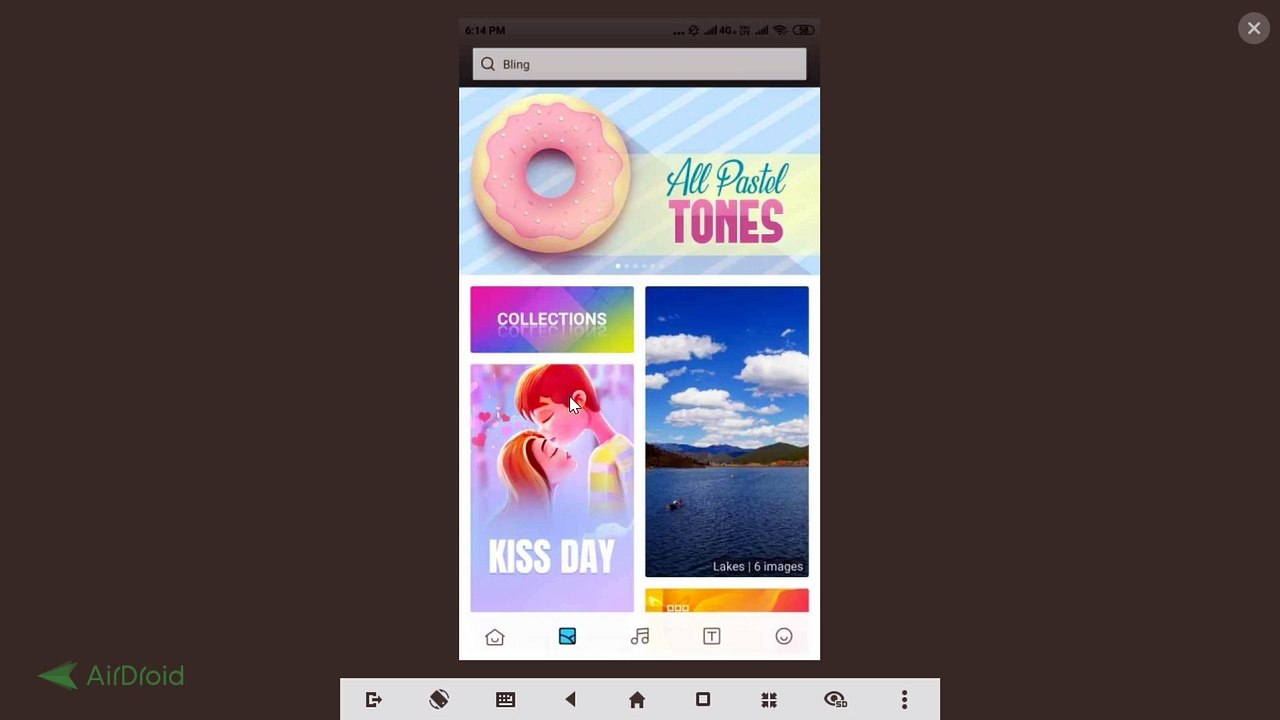
How to Change Home Screen and Lock Screen Wallpaper on MIUI Version 10?<br /><br />Step 1: Tap on 'Settings' App.<br /><br />Step 2: Tap on 'Wallpaper.'<br /><br />Step 3: Tap on the picture that you like.<br /><br />Step 4: Tap on 'Apply', and then Tap on 'Set both'.<br /><br /><br />It's done.<br /><br /><br />Thanks for watching, please like and subscribe <br /><br />==============================================<br /><br />https://www.facebook.com/HowtoTutorialsByAmit/
Video Information
Views
288
Duration
4:16
Published
Feb 17, 2019
Related Trending Topics
LIVE TRENDSRelated trending topics. Click any trend to explore more videos.
No specific trending topics match this video yet.
Explore All Trends