Unlock the Hidden iPhone Trick: Scan Text Easily with Notes 📱
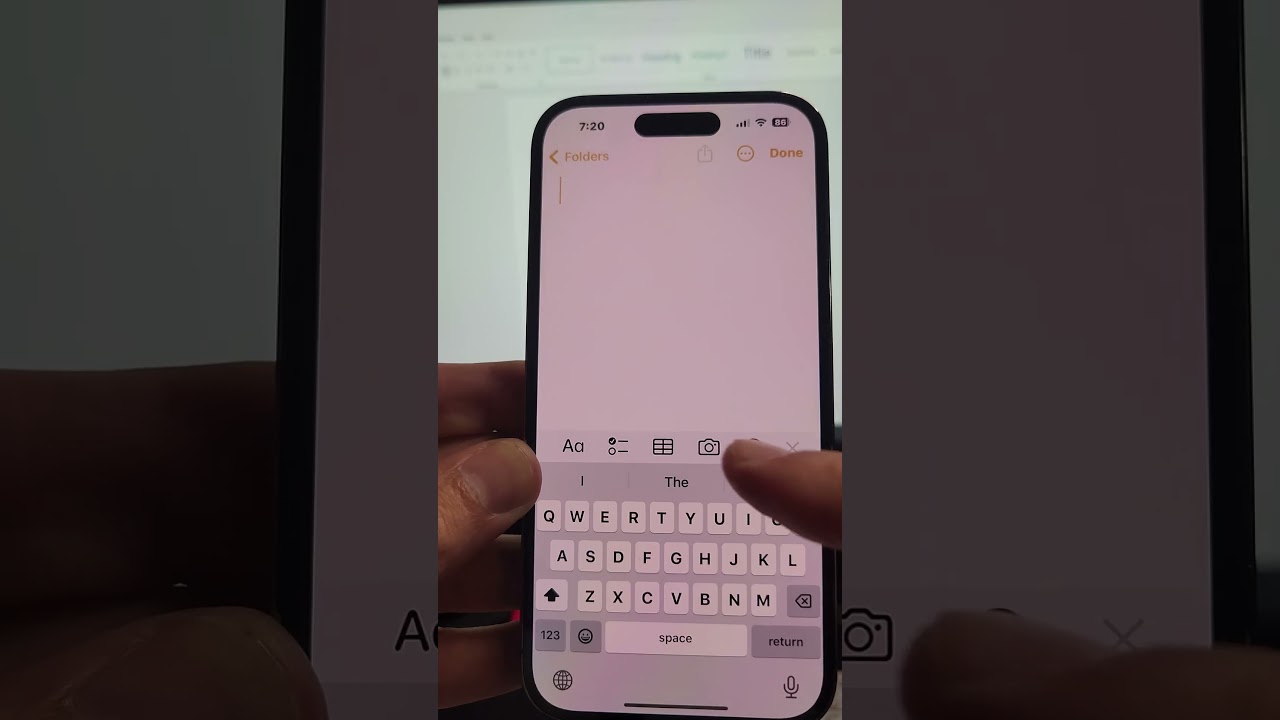
Discover a quick and simple way to scan text directly into your iPhone's Notes app. Just tap the camera icon and select 'Scan Text'—a must-know feature to save time!
Tyco Tech
100.9K views • Jul 7, 2024
About this video
Here's another iPhone trick you probably didn't know about! Open the Notes app, tap the camera icon at the bottom, and then select Scan Text. You'll be able to scan any paper and have it automatically type the text for you. Watch the full video to see this tip in action. If you liked this tip, don't forget to leave your like and subscribe to the channel for more tips and tricks!
Have you tried scanning text with your Notes app? Tell us in the comments!
#iPhoneTips #NotesApp #DiscoverMore #SecretRevealed #YouTubeTips #Tutorial #TechTips #HowTo #ScanText #Engagement
Have you tried scanning text with your Notes app? Tell us in the comments!
#iPhoneTips #NotesApp #DiscoverMore #SecretRevealed #YouTubeTips #Tutorial #TechTips #HowTo #ScanText #Engagement
Video Information
Views
100.9K
Likes
809
Duration
0:15
Published
Jul 7, 2024
User Reviews
4.3
(20) Related Trending Topics
LIVE TRENDSRelated trending topics. Click any trend to explore more videos.
No specific trending topics match this video yet.
Explore All Trends