Easily Normalize Audio Files in Audacity for Perfect Sound 🎵
Learn how to quickly normalize your audio recordings in Audacity to achieve consistent volume levels. Follow our simple step-by-step guide to enhance your sound quality effortlessly!

Buzzsprout — Learn How to Podcast
66.3K views • May 2, 2022
About this video
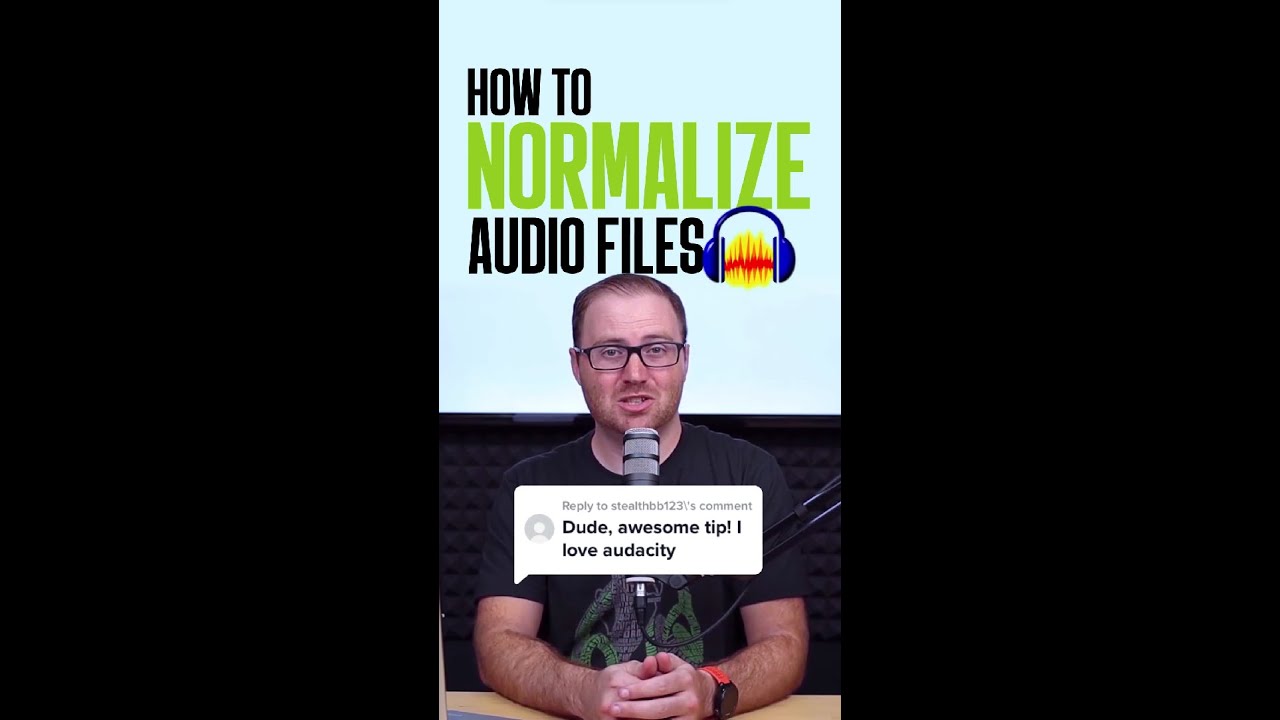
Your recorded segments are ready, but the audio was too loud or soft.
How will you fix that? 😓
Normalize it with Audacity!
Here's how:
1️⃣ Select the audio that you want to normalize.
2️⃣ Navigate the Effect tab and click Normalize.
3️⃣ You may leave the default settings where both Remove DC offset and Normalize peak amplitude to -1.0 dB are checked.
4️⃣ Press Preview to hear the applied default settings.
5️⃣ If you're satisfied with the result, click OK to finalize the audio.
Watch the full video here: https://youtu.be/xLYh4YrkllM
===========================================
Subscribe here for new #shorts:
https://www.youtube.com/c/Buzzsprout
Like, comment, and subscribe for more content on how to start your podcast!
===========================================
We're also on:
Instagram: https://www.instagram.com/buzzsprout/
Twitter: https://twitter.com/buzzsprout
Facebook: https://www.facebook.com/groups/BuzzsproutCommunity
TikTok: https://www.tiktok.com/@buzzsprout
How will you fix that? 😓
Normalize it with Audacity!
Here's how:
1️⃣ Select the audio that you want to normalize.
2️⃣ Navigate the Effect tab and click Normalize.
3️⃣ You may leave the default settings where both Remove DC offset and Normalize peak amplitude to -1.0 dB are checked.
4️⃣ Press Preview to hear the applied default settings.
5️⃣ If you're satisfied with the result, click OK to finalize the audio.
Watch the full video here: https://youtu.be/xLYh4YrkllM
===========================================
Subscribe here for new #shorts:
https://www.youtube.com/c/Buzzsprout
Like, comment, and subscribe for more content on how to start your podcast!
===========================================
We're also on:
Instagram: https://www.instagram.com/buzzsprout/
Twitter: https://twitter.com/buzzsprout
Facebook: https://www.facebook.com/groups/BuzzsproutCommunity
TikTok: https://www.tiktok.com/@buzzsprout
Video Information
Views
66.3K
Likes
1.4K
Duration
0:47
Published
May 2, 2022
User Reviews
4.7
(13) Related Trending Topics
LIVE TRENDSRelated trending topics. Click any trend to explore more videos.
Trending Now