Easily Manage Call Forwarding on Your Samsung Phone 📱
Learn simple steps to activate or deactivate call forwarding on your Samsung device and stay in control of your calls effortlessly!

TechFact4u
127.9K views • Sep 14, 2024
About this video
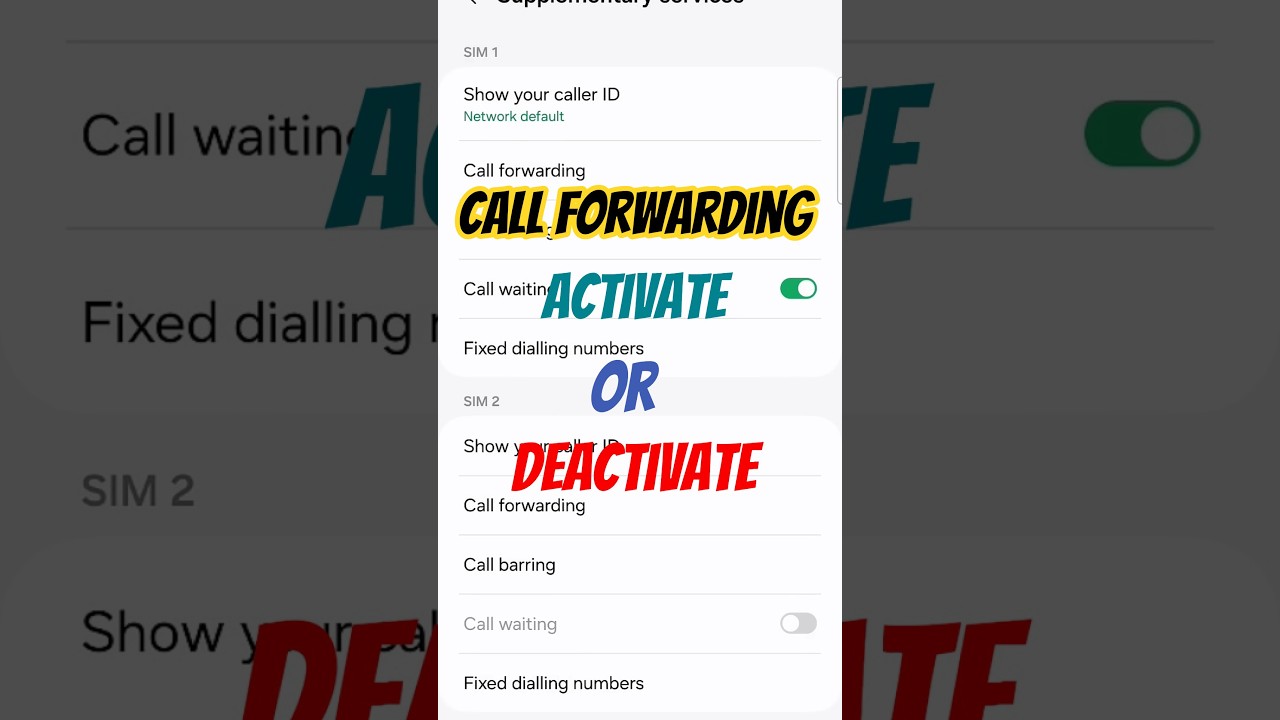
How to Activate or deactivate call forwarding on samsung mobile?
How to stop call forwarding?
How to Activate call forwarding?
1. To deactivate call forwarding on samsung phone, you can:
Open the Phone app
Tap the three dots or Settings icon in the top-right corner
Navigate to Call Forwarding, Call Settings, or Supplementary Services
Select the desired SIM
Select the call type (Voice/Video)
Select the condition for which call forwarding is activated and turn it off
2. To activate call forwarding on a smartphone, you can use a code or go to your phone's settings:
Use a code: Open the phone's dialer app, enter the code, and press Call:
Always forward: Dial 21 followed by the phone number to forward calls to
Busy: Dial 67 followed by the phone number to forward calls to
Unanswered: Dial 61 followed by the phone number to forward calls to
Not reachable: Dial 409 followed by the phone number to forward calls to
Use your phone's settings: Go to Settings - Call - Advance settings - Call forwarding
How to stop call forwarding?
How to Activate call forwarding?
1. To deactivate call forwarding on samsung phone, you can:
Open the Phone app
Tap the three dots or Settings icon in the top-right corner
Navigate to Call Forwarding, Call Settings, or Supplementary Services
Select the desired SIM
Select the call type (Voice/Video)
Select the condition for which call forwarding is activated and turn it off
2. To activate call forwarding on a smartphone, you can use a code or go to your phone's settings:
Use a code: Open the phone's dialer app, enter the code, and press Call:
Always forward: Dial 21 followed by the phone number to forward calls to
Busy: Dial 67 followed by the phone number to forward calls to
Unanswered: Dial 61 followed by the phone number to forward calls to
Not reachable: Dial 409 followed by the phone number to forward calls to
Use your phone's settings: Go to Settings - Call - Advance settings - Call forwarding
Tags and Topics
Browse our collection to discover more content in these categories.
Video Information
Views
127.9K
Likes
560
Duration
0:24
Published
Sep 14, 2024
User Reviews
4.1
(25) Related Trending Topics
LIVE TRENDSRelated trending topics. Click any trend to explore more videos.