Easily Identify Your Desktop Environment in Ubuntu 18.04 LTS 🖥️
Learn simple steps to quickly determine which Desktop Environment is running on your Ubuntu 18.04 LTS system. Use terminal commands or right-click methods to find out effortlessly!
TechTips
2 views • Jun 10, 2019
About this video
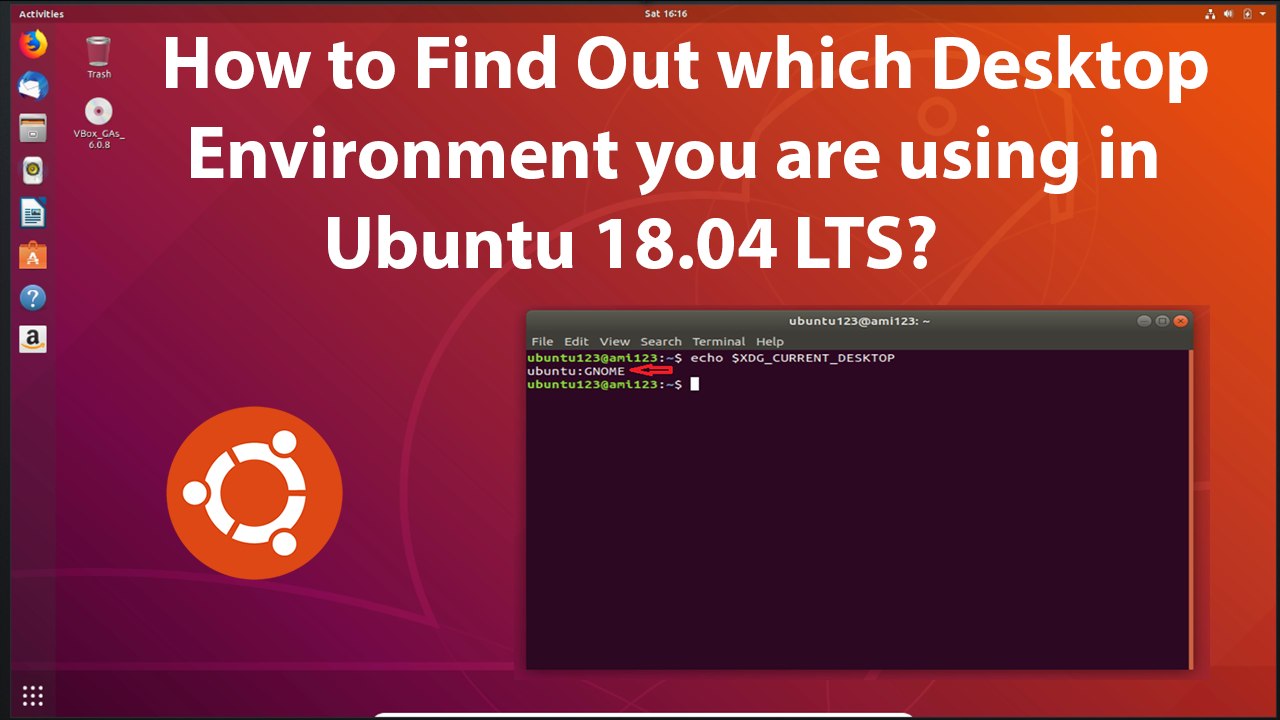
How to Find which Desktop Environment you are Using in Ubuntu 18.04 LTS?<br /><br />Right click on the Desktop, and then click on 'open terminal'. You can use any commands from below to find out.<br /><br />Command 1:<br /><br />echo $XDG_CURRENT_DESKTOP<br /><br />Command 2:<br /><br />ls /usr/bin/*session<br /><br /><br />It's done<br /><br /><br />Thanks for watching, please like and subscribe <br /><br />==============================================<br /><br />https://www.facebook.com/HowtoTutorialsByAmit/
Video Information
Views
2
Duration
3:01
Published
Jun 10, 2019
Related Trending Topics
LIVE TRENDSRelated trending topics. Click any trend to explore more videos.
No specific trending topics match this video yet.
Explore All Trends