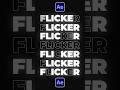
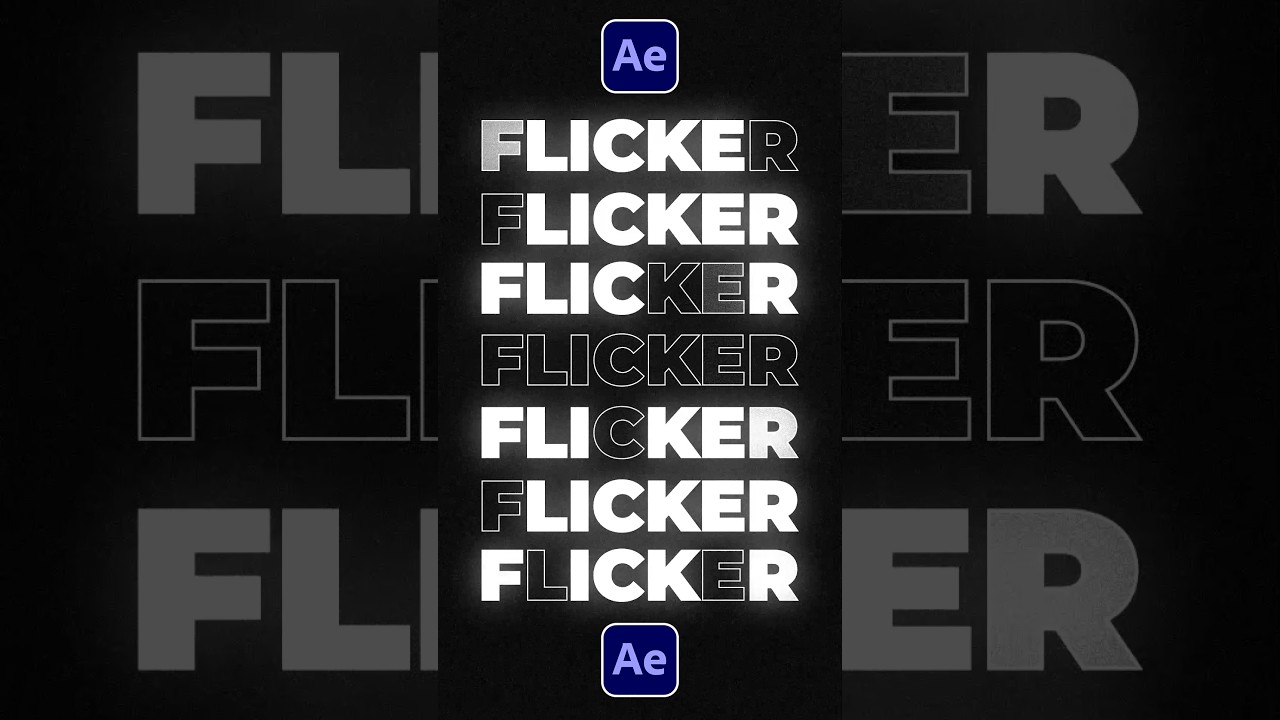
Quick Guide to Flicker Text in After Effects ✨
Learn how to easily create flickering text effects in After Effects with this simple tutorial. Plus, access 20,000+ templates for AE & Premiere!
SonduckFilm
668.5K views • Jul 24, 2023
About this video
Easily Flicker Your Text in After Effects!
► 20,000+ Templates for AE & Premiere just for $25!
https://bit.ly/UnlimitedAETemplates
► Free 100 Template Pack for AE & Premiere here:
https://bit.ly/Free100Templates
#aftereffects #animation #motiongraphics
Here in After Effects start with a title and duplicate it.
Set the bottom layer to a stroke title by clicking “Swap Fill and Stroke”. You can adjust the stroke width here.
For your top title layer, open it and go to animate and add an opacity.
Set the opacity to 0%. Then animate the start range selector from 0% to about 85%.
Now we can open the advance tab and set randomize order to on.
And to create the flicker effect, alt-click the stopwatch for random seed. And type time*20.
And that’s how to flicker a title in After Effects.
► 20,000+ Templates for AE & Premiere just for $25!
https://bit.ly/UnlimitedAETemplates
► Free 100 Template Pack for AE & Premiere here:
https://bit.ly/Free100Templates
#aftereffects #animation #motiongraphics
Here in After Effects start with a title and duplicate it.
Set the bottom layer to a stroke title by clicking “Swap Fill and Stroke”. You can adjust the stroke width here.
For your top title layer, open it and go to animate and add an opacity.
Set the opacity to 0%. Then animate the start range selector from 0% to about 85%.
Now we can open the advance tab and set randomize order to on.
And to create the flicker effect, alt-click the stopwatch for random seed. And type time*20.
And that’s how to flicker a title in After Effects.
Tags and Topics
Browse our collection to discover more content in these categories.
Video Information
Views
668.5K
Likes
39.7K
Duration
0:39
Published
Jul 24, 2023
User Reviews
4.8
(133) Related Trending Topics
LIVE TRENDSRelated trending topics. Click any trend to explore more videos.
No specific trending topics match this video yet.
Explore All Trends