Easily Convert Form 16 Part A & B from TRACES Portal 📄
Learn how to quickly download and convert Form 16 Part A & B using the TRACES portal. Follow our simple step-by-step guide to streamline your tax documentation process!

Chartered Zone
207.3K views • Nov 10, 2023
About this video
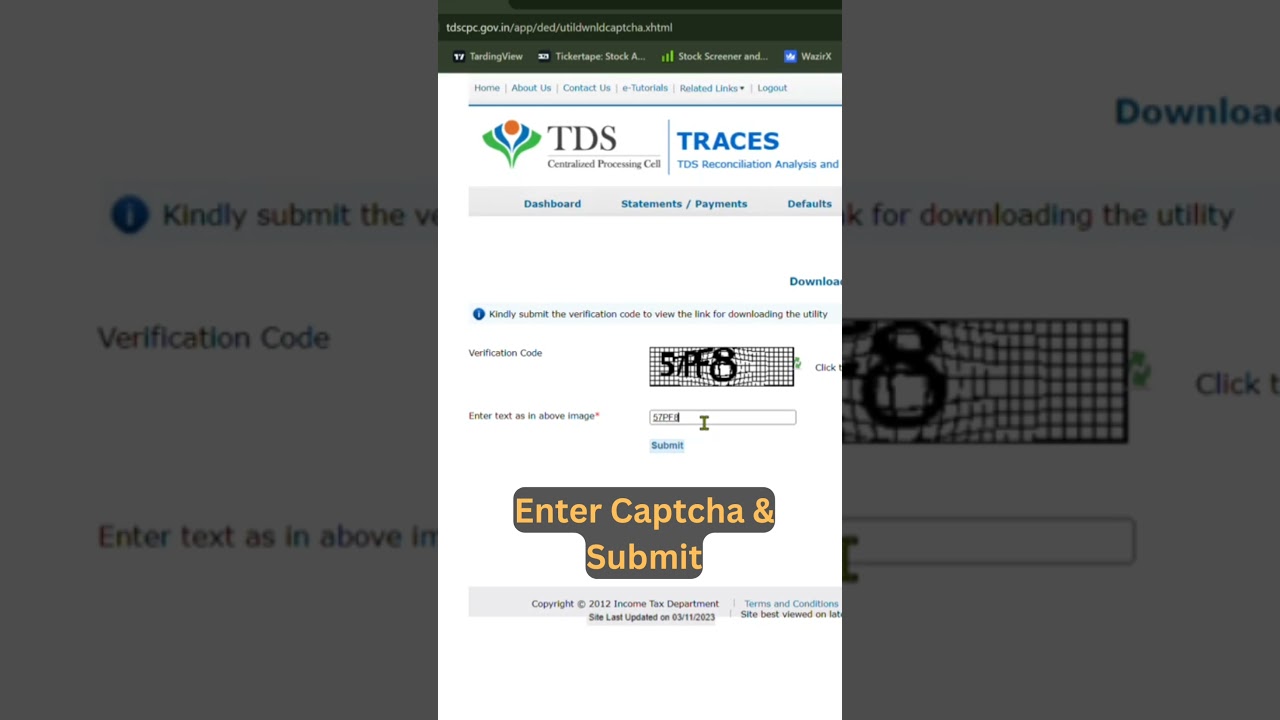
To download the Form 16 converter from the TRACES portal, you usually need to follow these steps:
1. Log in to the TRACES portal (https://www.tdscpc.gov.in/).
2. Navigate to the "Downloads" section.
3. Click on "Requested Download"
4. you will see a Blue Link written "Click Here"
5. Look for the Form 16/16A PDF conversion utility.
4. Download the utility and follow the installation instructions provided.
Keep in mind that the steps might vary slightly, so it's always a good idea to check the specific instructions on the TRACES portal or contact their support for assistance.
1. Log in to the TRACES portal (https://www.tdscpc.gov.in/).
2. Navigate to the "Downloads" section.
3. Click on "Requested Download"
4. you will see a Blue Link written "Click Here"
5. Look for the Form 16/16A PDF conversion utility.
4. Download the utility and follow the installation instructions provided.
Keep in mind that the steps might vary slightly, so it's always a good idea to check the specific instructions on the TRACES portal or contact their support for assistance.
Tags and Topics
Browse our collection to discover more content in these categories.
Video Information
Views
207.3K
Likes
1.1K
Duration
0:26
Published
Nov 10, 2023
User Reviews
4.2
(41) Related Trending Topics
LIVE TRENDSRelated trending topics. Click any trend to explore more videos.