Easily Apply Animation to All Clips in CapCut 🎬
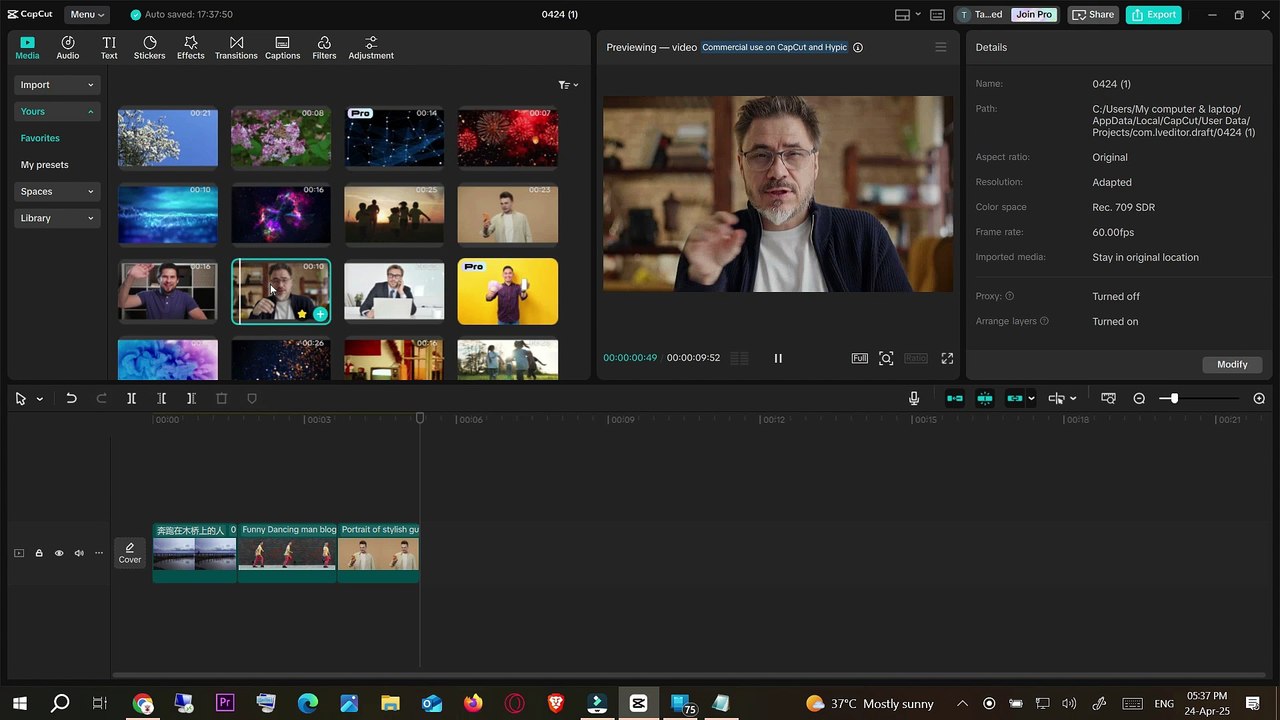
Learn the quick and simple method to add animations to every clip at once in CapCut. Perfect for saving time when editing vlogs, reels, or TikTok videos!
Mr. Devotor
3.0K views • Apr 24, 2025
About this video
Learn how to apply animation to all clips at once in CapCut! Whether you're editing a vlog, reel, or TikTok video, this simple CapCut trick will save you tons of time. In this step-by-step tutorial, you'll discover how to use the animation tool effectively and apply it to multiple clips in one go.<br /><br />🎬 What You'll Learn:<br /><br />How to open your project in CapCut<br /><br />How to apply animation to individual vs. multiple clips<br /><br />CapCut shortcuts and tricks for faster editing<br /><br />Perfect for beginners and content creators looking to speed up their workflow.<br /><br />👍 Like, 🔔 Subscribe & 📝 Comment if this helped you!<br /><br />🏷️ Hashtags:<br />#CapCutTutorial #CapCutEditing #CapCutTips #VideoEditing #CapCutAnimations #CapCutForBeginners #CapCutHack #CapCutMobile #CapCut2025 #ShortsEditing
Video Information
Views
3.0K
Duration
2:15
Published
Apr 24, 2025
User Reviews
3.7
(2) Related Trending Topics
LIVE TRENDSRelated trending topics. Click any trend to explore more videos.
No specific trending topics match this video yet.
Explore All Trends