Easiest Way to Upload Your Netbeans Project to GitHub 🚀
Learn step-by-step how to upload any project from Netbeans IDE to GitHub, whether it's Java, Python, or other languages. Perfect for beginners!
Umer's Lab
40.0K views • Jul 4, 2019
About this video
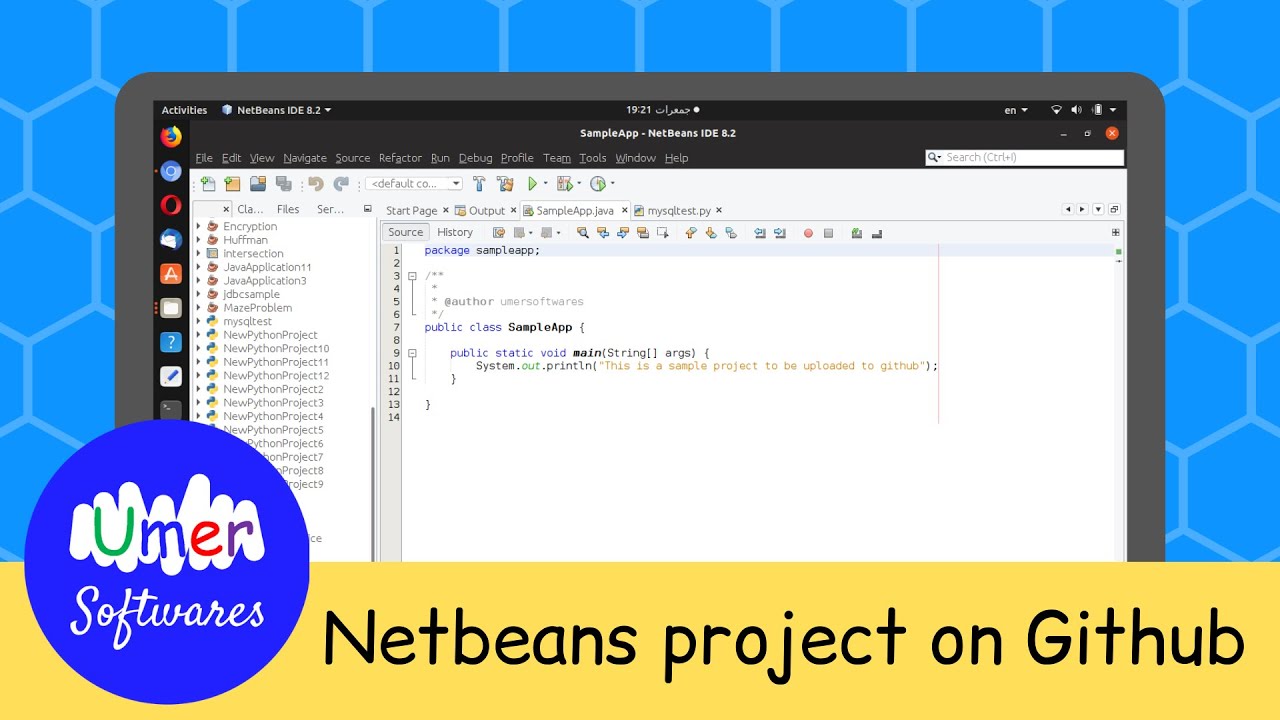
This video shows you how you can upload a project created in Netbeans IDE to GitHub. The project can be of any programming language Java, Python or some other language that you use in Netbeans.
Quick Summary of the video:
* Create a repository on github.com
* RightClick your project / Versioning / Initialize Git Repository
* RightClick your project / Git / Commit
* RightClick your project / Git / Remote /Push
If you want to read what is explained in this video, read it at https://www.javawithumer.com/2019/07/how-to-upload-netbeans-project-to-github.html
If you still have any question, feel free to ask in the comments.
Website: https://UmerSoftwares.blogspot.com/
Facebook: https://fb.com/UmerSoftwaresBlogger
Twitter: https://twitter.com/UmerSoftwares
GitHub: https://github.com/UmerSoftwares
Hackerrank: https://hackerrank.com/UmerSoftwares
StackOverflow: https://stackoverflow.com/users/8868448/umer-softwares
Fiverr: https://fiverr.com/UmerSoftwares
Email: UmerSoftwares@gmail.com
This video is recorded using the Kazam, the open source screen recording software for Linux and edited using OpenShot for Linux which is also open source. The voice is edited using Audacity for Linux which is also open source.
❤ for open source
#GitHub #Netbeans
Quick Summary of the video:
* Create a repository on github.com
* RightClick your project / Versioning / Initialize Git Repository
* RightClick your project / Git / Commit
* RightClick your project / Git / Remote /Push
If you want to read what is explained in this video, read it at https://www.javawithumer.com/2019/07/how-to-upload-netbeans-project-to-github.html
If you still have any question, feel free to ask in the comments.
Website: https://UmerSoftwares.blogspot.com/
Facebook: https://fb.com/UmerSoftwaresBlogger
Twitter: https://twitter.com/UmerSoftwares
GitHub: https://github.com/UmerSoftwares
Hackerrank: https://hackerrank.com/UmerSoftwares
StackOverflow: https://stackoverflow.com/users/8868448/umer-softwares
Fiverr: https://fiverr.com/UmerSoftwares
Email: UmerSoftwares@gmail.com
This video is recorded using the Kazam, the open source screen recording software for Linux and edited using OpenShot for Linux which is also open source. The voice is edited using Audacity for Linux which is also open source.
❤ for open source
#GitHub #Netbeans
Tags and Topics
Browse our collection to discover more content in these categories.
Video Information
Views
40.0K
Likes
641
Duration
2:25
Published
Jul 4, 2019
User Reviews
4.7
(8) Related Trending Topics
LIVE TRENDSRelated trending topics. Click any trend to explore more videos.
No specific trending topics match this video yet.
Explore All Trends