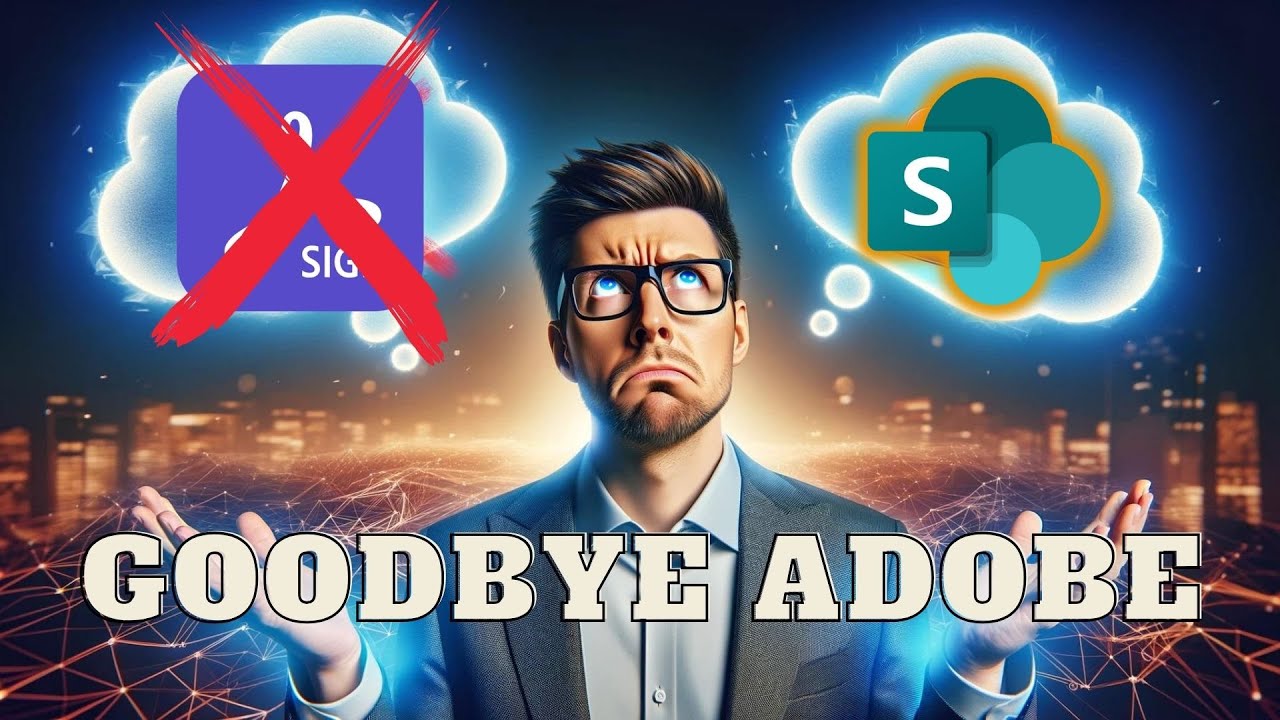
Ditch Adobe Sign & DocuSign for SharePoint Now!
🔥 Discover the Power of SharePoint eSignature! 🔥 Link: https://click.linksynergy.com/fs-bin/click?id=RoOUNUHsSDU&offerid=1321193.7&bids=1321193.7&type=3&su...

TDSheridan Lab
4.3K views • Apr 19, 2024
About this video
🔥 Discover the Power of SharePoint eSignature! 🔥
Link: https://click.linksynergy.com/fs-bin/click?id=RoOUNUHsSDU&offerid=1321193.7&bids=1321193.7&type=3&subid=0
Tired of the complexities of DocuSign and Adobe Sign? Join Terry in his lab as he demonstrates the simplicity and efficiency of SharePoint eSignature. Whether you're looking to understand how to eSign a PDF directly in SharePoint, or integrate Syntex eSignature into your workflow, this video covers it all. esign PDFs like a Pro and cut Adobe and Docusign out of the process.
👇 WHAT YOU'LL LEARN 👇
Setting Up SharePoint eSignature: Step-by-step tutorial on setting up eSignature capabilities using Microsoft Syntex within the Microsoft Admin Center.
Creating PDFs for Signature: Learn how to create a PDF in Microsoft Word and prepare it for e-signing.
Sending Out Signature Requests: See how to send documents to both internal and external contacts and manage signature fields effectively.
Troubleshooting Tips: Get insights on handling typical setup delays and configuration adjustments.
📖Chapters📖
00:00 Intro
01:30 Set up SharePoint eSignature Billing
02:04 Turn On Syntex eSignature
03:25 Create a PDF in Microsoft Word
04:24 eSign SharePoint Attempt 1
05:18 Microsoft 365 Best Practices
06:12 eSign SharePoint Attempt 2
07:00 Syntex eSignature Framework
07:45 SharePoint eSignature Closing
🔗 Helpful Links 🔗
Sign up for Microsoft Services: https://click.linksynergy.com/fs-bin/click?id=RoOUNUHsSDU&offerid=1321193.7&bids=1321193.7&type=3&subid=0
Start your SharePoint eSignature journey: https://adoption.microsoft.com/en-us/sharepoint-premium/esignature/
Try Microsoft 365: https://click.linksynergy.com/fs-bin/click?id=RoOUNUHsSDU&offerid=1321193.6&bids=1321193.6&type=3&subid=0
📷#️⃣Connect with us on our social platforms:
Facebook/Twitter/Instagram/Pinterest/TikTok @tdsheridanlab
Web: https://www.tdsheridanlab.com
📌 Stay Connected 📌
If you found this guide helpful, don't forget to like, subscribe, and hit the notification bell to stay updated with our latest tech tutorials. Drop your questions or feedback in the comments below, and we'll get back to you soon!
🔍 SEO Tags 🔍
#DocuSign #AdobeSign #AdobeSign #SharePointEsign #SyntexEsignature #workflowautomation #tdsheridanlab
Terry's lab is your go-to place for practical tech solutions. Say goodbye to e-signature hassles and embrace the seamless integration of SharePoint eSignature today!
Support TDSheridan Lab ==================================================================
Acorns: Save for your future here and we both get money: https://share.acorns.com/sheridanterrence
Links:
Content Creation Kit:
VidIQ: https://vidiq.com/TDSheridanLab
GoPro Hero 10 (The One I Use): https://geni.us/GHh8uf (Amazon)
GoPro Hero 12 (New Model): https://geni.us/BTLV0qh (Amazon)
GoPro Hero 12 Creator's Kit: https://geni.us/jIfG (Amazon)
Logitech Brio 4k Webcam: https://geni.us/zSteYDW (Amazon)
Microsoft Modern Webcam: https://geni.us/WS6PB (Amazon)
Elgato Wave:3 Microphone: https://geni.us/OtOIC (Amazon)
Movo VXR10 Universal Video Microphone: https://geni.us/a2LmVIS (Amazon)
Phillips Hue Light Strip: https://geni.us/ESqA (Amazon)
Xbox Controller - Pulse Red: https://geni.us/h86FTy7 (Amazon)
Elgato Stream Deck v1( The one I use): https://geni.us/fvND9JG (Amazon)
Elgato Stream Deck MK.2 (New model): https://geni.us/xl2ihn (Amazon)
Logitech Z207 2.0 Multi Device Stereo Speakers: https://geni.us/Ejffk (Amazon)
LG 32" 4K Monitor: https://geni.us/tdXC4r (Amazon)
Only Acorns & Amazon Links are Affiliate Links, and I may receive a small commission. Other links do not have any type of commission or sponsorship unless otherwise specified.
Link: https://click.linksynergy.com/fs-bin/click?id=RoOUNUHsSDU&offerid=1321193.7&bids=1321193.7&type=3&subid=0
Tired of the complexities of DocuSign and Adobe Sign? Join Terry in his lab as he demonstrates the simplicity and efficiency of SharePoint eSignature. Whether you're looking to understand how to eSign a PDF directly in SharePoint, or integrate Syntex eSignature into your workflow, this video covers it all. esign PDFs like a Pro and cut Adobe and Docusign out of the process.
👇 WHAT YOU'LL LEARN 👇
Setting Up SharePoint eSignature: Step-by-step tutorial on setting up eSignature capabilities using Microsoft Syntex within the Microsoft Admin Center.
Creating PDFs for Signature: Learn how to create a PDF in Microsoft Word and prepare it for e-signing.
Sending Out Signature Requests: See how to send documents to both internal and external contacts and manage signature fields effectively.
Troubleshooting Tips: Get insights on handling typical setup delays and configuration adjustments.
📖Chapters📖
00:00 Intro
01:30 Set up SharePoint eSignature Billing
02:04 Turn On Syntex eSignature
03:25 Create a PDF in Microsoft Word
04:24 eSign SharePoint Attempt 1
05:18 Microsoft 365 Best Practices
06:12 eSign SharePoint Attempt 2
07:00 Syntex eSignature Framework
07:45 SharePoint eSignature Closing
🔗 Helpful Links 🔗
Sign up for Microsoft Services: https://click.linksynergy.com/fs-bin/click?id=RoOUNUHsSDU&offerid=1321193.7&bids=1321193.7&type=3&subid=0
Start your SharePoint eSignature journey: https://adoption.microsoft.com/en-us/sharepoint-premium/esignature/
Try Microsoft 365: https://click.linksynergy.com/fs-bin/click?id=RoOUNUHsSDU&offerid=1321193.6&bids=1321193.6&type=3&subid=0
📷#️⃣Connect with us on our social platforms:
Facebook/Twitter/Instagram/Pinterest/TikTok @tdsheridanlab
Web: https://www.tdsheridanlab.com
📌 Stay Connected 📌
If you found this guide helpful, don't forget to like, subscribe, and hit the notification bell to stay updated with our latest tech tutorials. Drop your questions or feedback in the comments below, and we'll get back to you soon!
🔍 SEO Tags 🔍
#DocuSign #AdobeSign #AdobeSign #SharePointEsign #SyntexEsignature #workflowautomation #tdsheridanlab
Terry's lab is your go-to place for practical tech solutions. Say goodbye to e-signature hassles and embrace the seamless integration of SharePoint eSignature today!
Support TDSheridan Lab ==================================================================
Acorns: Save for your future here and we both get money: https://share.acorns.com/sheridanterrence
Links:
Content Creation Kit:
VidIQ: https://vidiq.com/TDSheridanLab
GoPro Hero 10 (The One I Use): https://geni.us/GHh8uf (Amazon)
GoPro Hero 12 (New Model): https://geni.us/BTLV0qh (Amazon)
GoPro Hero 12 Creator's Kit: https://geni.us/jIfG (Amazon)
Logitech Brio 4k Webcam: https://geni.us/zSteYDW (Amazon)
Microsoft Modern Webcam: https://geni.us/WS6PB (Amazon)
Elgato Wave:3 Microphone: https://geni.us/OtOIC (Amazon)
Movo VXR10 Universal Video Microphone: https://geni.us/a2LmVIS (Amazon)
Phillips Hue Light Strip: https://geni.us/ESqA (Amazon)
Xbox Controller - Pulse Red: https://geni.us/h86FTy7 (Amazon)
Elgato Stream Deck v1( The one I use): https://geni.us/fvND9JG (Amazon)
Elgato Stream Deck MK.2 (New model): https://geni.us/xl2ihn (Amazon)
Logitech Z207 2.0 Multi Device Stereo Speakers: https://geni.us/Ejffk (Amazon)
LG 32" 4K Monitor: https://geni.us/tdXC4r (Amazon)
Only Acorns & Amazon Links are Affiliate Links, and I may receive a small commission. Other links do not have any type of commission or sponsorship unless otherwise specified.
Tags and Topics
Browse our collection to discover more content in these categories.
Video Information
Views
4.3K
Likes
66
Duration
8:55
Published
Apr 19, 2024
User Reviews
4.5
(4) Related Trending Topics
LIVE TRENDSRelated trending topics. Click any trend to explore more videos.
Trending Now