Create Stunning Neon Highlights on Background & Text 🎨
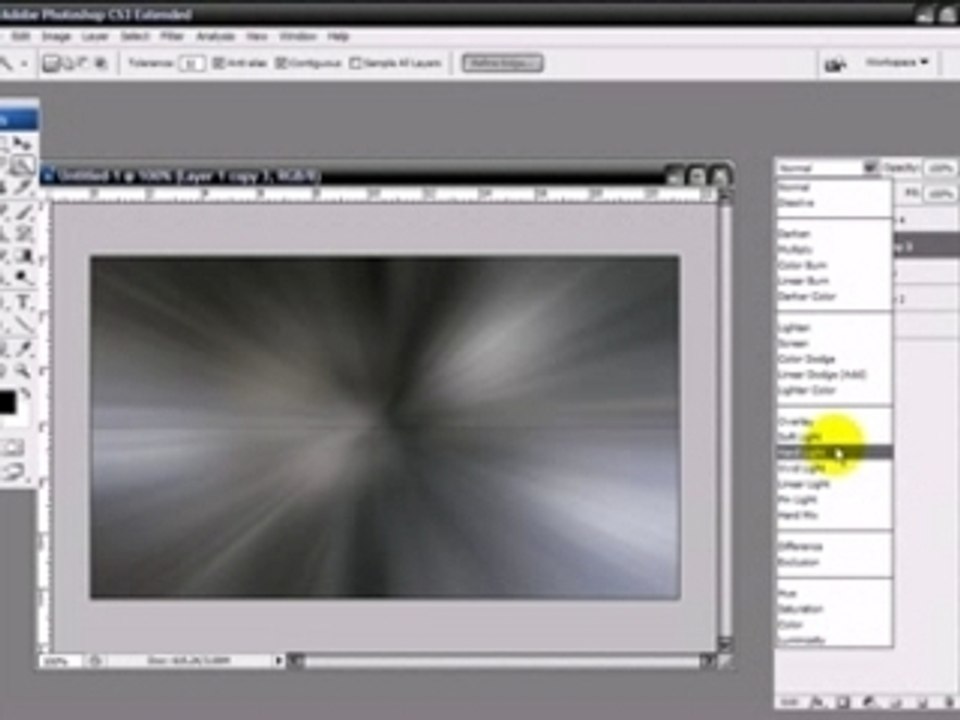
Learn how to craft eye-catching 3D backgrounds and vibrant neon glow effects in this step-by-step tutorial. Part 1 covers creating the background and glow, while Part 2 reveals how to design striking neon text. Perfect for adding a futuristic touch to you
sudynlj
4 views • Jun 24, 2007
About this video
Part one explains how to make the 3-d background and how to get a basic neon glow. <br />Part two will explain how to create the text you can see when the video starts. <br />Useful keyboard shortcuts: <br /><br />ctrl + n--------------open a new canvas <br />ctrl + shift + n-----create new layer <br />ctrl + j--------------duplicate layer <br />d--------------------reset fore- and background colors <br />alt + backspace----fill with foreground color <br />ctrl + backspace---fill with background color <br />ctrl + f-------------reapply last filter used <br />ctrl + alt + f-------reopen last filter window used <br />ctrl + L-------------levels <br />ctrl + m------------curves <br />ctrl + e--------merge (selected) layers <br />ctrl + shift + e-----merge all visible layers <br />alt---(in a window, e.g. curves) reset <br />alt---(e.g. in filter/liquefy window) reverse <br />alt---(marquee tool) keep crosshair centered <br /><br />for my written tutorials, feel free to visit <a class="link" rel="nofollow" href="http://community.livejournal.com/wtf_tuts">http://community.livejournal.com/wtf_tuts</a>
Video Information
Views
4
Duration
8:32
Published
Jun 24, 2007
Related Trending Topics
LIVE TRENDSRelated trending topics. Click any trend to explore more videos.
No specific trending topics match this video yet.
Explore All Trends