Create Seamless 3D Title Loops in After Effects 🎥
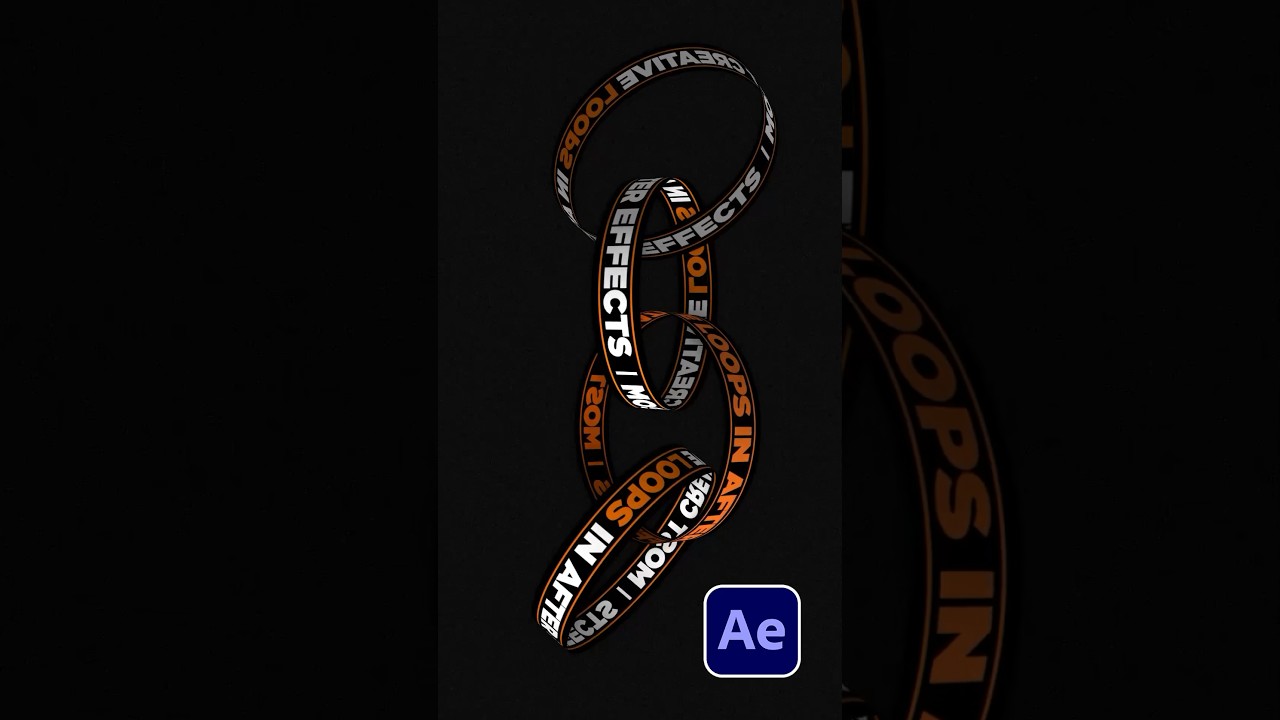
Learn to make seamless 3D title loops in After Effects with this tutorial and explore over 100 visual templates for stunning results.

SonduckFilm
18.6K views • Oct 23, 2023
About this video
Create Seamless 3D Title Loops in After Effects
► 100 Visual Element Templates for After Effects
Black v2: https://bit.ly/blackgraphicsv2
► 20,000+ Templates for AE & Premiere:
https://www.sonduckfilm.com/
#aftereffects #animation #motiongraphics
Here’s how to create title loop motion graphics in after effects.
In After Effects Type out your text across your composition and make sure you have a background layer.
Then add an adjustment layer and add the motion tile effect. Keyframe animate the title center x value to seamless animate the title.
Then pre-compose everything. Go into the previous composition and go to composition settings. Set the height to 125 and go back to the top composition. Pre-compose one more time.
When you’re ready apply the cc cylinder effect. You can adjust the rotation here, but make set the render to outside.
Then duplicate the layer and set the render to inside.
From here you can duplicate these layers and change the rotation of each layer.
Follow these tips to create seamless loop titles.
► 100 Visual Element Templates for After Effects
Black v2: https://bit.ly/blackgraphicsv2
► 20,000+ Templates for AE & Premiere:
https://www.sonduckfilm.com/
#aftereffects #animation #motiongraphics
Here’s how to create title loop motion graphics in after effects.
In After Effects Type out your text across your composition and make sure you have a background layer.
Then add an adjustment layer and add the motion tile effect. Keyframe animate the title center x value to seamless animate the title.
Then pre-compose everything. Go into the previous composition and go to composition settings. Set the height to 125 and go back to the top composition. Pre-compose one more time.
When you’re ready apply the cc cylinder effect. You can adjust the rotation here, but make set the render to outside.
Then duplicate the layer and set the render to inside.
From here you can duplicate these layers and change the rotation of each layer.
Follow these tips to create seamless loop titles.
Tags and Topics
Browse our collection to discover more content in these categories.
Video Information
Views
18.6K
Likes
2.0K
Duration
0:48
Published
Oct 23, 2023
User Reviews
4.6
(3) Related Trending Topics
LIVE TRENDSRelated trending topics. Click any trend to explore more videos.
No specific trending topics match this video yet.
Explore All Trends