Create Animated Backgrounds in After Effects 🎨
Learn to make animated backgrounds with a single effect in After Effects. Explore 500+ backgrounds for AE & Premiere Pro!

SonduckFilm
194.9K views • Jun 10, 2023
About this video
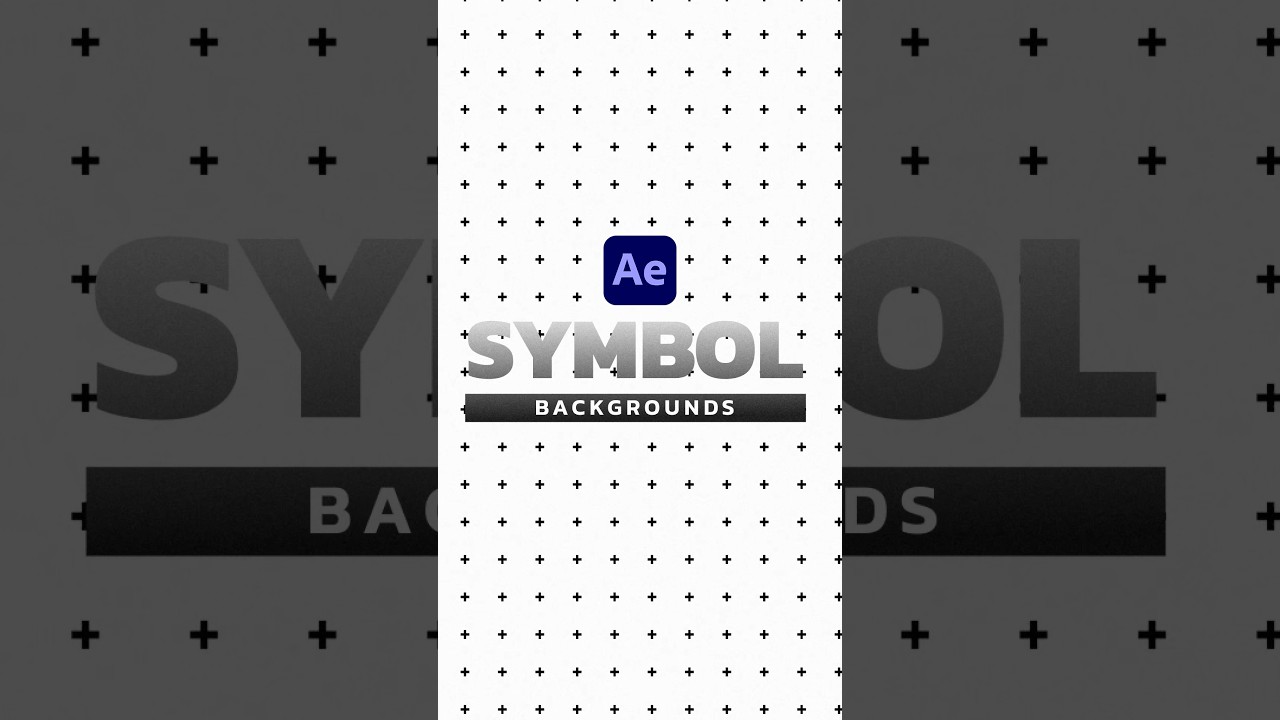
Create Repeated Symbol Backgrounds in After Effects
► 500+ Backgrounds For After Effects & Premiere Pro:
https://bit.ly/BackgroundsAE
#aftereffects #animation #motiongraphics
First, create or import your symbol. I’m just going to type out Plus with the type tool.
Once you have your symbol, precompse it. Then going into new composition.
Go to composition and click composition settings. Set the width and height to 100.
Resize your symbol as needed.
Go back to your main composition and add the motion tile effect to your symbol layer.
Then easily expand the output width and height until your symbol is all over the place.
Now, just animate the tile center to create a repeated scroll of your background.
Yes, it’s that easy. And save many years of your life with our 500+ Background Template pack for After Effects with the link in the description.
► 500+ Backgrounds For After Effects & Premiere Pro:
https://bit.ly/BackgroundsAE
#aftereffects #animation #motiongraphics
First, create or import your symbol. I’m just going to type out Plus with the type tool.
Once you have your symbol, precompse it. Then going into new composition.
Go to composition and click composition settings. Set the width and height to 100.
Resize your symbol as needed.
Go back to your main composition and add the motion tile effect to your symbol layer.
Then easily expand the output width and height until your symbol is all over the place.
Now, just animate the tile center to create a repeated scroll of your background.
Yes, it’s that easy. And save many years of your life with our 500+ Background Template pack for After Effects with the link in the description.
Video Information
Views
194.9K
Likes
11.7K
Duration
0:43
Published
Jun 10, 2023
User Reviews
4.7
(38) Related Trending Topics
LIVE TRENDSRelated trending topics. Click any trend to explore more videos.
No specific trending topics match this video yet.
Explore All Trends