Build a Weather App with SwiftUI 🌤
Learn to create a weather app from scratch using SwiftUI, including location access and weather display.

DesignCode
176.4K views • Dec 3, 2021
About this video
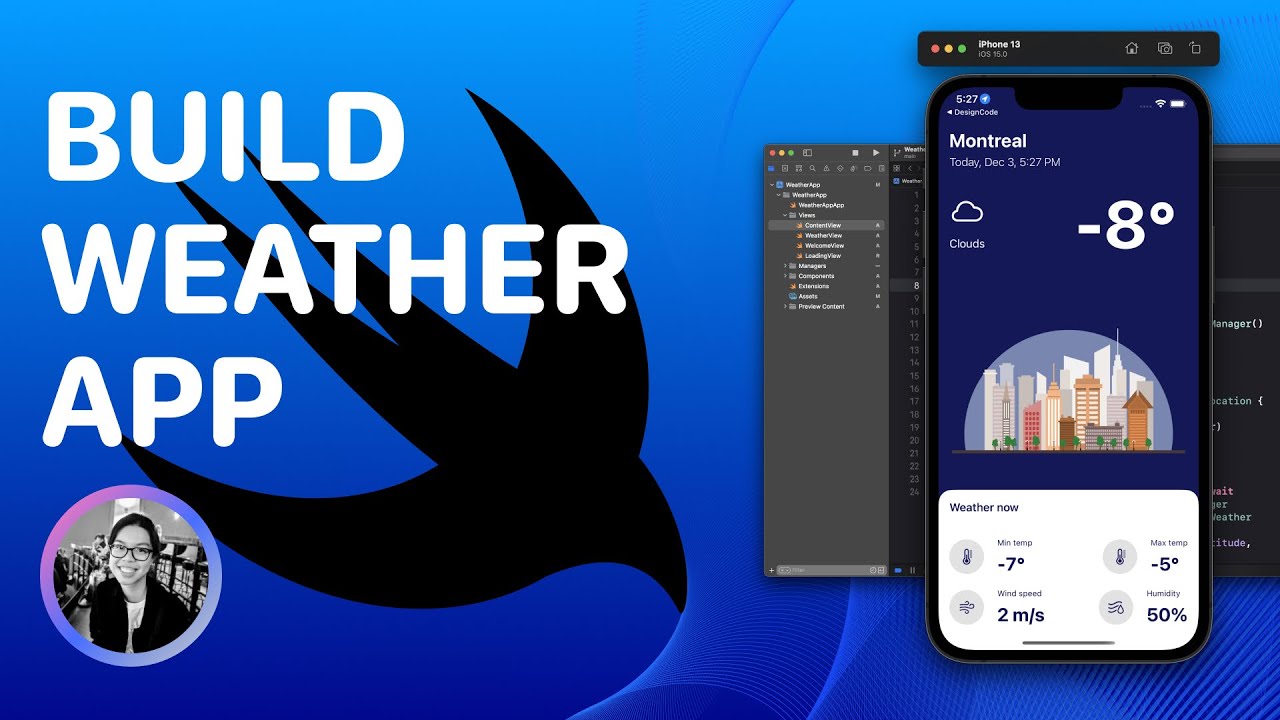
Create a simple weather app from scratch with SwiftUI. 🌤
We'll learn how to get the user's current location, get the weather from that location, and display everything in a beautiful UI!
Access the written version of this tutorial and the source files:
➡ Part 1: https://designcode.io/quick-apps-swiftui-weather-app-1
➡ Part 2: https://designcode.io/quick-apps-swiftui-weather-app-2
➡ Part 3: https://designcode.io/quick-apps-swiftui-weather-app-3
🔗 Links mentioned in the video:
➡ OpenWeather website: https://openweathermap.org/
➡ HTTP Request with async/await: https://designcode.io/swiftui-advanced-handbook-async-await
➡ Data from JSON section (for preview data): https://designcode.io/swiftui-advanced-handbook-data-from-json
➡ OpenWeather API endpoint for New York's current weather (replace YOURAPIKEY by your API key): https://api.openweathermap.org/data/2.5/weather?q=New%20York&appid=YOURAPIKEY&units=metric
➡ Reverse geocoding the coordinates: https://developer.apple.com/documentation/corelocation/converting_between_coordinates_and_user-friendly_place_names
👩🏻💻 Source code on Github:
➡ https://github.com/stephdiep/WeatherApp
🪄 Join our channel and unlock members-only perks:
➡ https://www.youtube.com/channel/UCTIhfOopxukTIRkbXJ3kN-g/join
👋🏻 Let's connect!
➡ Twitter: https://twitter.com/diepsteph
Part 1
0:00 - Introduction
1:17 - Create Xcode project
2:51 - Get the coordinates
13:14 - Test the application
Part 2
14:25 - Get the weather
20:38 - Test the application
21:09 - Prepare the WeatherView
Part 3
24:08 - WeatherView UI
30:21 - Detailed weather information
36:13 - Conclusion
We'll learn how to get the user's current location, get the weather from that location, and display everything in a beautiful UI!
Access the written version of this tutorial and the source files:
➡ Part 1: https://designcode.io/quick-apps-swiftui-weather-app-1
➡ Part 2: https://designcode.io/quick-apps-swiftui-weather-app-2
➡ Part 3: https://designcode.io/quick-apps-swiftui-weather-app-3
🔗 Links mentioned in the video:
➡ OpenWeather website: https://openweathermap.org/
➡ HTTP Request with async/await: https://designcode.io/swiftui-advanced-handbook-async-await
➡ Data from JSON section (for preview data): https://designcode.io/swiftui-advanced-handbook-data-from-json
➡ OpenWeather API endpoint for New York's current weather (replace YOURAPIKEY by your API key): https://api.openweathermap.org/data/2.5/weather?q=New%20York&appid=YOURAPIKEY&units=metric
➡ Reverse geocoding the coordinates: https://developer.apple.com/documentation/corelocation/converting_between_coordinates_and_user-friendly_place_names
👩🏻💻 Source code on Github:
➡ https://github.com/stephdiep/WeatherApp
🪄 Join our channel and unlock members-only perks:
➡ https://www.youtube.com/channel/UCTIhfOopxukTIRkbXJ3kN-g/join
👋🏻 Let's connect!
➡ Twitter: https://twitter.com/diepsteph
Part 1
0:00 - Introduction
1:17 - Create Xcode project
2:51 - Get the coordinates
13:14 - Test the application
Part 2
14:25 - Get the weather
20:38 - Test the application
21:09 - Prepare the WeatherView
Part 3
24:08 - WeatherView UI
30:21 - Detailed weather information
36:13 - Conclusion
Tags and Topics
Browse our collection to discover more content in these categories.
Video Information
Views
176.4K
Likes
4.8K
Duration
37:04
Published
Dec 3, 2021
User Reviews
4.7
(35) Related Trending Topics
LIVE TRENDSRelated trending topics. Click any trend to explore more videos.
No specific trending topics match this video yet.
Explore All Trends