Create a Simple Pygame Car Game for Beginners 🚗
Learn Pygame basics by building a simple car game step-by-step. Perfect for Python beginners! Try it free with Anvil.

Python Simplified
118.3K views • Apr 12, 2022
About this video
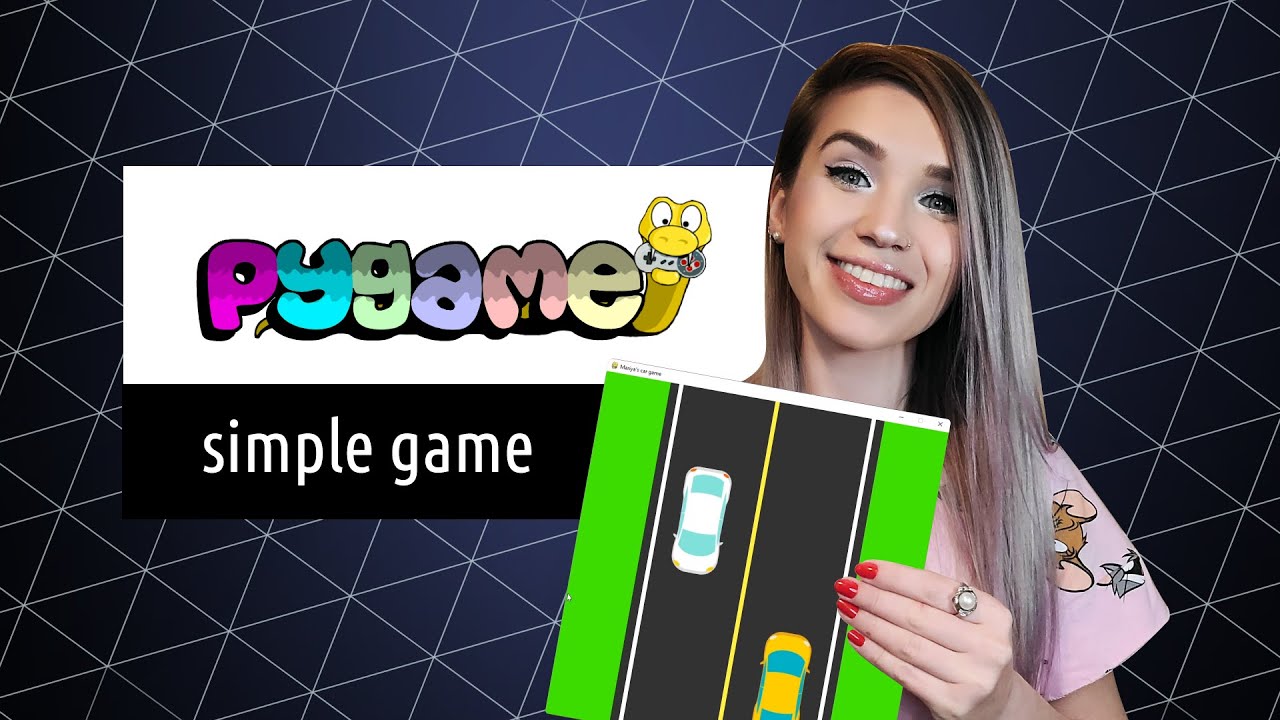
Today we will learn the basics of Pygame by creating a simple car game from scratch! 🚗
⭐ This video is brought to you by Anvil ⭐
Try it for free: https://anvil.works/pythonsimplified
📃 IMPORTANT NOTES 📃
This tutorial is a 100% beginner friendly! 💯💯💯
It's designed for folks with the most basic knowledge of Python (are you familiar with integers, lists, tuples, while loops, for loops and if statements? no need to be an expert, but as long as you have a basic understanding of these concepts - this tutorial is perfect for you! 😀)
So on today's menu, we will:
⭐ learn how to draw shapes in Pygame
⭐ learn how to work with images in Pygame
⭐ learn how to use relative coordinates
⭐ learn how to animate Pygame elements
⭐ learn how to create keyboard events
⭐ learn how to increase the game difficulty overtime
🐍 INSTALL PYGAME 🐍
____________________________________
FOR NEWER VERSIONS OF PYTHON
⭐ pip install pygame
FOR OLDER VERSIONS OF PYTHON (& ANACONDA)
⭐ conda install -c cogsci pygame
⚒️ RELATED TUTORIALS ⚒️
____________________________________
⭐ My ultimate guide to Anaconda:
https://youtu.be/MUZtVEDKXsk
⭐ For Loops For Beginners:
https://youtu.be/dHANJ4l6fwA
⭐ Convert Colours to Numbers:
https://youtu.be/mAMTXJJQBDI
⭐ My Simple Calculator App with Anvil:
https://youtu.be/NiQdsK3H57Y
⏰ TIME STAMPS ⏰
____________________________
00:00 - intro
00:54 - create Pygame window
03:13 - run Pygame app with Anaconda
04:02 - set background colour
04:51 - set window title
05:27 - what is relative coordinates?
06:35 - draw rectangles with Pygame
07:24 - use coordinates in Pygame
11:22 - relative coordinates example
12:00 - use images in Pygame
15:50 - keyboard events in Pygame
18:48 - animation in Pygame
20:46 - random events in Pygame
23:07 - end game logic in Pygame
25:13 - game levels logic
25:58 - introduction to Anvil
26:44 - increase game difficulty over time
28:32 - thanks for watching!
🔗 IMPORTANT LINKS 🔗
____________________________
⭐ Complete Tutorial Code:
https://github.com/MariyaSha/SimpleCarGame
⭐ Pygame Documentation:
https://www.pygame.org/docs/
⭐Vehicle Images by:
https://www.freepik.com/
😁 THANKS FOR WATCHING! 😁
⭐ This video is brought to you by Anvil ⭐
Try it for free: https://anvil.works/pythonsimplified
📃 IMPORTANT NOTES 📃
This tutorial is a 100% beginner friendly! 💯💯💯
It's designed for folks with the most basic knowledge of Python (are you familiar with integers, lists, tuples, while loops, for loops and if statements? no need to be an expert, but as long as you have a basic understanding of these concepts - this tutorial is perfect for you! 😀)
So on today's menu, we will:
⭐ learn how to draw shapes in Pygame
⭐ learn how to work with images in Pygame
⭐ learn how to use relative coordinates
⭐ learn how to animate Pygame elements
⭐ learn how to create keyboard events
⭐ learn how to increase the game difficulty overtime
🐍 INSTALL PYGAME 🐍
____________________________________
FOR NEWER VERSIONS OF PYTHON
⭐ pip install pygame
FOR OLDER VERSIONS OF PYTHON (& ANACONDA)
⭐ conda install -c cogsci pygame
⚒️ RELATED TUTORIALS ⚒️
____________________________________
⭐ My ultimate guide to Anaconda:
https://youtu.be/MUZtVEDKXsk
⭐ For Loops For Beginners:
https://youtu.be/dHANJ4l6fwA
⭐ Convert Colours to Numbers:
https://youtu.be/mAMTXJJQBDI
⭐ My Simple Calculator App with Anvil:
https://youtu.be/NiQdsK3H57Y
⏰ TIME STAMPS ⏰
____________________________
00:00 - intro
00:54 - create Pygame window
03:13 - run Pygame app with Anaconda
04:02 - set background colour
04:51 - set window title
05:27 - what is relative coordinates?
06:35 - draw rectangles with Pygame
07:24 - use coordinates in Pygame
11:22 - relative coordinates example
12:00 - use images in Pygame
15:50 - keyboard events in Pygame
18:48 - animation in Pygame
20:46 - random events in Pygame
23:07 - end game logic in Pygame
25:13 - game levels logic
25:58 - introduction to Anvil
26:44 - increase game difficulty over time
28:32 - thanks for watching!
🔗 IMPORTANT LINKS 🔗
____________________________
⭐ Complete Tutorial Code:
https://github.com/MariyaSha/SimpleCarGame
⭐ Pygame Documentation:
https://www.pygame.org/docs/
⭐Vehicle Images by:
https://www.freepik.com/
😁 THANKS FOR WATCHING! 😁
Tags and Topics
Browse our collection to discover more content in these categories.
Video Information
Views
118.3K
Likes
3.5K
Duration
28:52
Published
Apr 12, 2022
User Reviews
4.7
(23) Related Trending Topics
LIVE TRENDSRelated trending topics. Click any trend to explore more videos.
No specific trending topics match this video yet.
Explore All Trends