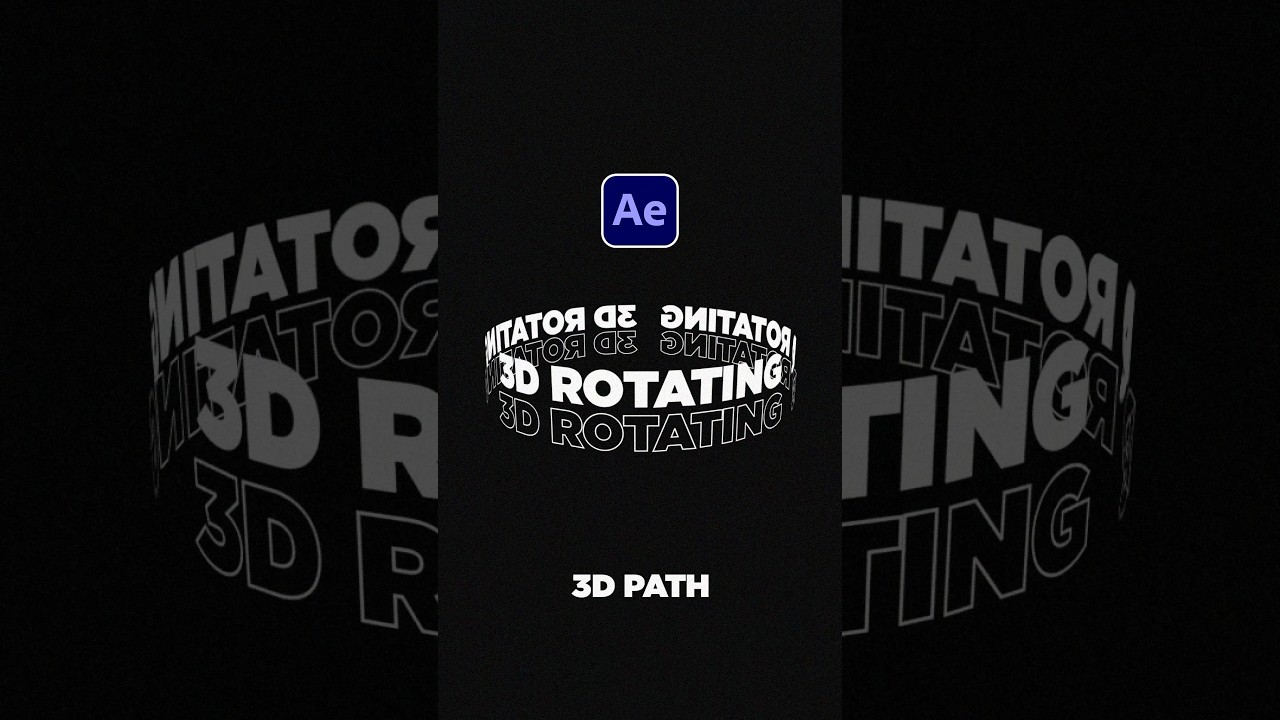
How to Create Rotating 3D Path Text in After Effects 🎥
Learn step-by-step how to animate text along a 3D path with rotation in After Effects. Perfect for dynamic titles and motion graphics! Plus, explore over 20,000 templates for AE & Premiere for just $25: https://bit.ly/UnlimitedAETemplates

SonduckFilm
397.4K views • Jul 25, 2023
About this video
Create 3D Path Text Animation in After Effects
► 20,000+ Templates for AE & Premiere just for $25!
https://bit.ly/UnlimitedAETemplates
► Free 100 Template Pack for AE & Premiere here:
https://bit.ly/Free100Templates
#aftereffects #animation #motiongraphics
When you have a title ready to go, select the ellipse tool or any shape that you want. Draw out a mask on your text layer.
Then open your text layer and go into path options. Set the path to your mask. Feel free to alt-click the stopwatch for first margin and type time*-200.
Now turn your layer into a 3D layer. Then go to animate and enable per character 3D. Then go back to animate and add rotation.
Set the X Rotation to 90 degrees. After that hit “R” on your keyboard for transform rotation and set the x rotation here to about -75 degrees.
Lastly, to easily repeate the title, go to effect – time – echo.
Increase the number of echos to at least 2 and offset the echo time until your path is filled with your title.
► 20,000+ Templates for AE & Premiere just for $25!
https://bit.ly/UnlimitedAETemplates
► Free 100 Template Pack for AE & Premiere here:
https://bit.ly/Free100Templates
#aftereffects #animation #motiongraphics
When you have a title ready to go, select the ellipse tool or any shape that you want. Draw out a mask on your text layer.
Then open your text layer and go into path options. Set the path to your mask. Feel free to alt-click the stopwatch for first margin and type time*-200.
Now turn your layer into a 3D layer. Then go to animate and enable per character 3D. Then go back to animate and add rotation.
Set the X Rotation to 90 degrees. After that hit “R” on your keyboard for transform rotation and set the x rotation here to about -75 degrees.
Lastly, to easily repeate the title, go to effect – time – echo.
Increase the number of echos to at least 2 and offset the echo time until your path is filled with your title.
Tags and Topics
Browse our collection to discover more content in these categories.
Video Information
Views
397.4K
Likes
22.4K
Duration
0:56
Published
Jul 25, 2023
User Reviews
4.8
(79) Related Trending Topics
LIVE TRENDSRelated trending topics. Click any trend to explore more videos.
No specific trending topics match this video yet.
Explore All Trends