Converting Word to PDF with Google Drive: A Step-by-Step Guide for 2024
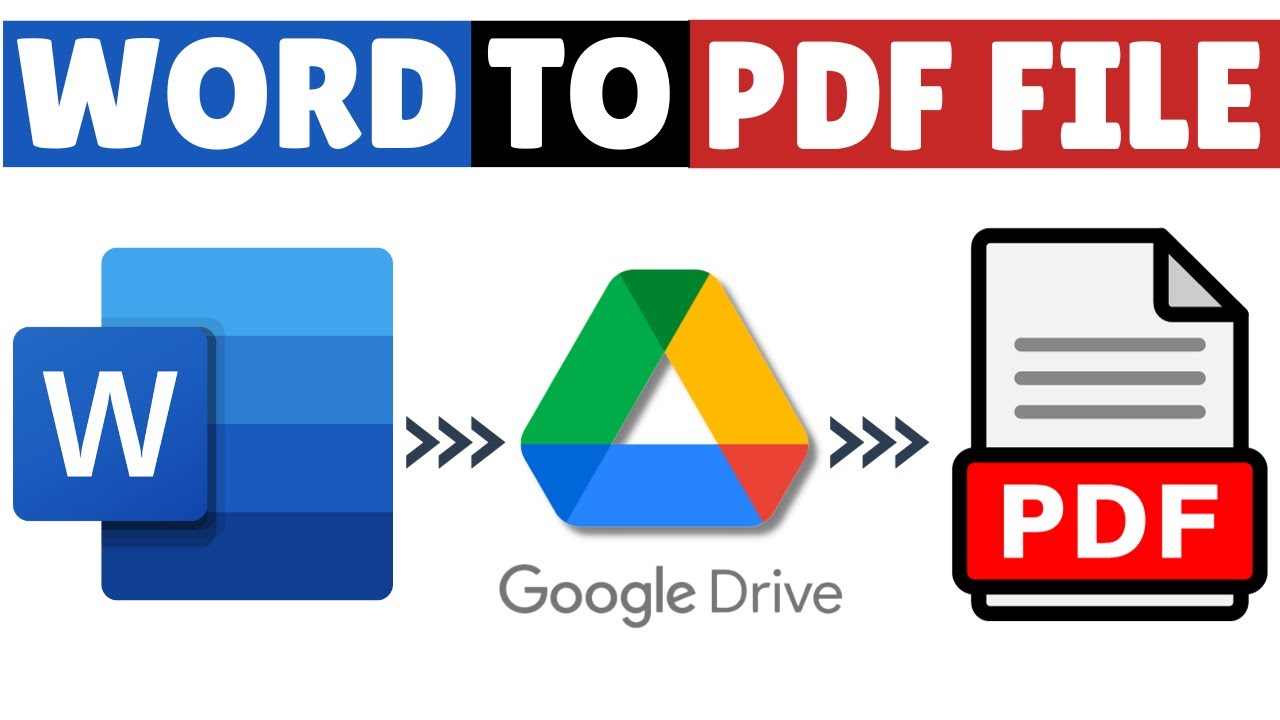
This video provides a detailed tutorial on converting Word documents to PDF using Google Drive. Follow the step-by-step instructions to easily complete the conversion process.

Tech Related Tips
9.0K views • Sep 16, 2023
About this video
This video guides about how to convert word to pdf using google drive.
To learn how to convert word to pdf in google drive, follow the step-by-step guide.
Converting Word to PDF using Google Drive ensures easy accessibility, sharing, and collaboration on your documents from anywhere with an internet connection.
Here are the Steps to Convert Word Document to a PDF on Google Drive:
1. Open Google Drive and make sure your are logged in to your google account.
2. Click on the "New" button with "+" in the top left corner of the screen.
3. Select "File upload" from the dropdown menu.
4. Navigate to the Word Document you want to convert tp PDF.
5. Once upload is complete, right click on Word Document (.docx file) and select "Open with" and click on "Google Docs".
6. In Google Docs Interface, click on "File" and hover your cursor to download and then click on PDF.
Your Word document will be converted to PDF format and the PDF file will be saved in your computer's default download location.
So that's how to convert how to convert word to pdf using Google Drive.
#wordtopdf
#worddocument
#wordtopdfconverter
#googledrive
#techrelatedtips
To learn how to convert word to pdf in google drive, follow the step-by-step guide.
Converting Word to PDF using Google Drive ensures easy accessibility, sharing, and collaboration on your documents from anywhere with an internet connection.
Here are the Steps to Convert Word Document to a PDF on Google Drive:
1. Open Google Drive and make sure your are logged in to your google account.
2. Click on the "New" button with "+" in the top left corner of the screen.
3. Select "File upload" from the dropdown menu.
4. Navigate to the Word Document you want to convert tp PDF.
5. Once upload is complete, right click on Word Document (.docx file) and select "Open with" and click on "Google Docs".
6. In Google Docs Interface, click on "File" and hover your cursor to download and then click on PDF.
Your Word document will be converted to PDF format and the PDF file will be saved in your computer's default download location.
So that's how to convert how to convert word to pdf using Google Drive.
#wordtopdf
#worddocument
#wordtopdfconverter
#googledrive
#techrelatedtips
Tags and Topics
Browse our collection to discover more content in these categories.
Video Information
Views
9.0K
Likes
45
Duration
1:45
Published
Sep 16, 2023
User Reviews
4.0
(1) Related Trending Topics
LIVE TRENDSRelated trending topics. Click any trend to explore more videos.
Trending Now