Converting Numbers to Words in Microsoft Word
Discover a straightforward method to convert numbers into words in Microsoft Word. This guide is perfect for creating legal documents, invoices, or academic papers, providing a clear, step-by-step process.
Mr. Devotor
65 views • May 27, 2025
About this video
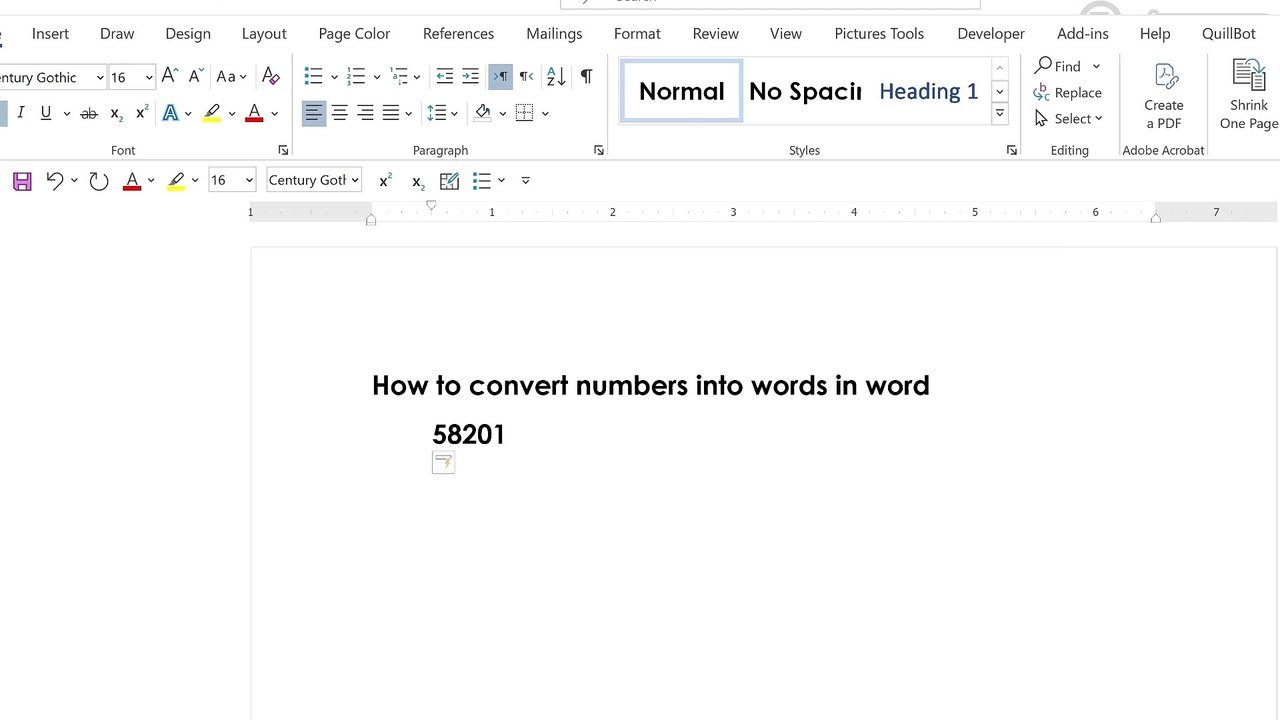
Learn how to convert numbers into words in Microsoft Word easily! Whether you're preparing legal documents, invoices, or academic papers, this step-by-step tutorial shows you how to use field codes or a quick macro to change numeric values like “1250” into “One Thousand Two Hundred Fifty.”<br /><br />🔧 What you'll learn:<br /><br />How to use field codes for number-to-word conversion<br /><br />How to insert and edit macros (if needed)<br /><br />Time-saving tips for automation in MS Word<br /><br />📌 Works for: Microsoft Word 2010, 2013, 2016, 2019, 2021 & Office 365<br />📂 No external software or add-ins required!<br /><br />👍 Like | 🔔 Subscribe | 💬 Comment below if you need help<br /><br />#MicrosoftWord #NumberToWords #MSWordTips #MSWord #MicrosoftWord #WordTips #NumberToWords #WordTutorial #TechTips #Office365 #WordTricks #WordMacro #ConvertNumbers
Video Information
Views
65
Duration
0:58
Published
May 27, 2025
Related Trending Topics
LIVE TRENDSRelated trending topics. Click any trend to explore more videos.
No specific trending topics match this video yet.
Explore All Trends