Convert Word to PDF in 5 Seconds!
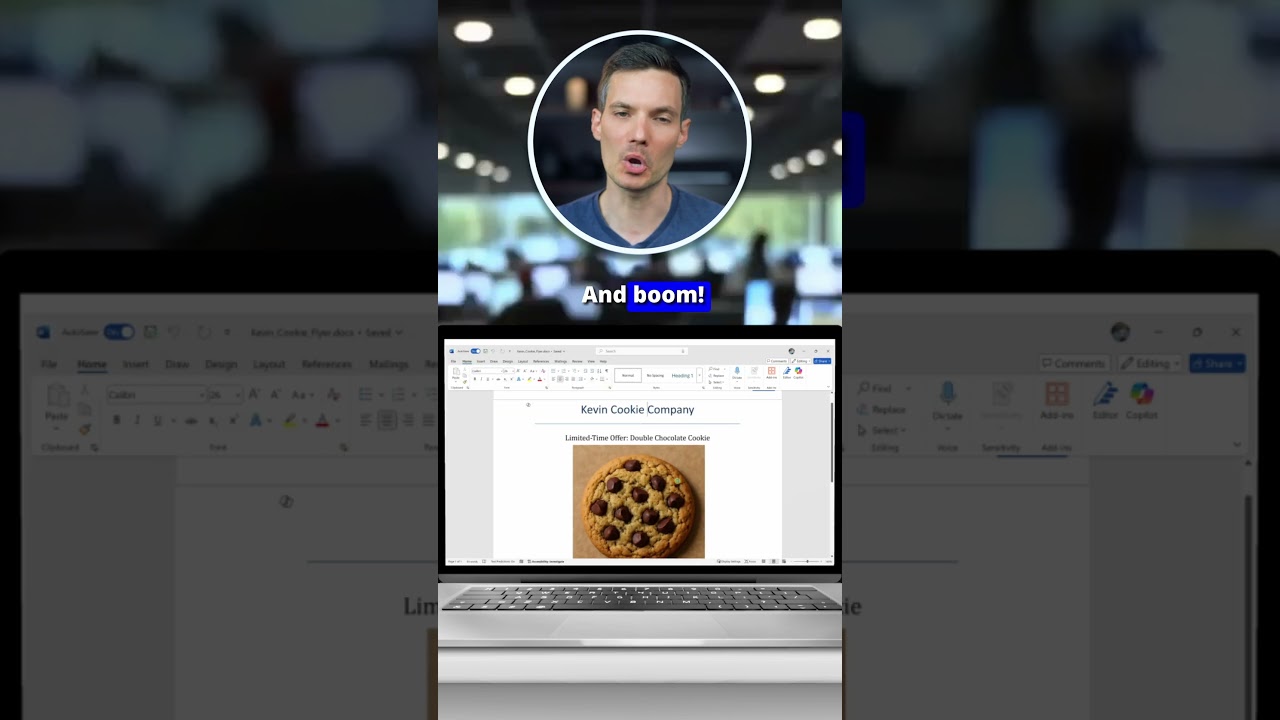
Got a Word doc you want to turn into a PDF? With your document open, go to File - Export - Create PDF/XPS. Click Create PDF, name your file, then hit Publish...

Kevin Stratvert
39.1K views • Jul 25, 2025
About this video
Got a Word doc you want to turn into a PDF? With your document open, go to File - Export - Create PDF/XPS. Click Create PDF, name your file, then hit Publish. Boom — now you’ve got a clean, shareable PDF. You can also go to File - Save As and pick PDF from the dropdown. Both work — pick your favorite!
Tags and Topics
Browse our collection to discover more content in these categories.
Video Information
Views
39.1K
Likes
562
Duration
0:24
Published
Jul 25, 2025
User Reviews
4.6
(7) Related Trending Topics
LIVE TRENDSRelated trending topics. Click any trend to explore more videos.
No specific trending topics match this video yet.
Explore All Trends