Convert PDF to Searchable Text on Mac with Terminal
Learn to turn image PDFs into searchable, copyable text on Mac using Terminal in just 15 minutes! 🔍
Abhijay Shah
41 views • Nov 4, 2025
About this video
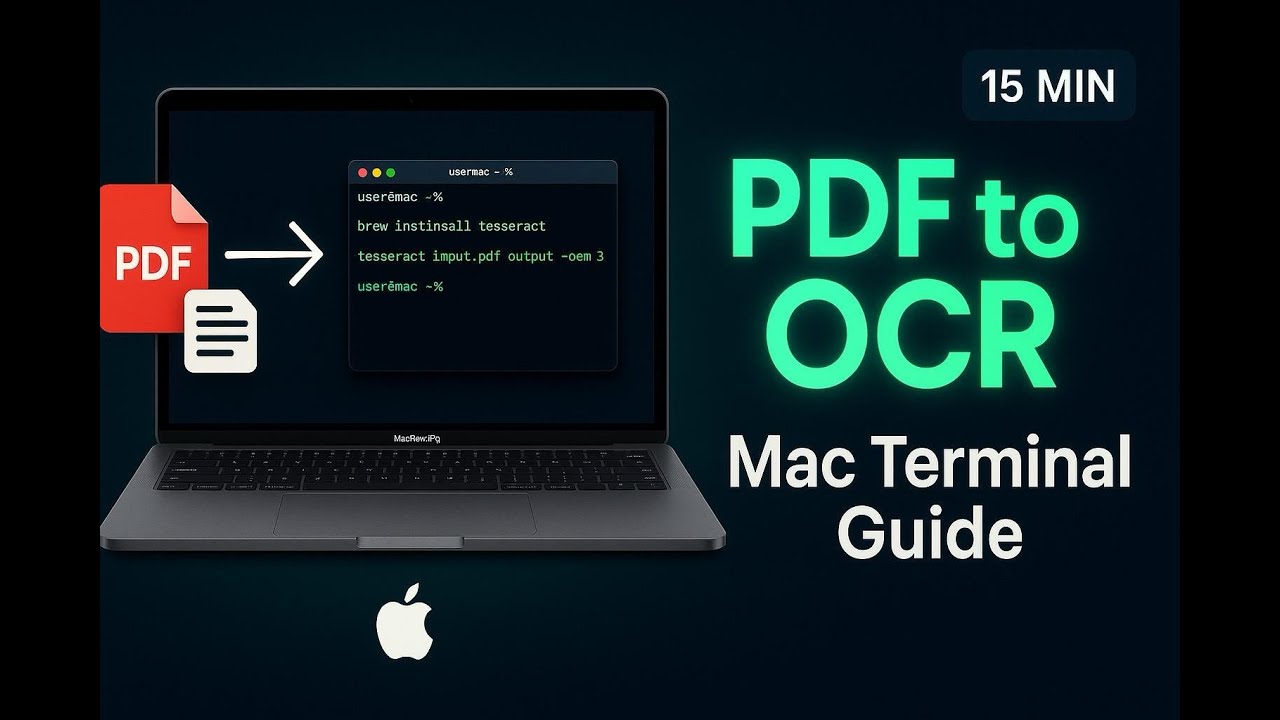
🔍 Learn how to convert image-based PDFs into searchable, copyable text using Mac Terminal!
In this 15-minute tutorial, I'll show you step-by-step how to use OCRmyPDF and Tesseract on your MacBook to add OCR (Optical Character Recognition) to any PDF document.
⏱️ TIMESTAMPS:
0:00 - Introduction
1:00 - Installing Homebrew (if needed)
2:30 - Installing OCRmyPDF & Tesseract
5:00 - Basic OCR conversion command
7:30 - Handling Tagged PDF error
10:00 - Advanced options (--force-ocr, --skip-text)
12:30 - Multi-language OCR support
14:00 - Testing the output in Preview
💻 COMMANDS USED:
- brew install ocrmypdf
- ocrmypdf input.pdf output.pdf
- ocrmypdf --skip-text input.pdf output.pdf
- ocrmypdf --force-ocr input.pdf output.pdf
✅ WHAT YOU'LL LEARN:
- Installing necessary OCR tools via Homebrew
- Converting image PDFs to searchable text
- Fixing "Tagged PDF" errors
- Selecting and copying text from previously non-copyable PDFs
- Using different OCR options for best results
🔗 USEFUL LINKS:
- OCRmyPDF Documentation: https://ocrmypdf.readthedocs.io/
- Tesseract OCR: https://github.com/tesseract-ocr/tesseract
- Homebrew: https://brew.sh/
📱 COMPATIBLE WITH:
MacBook Air, MacBook Pro, iMac, Mac Mini (macOS)
#MacTutorial #PDFtoOCR #MacTerminal #MacBookTutorial #OCR #TechTutorial
In this 15-minute tutorial, I'll show you step-by-step how to use OCRmyPDF and Tesseract on your MacBook to add OCR (Optical Character Recognition) to any PDF document.
⏱️ TIMESTAMPS:
0:00 - Introduction
1:00 - Installing Homebrew (if needed)
2:30 - Installing OCRmyPDF & Tesseract
5:00 - Basic OCR conversion command
7:30 - Handling Tagged PDF error
10:00 - Advanced options (--force-ocr, --skip-text)
12:30 - Multi-language OCR support
14:00 - Testing the output in Preview
💻 COMMANDS USED:
- brew install ocrmypdf
- ocrmypdf input.pdf output.pdf
- ocrmypdf --skip-text input.pdf output.pdf
- ocrmypdf --force-ocr input.pdf output.pdf
✅ WHAT YOU'LL LEARN:
- Installing necessary OCR tools via Homebrew
- Converting image PDFs to searchable text
- Fixing "Tagged PDF" errors
- Selecting and copying text from previously non-copyable PDFs
- Using different OCR options for best results
🔗 USEFUL LINKS:
- OCRmyPDF Documentation: https://ocrmypdf.readthedocs.io/
- Tesseract OCR: https://github.com/tesseract-ocr/tesseract
- Homebrew: https://brew.sh/
📱 COMPATIBLE WITH:
MacBook Air, MacBook Pro, iMac, Mac Mini (macOS)
#MacTutorial #PDFtoOCR #MacTerminal #MacBookTutorial #OCR #TechTutorial
Tags and Topics
Browse our collection to discover more content in these categories.
Video Information
Views
41
Likes
2
Duration
15:23
Published
Nov 4, 2025
Related Trending Topics
LIVE TRENDSRelated trending topics. Click any trend to explore more videos.
No specific trending topics match this video yet.
Explore All Trends