Clipchamp Video Editing Guide for Windows 11 🎥
Learn how to use the free Clipchamp app on Windows 11 with this easy step-by-step video editing tutorial.
Kevin Stratvert
709.7K views • Mar 11, 2022
About this video
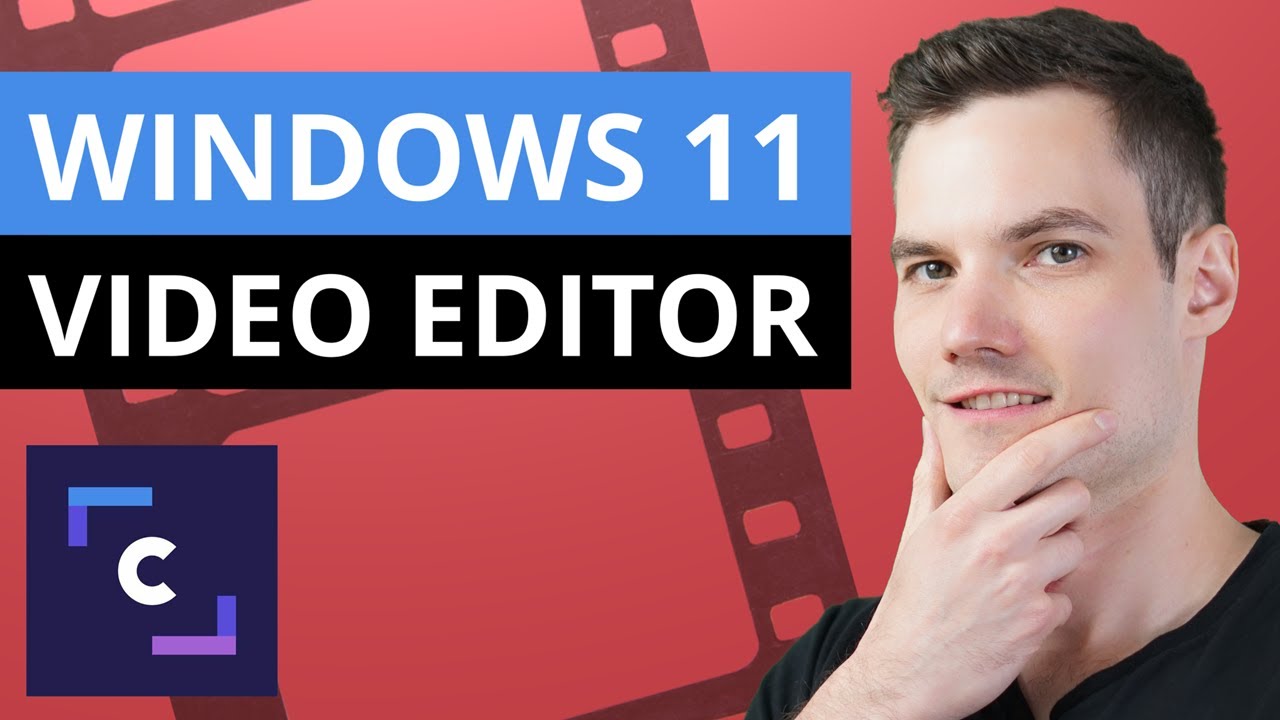
In this step-by-step tutorial, learn how to use Microsoft Clipchamp, a free video editing software app that comes bundled together with Windows 11. Clipchamp makes it easy and fast to pull together professional looking video. You get basic tools like trimming and splitting, transitions, and animated text. You have access to templates, you can record your screen and web cam at the same time, and one of my favorites, you can even convert text to speech using the Azure-powered text-to-speech generator. In this video, we explore how to get Clipchamp and how to make a basic video using this free video editor for PC.
👋 Additional resources
- 5 BEST FREE Video Editing Software: https://youtu.be/iB8PK2POssE
- FREE Video editing software that I personally use (DaVinci Resolve): https://youtu.be/UguJiz9AYM8
⌚ Timestamps
0:00 Introduction
1:06 Photos app video editor
2:05 How to get Clipchamp
3:11 Clipchamp free vs. premium
4:10 Create a video
4:23 Change aspect ratio
4:49 Import media
5:43 Timeline
6:23 Viewer
7:16 Editing: trim, move & split
8:01 Transform clip: filters, colors &speed
8:13 Text-to-speech generator
9:07 Screen recorder
10:02 Add stock music
10:47 Add stock video & images
11:09 Add text
11:35 Add graphics & overlays
12:16 Transitions
12:46 Brand kit
13:05 Export
13:57 Wrap up
📃 Watch related playlists
- Playlist with all my videos on Clipchamp: https://youtube.com/playlist?list=PLlKpQrBME6xJGEX3hk74EJsTHpXH3RiBZ
🚩 Connect with me on social
- LinkedIn: https://www.linkedin.com/in/kevinstratvert/
- Discord: https://bit.ly/KevinStratvertDiscord
- Twitter: https://twitter.com/kevstrat
- Facebook: https://www.facebook.com/Kevin-Stratvert-101912218227818
- TikTok: https://www.tiktok.com/@kevinstratvert
- Instagram: https://www.instagram.com/kevinstratvert/
🙏 Request How To Tutorial Videos
https://forms.gle/BDrTNUoxheEoMLGt5
🔔 Subscribe to my YouTube channel
https://www.youtube.com/user/kevlers?sub_confirmation=1
🎬 Want to watch again? Navigate back to my YouTube channel quickly
http://www.kevinstratvert.com
🛍 Support me with your Amazon purchases: https://amzn.to/3kCP2yz
⚖ As full disclosure, I use affiliate links above. Purchasing through these links gives me a small commission to support videos on this channel -- the price to you is the same.
#stratvert #clipchamp
The Voyage by Audionautix is licensed under a Creative Commons Attribution 4.0 license. https://creativecommons.org/licenses/by/4.0/
👋 Additional resources
- 5 BEST FREE Video Editing Software: https://youtu.be/iB8PK2POssE
- FREE Video editing software that I personally use (DaVinci Resolve): https://youtu.be/UguJiz9AYM8
⌚ Timestamps
0:00 Introduction
1:06 Photos app video editor
2:05 How to get Clipchamp
3:11 Clipchamp free vs. premium
4:10 Create a video
4:23 Change aspect ratio
4:49 Import media
5:43 Timeline
6:23 Viewer
7:16 Editing: trim, move & split
8:01 Transform clip: filters, colors &speed
8:13 Text-to-speech generator
9:07 Screen recorder
10:02 Add stock music
10:47 Add stock video & images
11:09 Add text
11:35 Add graphics & overlays
12:16 Transitions
12:46 Brand kit
13:05 Export
13:57 Wrap up
📃 Watch related playlists
- Playlist with all my videos on Clipchamp: https://youtube.com/playlist?list=PLlKpQrBME6xJGEX3hk74EJsTHpXH3RiBZ
🚩 Connect with me on social
- LinkedIn: https://www.linkedin.com/in/kevinstratvert/
- Discord: https://bit.ly/KevinStratvertDiscord
- Twitter: https://twitter.com/kevstrat
- Facebook: https://www.facebook.com/Kevin-Stratvert-101912218227818
- TikTok: https://www.tiktok.com/@kevinstratvert
- Instagram: https://www.instagram.com/kevinstratvert/
🙏 Request How To Tutorial Videos
https://forms.gle/BDrTNUoxheEoMLGt5
🔔 Subscribe to my YouTube channel
https://www.youtube.com/user/kevlers?sub_confirmation=1
🎬 Want to watch again? Navigate back to my YouTube channel quickly
http://www.kevinstratvert.com
🛍 Support me with your Amazon purchases: https://amzn.to/3kCP2yz
⚖ As full disclosure, I use affiliate links above. Purchasing through these links gives me a small commission to support videos on this channel -- the price to you is the same.
#stratvert #clipchamp
The Voyage by Audionautix is licensed under a Creative Commons Attribution 4.0 license. https://creativecommons.org/licenses/by/4.0/
Tags and Topics
Browse our collection to discover more content in these categories.
Video Information
Views
709.7K
Likes
12.4K
Duration
14:56
Published
Mar 11, 2022
User Reviews
4.8
(141) Related Trending Topics
LIVE TRENDSRelated trending topics. Click any trend to explore more videos.
No specific trending topics match this video yet.
Explore All Trends