ChatGPT 5.1: OpenAI's 2026 Upgrade & Features
Explore ChatGPT 5.1's new features and updates in OpenAI's 2026 upgrade. 🚀 Learn more with this comprehensive guide and AI resources.

AI Master
7.3K views • Dec 10, 2025
About this video
#sponsored Check out my custom Zapier Copilot prompt here! https://bit.ly/4nKm7bI
🚀 Become an AI Master – All-in-one AI Learning https://whop.com/c/become-pro/ylqxkdp1c5k
📹Get a Custom Promo Video From AI Master https://collab.aimaster.me/
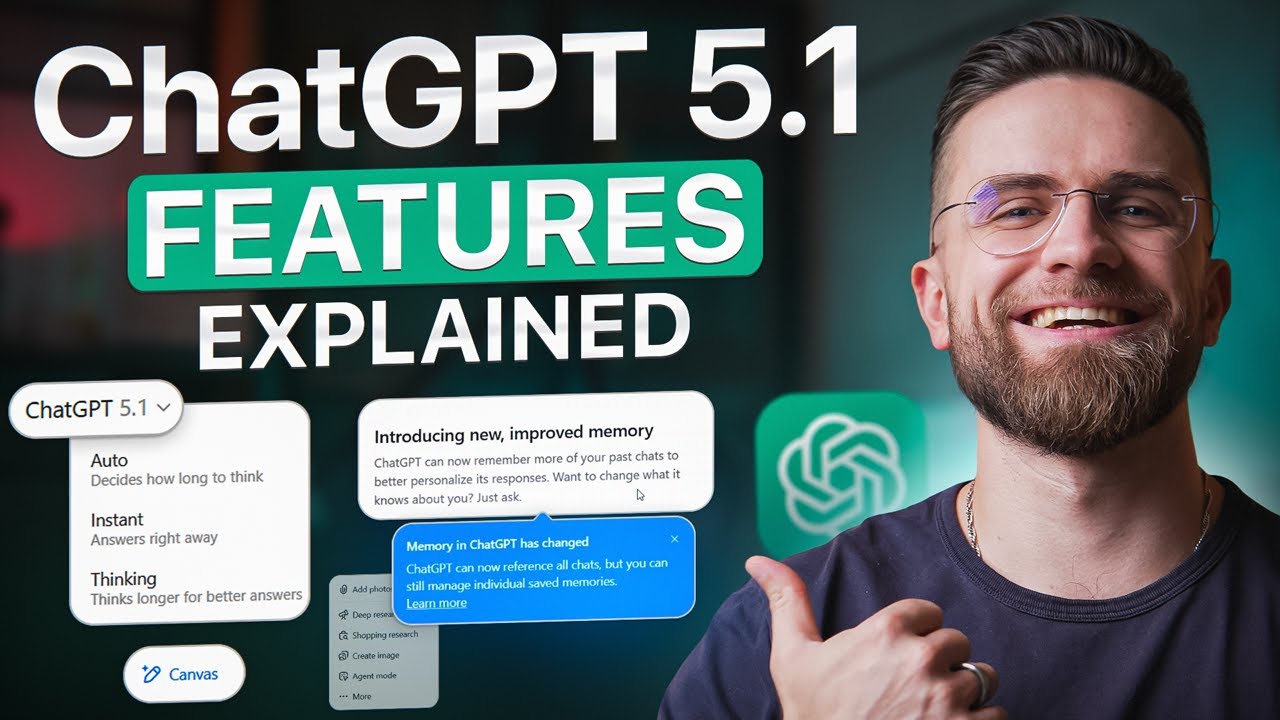
ChatGPT 5.1 dropped with dozens of upgrades - but most users don't know what actually changed or how to use them. This is the complete visual walkthrough.
In this guide, I'll show you every major ChatGPT 5.1 feature: the three model modes (Auto, Instant, Thinking), upgraded Memory, Canvas for real-time collaboration, improved Visual Search, Custom GPTs, Projects — plus the hidden settings OpenAI didn't highlight.
🔑 WHAT'S COVERED:
You'll see live demos, side-by-side comparisons, and practical use cases for each feature. By the end, you'll know exactly when to use each mode, which settings to tweak first, and how to make GPT 5.1 work for your workflow.
⏱️ TIMESTAMPS:
00:00 - What's New in GPT 5.1
00:44 - Three Model Modes Explained (Auto, Instant, Thinking)
02:30 - Warmer Personality & Tone Controls
04:55 - Memory 2.0: Smarter Personalization
06:15 - Canvas: Real-Time Collaborative Editing
10:25 - Visual Search Improvements
12:03 - Custom GPTs & Projects
14:50 - Final Tips & Recommendations
📌 SUBSCRIBE for more ChatGPT guides, AI tool reviews, and automation tutorials!
💬 QUESTIONS? Drop them in the comments!
#ChatGPT #ChatGPT51 #OpenAI #AITools #Zapier #Automation #NoCode
🚀 Become an AI Master – All-in-one AI Learning https://whop.com/c/become-pro/ylqxkdp1c5k
📹Get a Custom Promo Video From AI Master https://collab.aimaster.me/
ChatGPT 5.1 dropped with dozens of upgrades - but most users don't know what actually changed or how to use them. This is the complete visual walkthrough.
In this guide, I'll show you every major ChatGPT 5.1 feature: the three model modes (Auto, Instant, Thinking), upgraded Memory, Canvas for real-time collaboration, improved Visual Search, Custom GPTs, Projects — plus the hidden settings OpenAI didn't highlight.
🔑 WHAT'S COVERED:
You'll see live demos, side-by-side comparisons, and practical use cases for each feature. By the end, you'll know exactly when to use each mode, which settings to tweak first, and how to make GPT 5.1 work for your workflow.
⏱️ TIMESTAMPS:
00:00 - What's New in GPT 5.1
00:44 - Three Model Modes Explained (Auto, Instant, Thinking)
02:30 - Warmer Personality & Tone Controls
04:55 - Memory 2.0: Smarter Personalization
06:15 - Canvas: Real-Time Collaborative Editing
10:25 - Visual Search Improvements
12:03 - Custom GPTs & Projects
14:50 - Final Tips & Recommendations
📌 SUBSCRIBE for more ChatGPT guides, AI tool reviews, and automation tutorials!
💬 QUESTIONS? Drop them in the comments!
#ChatGPT #ChatGPT51 #OpenAI #AITools #Zapier #Automation #NoCode
Tags and Topics
Browse our collection to discover more content in these categories.
Video Information
Views
7.3K
Likes
189
Duration
16:46
Published
Dec 10, 2025
User Reviews
4.6
(1) Related Trending Topics
LIVE TRENDSRelated trending topics. Click any trend to explore more videos.
No specific trending topics match this video yet.
Explore All Trends