Captain Computer’s Top Tip: How to Detect Fake Websites 🔍
Learn essential tips from Captain Computer to identify fake websites and protect yourself from online scams. Stay safe and shop smart online!

Captain Computer
5 views • May 19, 2025
About this video
Captain Computer’s Security Smarts!
Online Security Tip 7: Spotting Fake Websites
Why beware fake websites? These digital doppelgängers pose as legit shops, banks, or services, but they’re hacker traps! They trick you into entering passwords, credit card info, or downloading malware. I stay sharp by scrutinizing URLs and dodging shady sites like a cyber ninja!
Purpose: Spotting fake websites keeps your data, money, and devices safe from scammers. It’s your superhero radar for navigating the web!
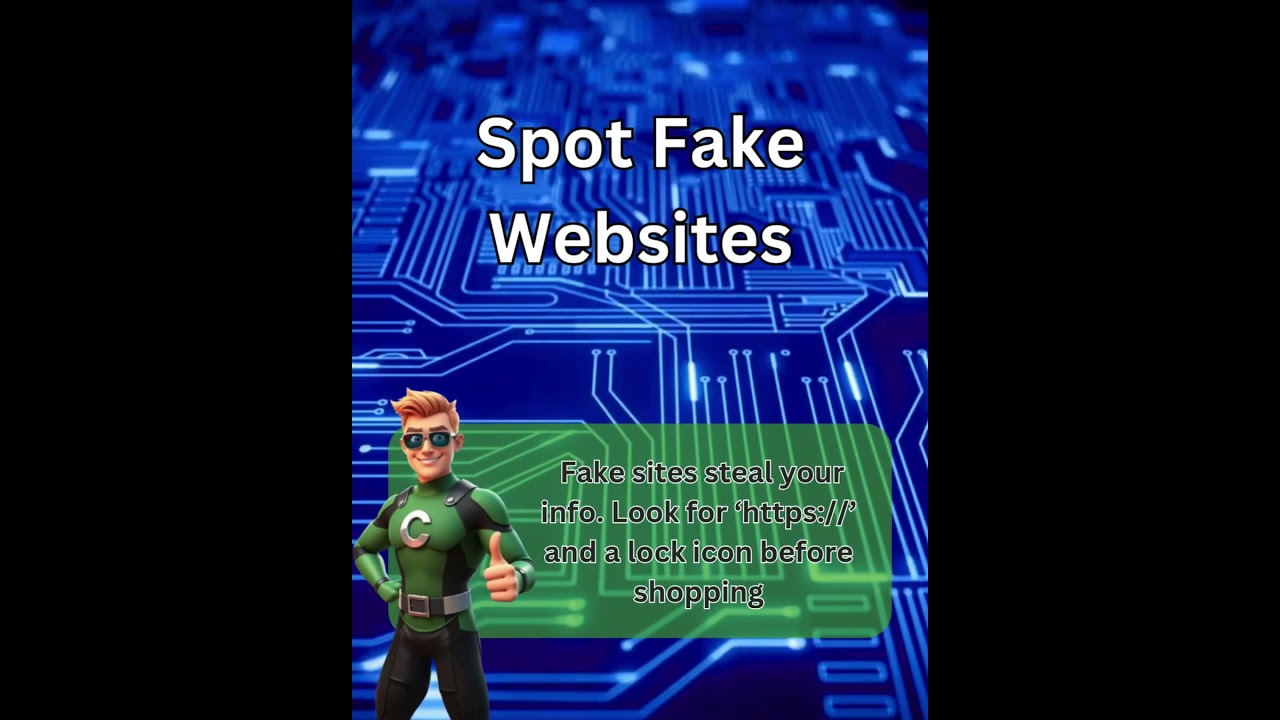
Pro Tip: Check the URL for “https://” and a lock icon, and eyeball the domain for typos (e.g., “arnazon.com” instead of “amazon.com”). Hover over links (don’t click!) to reveal the real destination. If it smells fishy, bolt! More hacks dropping weekly with Captain Computer! #FakeWebsites #CyberSafety #CaptainComputer
Captain Computer’s Bare Minimum Protection Plan:
Free Malwarebytes for malware cleanup.
Windows Defender for real-time protection.
Norton Power Eraser to zap sneaky threats.
Smart practices like unique passwords (12+ characters, mix letters/numbers/symbols, no repeats!).
Active antivirus software to stay one step ahead.
Post-attack tip: If you’ve entered info on a fake website, change passwords immediately, scan with Malwarebytes, and monitor accounts for suspicious activity.
Please Subscribe, Like, share, or follow us!
#ComputerRepair #TechTips #PCRepairTips #TechHacksUSA #GalesFerryCT
Captain Computer keeps you safe online! Subscribe for more tips.
Follow our Social Media pages
https://www.facebook.com/CaptainComputerCT
https://www.X.com/CaptComp
https://www.instagram.com/CaptainComputerCT
Check out our Website
https://captaincomputer.ai/
Online Security Tip 7: Spotting Fake Websites
Why beware fake websites? These digital doppelgängers pose as legit shops, banks, or services, but they’re hacker traps! They trick you into entering passwords, credit card info, or downloading malware. I stay sharp by scrutinizing URLs and dodging shady sites like a cyber ninja!
Purpose: Spotting fake websites keeps your data, money, and devices safe from scammers. It’s your superhero radar for navigating the web!
Pro Tip: Check the URL for “https://” and a lock icon, and eyeball the domain for typos (e.g., “arnazon.com” instead of “amazon.com”). Hover over links (don’t click!) to reveal the real destination. If it smells fishy, bolt! More hacks dropping weekly with Captain Computer! #FakeWebsites #CyberSafety #CaptainComputer
Captain Computer’s Bare Minimum Protection Plan:
Free Malwarebytes for malware cleanup.
Windows Defender for real-time protection.
Norton Power Eraser to zap sneaky threats.
Smart practices like unique passwords (12+ characters, mix letters/numbers/symbols, no repeats!).
Active antivirus software to stay one step ahead.
Post-attack tip: If you’ve entered info on a fake website, change passwords immediately, scan with Malwarebytes, and monitor accounts for suspicious activity.
Please Subscribe, Like, share, or follow us!
#ComputerRepair #TechTips #PCRepairTips #TechHacksUSA #GalesFerryCT
Captain Computer keeps you safe online! Subscribe for more tips.
Follow our Social Media pages
https://www.facebook.com/CaptainComputerCT
https://www.X.com/CaptComp
https://www.instagram.com/CaptainComputerCT
Check out our Website
https://captaincomputer.ai/
Tags and Topics
Browse our collection to discover more content in these categories.
Video Information
Views
5
Duration
0:36
Published
May 19, 2025
Related Trending Topics
LIVE TRENDSRelated trending topics. Click any trend to explore more videos.
No specific trending topics match this video yet.
Explore All Trends