Create Your Own AI Agents with Microsoft 365 Copilot
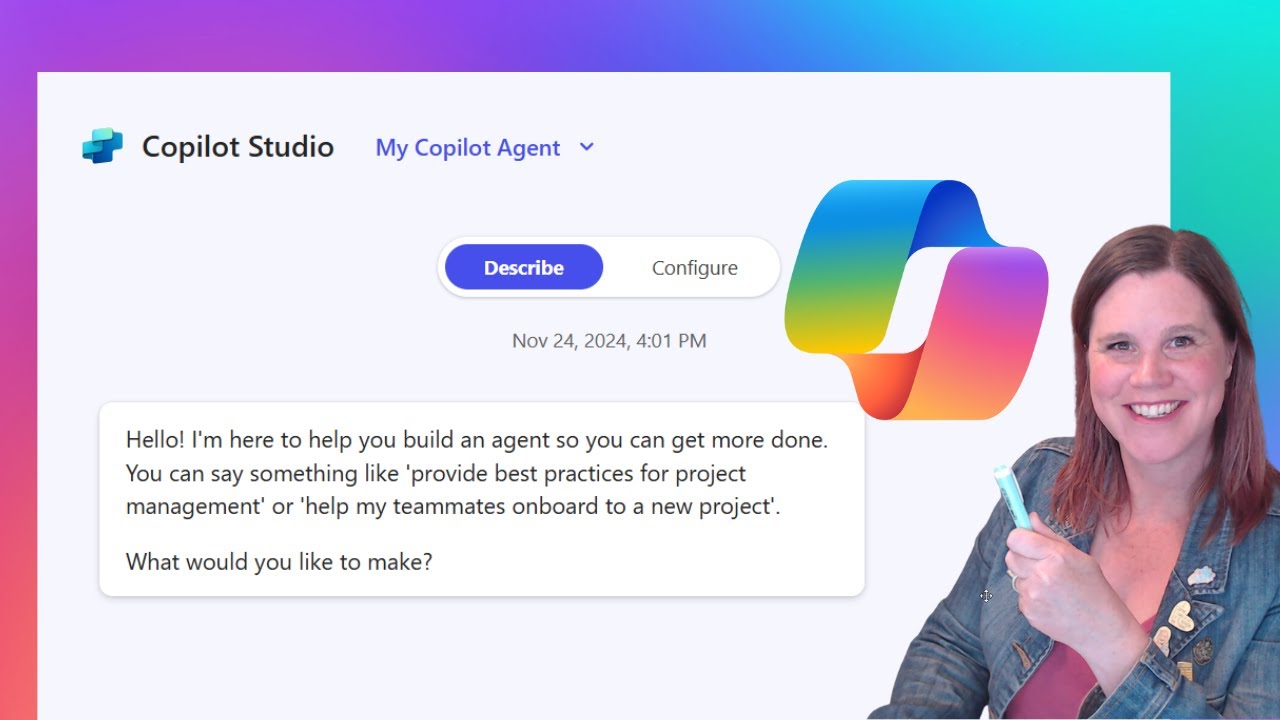
Learn how to build custom AI agents using the Agent Builder tool in Microsoft 365 Copilot with this step-by-step guide. 🤖
Lisa Crosbie
244.0K views • Nov 25, 2024
About this video
In this video I take you through how to use the Agent Builder, a tool included in your Microsoft 365 Copilot license for any user to build their own agent. Whether you're automating a specific task or customizing AI for a business process, no technical skills are required—anyone can do it!
Here’s what you’ll learn:
✅ Key concepts of Agent Builder
✅ How to start building agents with zero experience
✅ Real-world examples of automating workflows
✅ What’s coming next
--------------------------------------------------
Connect with me:
☕ Buy me a coffee: https://www.buymeacoffee.com/lisacrosbie
🦉 Learn more about AI: https://aka.ms/learnwithlisa
🖇 LinkedIn: https://www.linkedin.com/in/lisa-crosbie/
📼 TikTok: https://www.tiktok.com/@lisa.crosbie
🐦 X (Twitter): https://twitter.com/LisaCrosbie
📚Take my LinkedIn Learning Course: Microsoft Power Platform Fundamentals (PL-900) Exam: Power Apps https://www.linkedin.com/learning/microsoft-power-platform-fundamentals-pl-900-cert-prep-power-apps/
--------------------------------------------------
Timestamps:
0:00 - Microsoft 365 Copilot Agent Builder
0:59 - Where to find the Agent Builder in Copilot
1:25 - Add and use pre-built Copilot agents
3:09 - Create an agent
5:51 - Configure your agent's knowledge and prompts
11:35 - Change your agent's icon
12:10 - Test your agent
13:22 - Share your agent with colleagues
13:47 - Using your agent in biz chat
15:42 - Edit an existing agent
16:54 - Security and administration
17:38 - Agent Builder vs Copilot Studio
Here’s what you’ll learn:
✅ Key concepts of Agent Builder
✅ How to start building agents with zero experience
✅ Real-world examples of automating workflows
✅ What’s coming next
--------------------------------------------------
Connect with me:
☕ Buy me a coffee: https://www.buymeacoffee.com/lisacrosbie
🦉 Learn more about AI: https://aka.ms/learnwithlisa
🖇 LinkedIn: https://www.linkedin.com/in/lisa-crosbie/
📼 TikTok: https://www.tiktok.com/@lisa.crosbie
🐦 X (Twitter): https://twitter.com/LisaCrosbie
📚Take my LinkedIn Learning Course: Microsoft Power Platform Fundamentals (PL-900) Exam: Power Apps https://www.linkedin.com/learning/microsoft-power-platform-fundamentals-pl-900-cert-prep-power-apps/
--------------------------------------------------
Timestamps:
0:00 - Microsoft 365 Copilot Agent Builder
0:59 - Where to find the Agent Builder in Copilot
1:25 - Add and use pre-built Copilot agents
3:09 - Create an agent
5:51 - Configure your agent's knowledge and prompts
11:35 - Change your agent's icon
12:10 - Test your agent
13:22 - Share your agent with colleagues
13:47 - Using your agent in biz chat
15:42 - Edit an existing agent
16:54 - Security and administration
17:38 - Agent Builder vs Copilot Studio
Tags and Topics
Browse our collection to discover more content in these categories.
Video Information
Views
244.0K
Likes
2.3K
Duration
18:23
Published
Nov 25, 2024
User Reviews
4.4
(48) Related Trending Topics
LIVE TRENDSRelated trending topics. Click any trend to explore more videos.
No specific trending topics match this video yet.
Explore All Trends