Build Projects with MATLAB and Simulink for Hardware Integration
Learn how to utilize MATLAB and Simulink for developing hardware projects involving Arduino®, Raspberry Pi™, and other platforms, essential skills for modern engineering students.

MATLAB
75.7K views • Jul 29, 2020
About this video
Working with hardware has become a foundational skill for today’s engineering students. If you haven’t had to program an Arduino®, Raspberry Pi™, or other board yet, it’s probably just a matter of time before you will.
These boards can be used to build all kinds of fun and engaging robots and gadgets, and provide students a hands-on way to apply concepts learned in class.
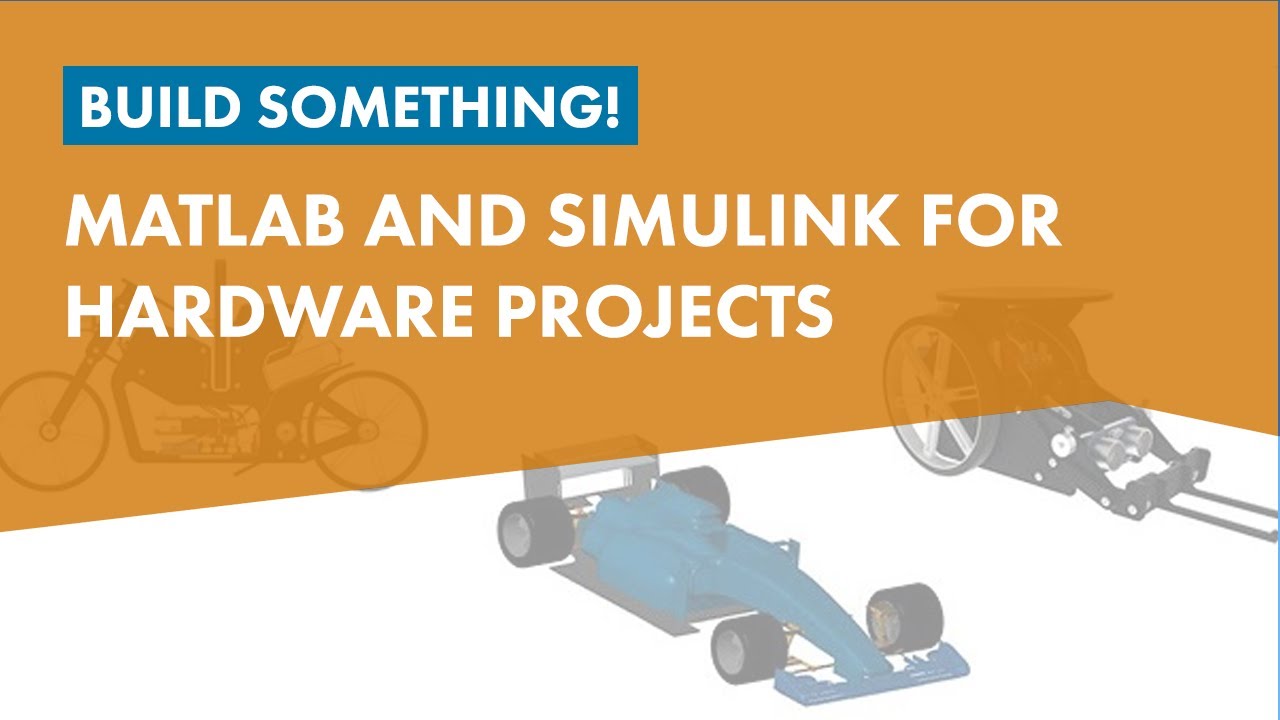
This video shows you how to use MATLAB® and Simulink® to program different types of hardware projects, including:
- A mobile rover that follows path instructions and moves objects with its forklift
- A self-balancing motorcycle that maneuvers itself on varying terrain and remains upright using a flywheel for balance
- An automatic guitar tuner that uses audio processing and a servo motor to tune a guitar
You will see how to model and simulate these systems, develop embedded algorithms, and with the click of a button, automatically generate code that runs on your hardware.
The concepts and workflows covered are useful well beyond the engineering classroom, and are used by companies around the world to design today’s most complex vehicles, aircraft, industrial robots, and other systems.
Additional Resources:
Arduino Engineering Kit Project Files: https://bit.ly/3d0QDJW
Simulink Support Package for Arduino Hardware: https://bit.ly/378HKwu
Arduino Engineering Kit Hardware Support: https://bit.ly/2zgLGio
Documentation Resources to Run Simulink Models on Arduino Hardware: https://bit.ly/3WuSIXD
--------------------------------------------------------------------------------------------------------
Get a free product trial: https://goo.gl/ZHFb5u
Learn more about MATLAB: https://goo.gl/8QV7ZZ
Learn more about Simulink: https://goo.gl/nqnbLe
See what's new in MATLAB and Simulink: https://goo.gl/pgGtod
© 2020 The MathWorks, Inc. MATLAB and Simulink are registered trademarks of The MathWorks, Inc.
See www.mathworks.com/trademarks for a list of additional trademarks. Other product or brand names may be trademarks or registered trademarks of their respective holders.
These boards can be used to build all kinds of fun and engaging robots and gadgets, and provide students a hands-on way to apply concepts learned in class.
This video shows you how to use MATLAB® and Simulink® to program different types of hardware projects, including:
- A mobile rover that follows path instructions and moves objects with its forklift
- A self-balancing motorcycle that maneuvers itself on varying terrain and remains upright using a flywheel for balance
- An automatic guitar tuner that uses audio processing and a servo motor to tune a guitar
You will see how to model and simulate these systems, develop embedded algorithms, and with the click of a button, automatically generate code that runs on your hardware.
The concepts and workflows covered are useful well beyond the engineering classroom, and are used by companies around the world to design today’s most complex vehicles, aircraft, industrial robots, and other systems.
Additional Resources:
Arduino Engineering Kit Project Files: https://bit.ly/3d0QDJW
Simulink Support Package for Arduino Hardware: https://bit.ly/378HKwu
Arduino Engineering Kit Hardware Support: https://bit.ly/2zgLGio
Documentation Resources to Run Simulink Models on Arduino Hardware: https://bit.ly/3WuSIXD
--------------------------------------------------------------------------------------------------------
Get a free product trial: https://goo.gl/ZHFb5u
Learn more about MATLAB: https://goo.gl/8QV7ZZ
Learn more about Simulink: https://goo.gl/nqnbLe
See what's new in MATLAB and Simulink: https://goo.gl/pgGtod
© 2020 The MathWorks, Inc. MATLAB and Simulink are registered trademarks of The MathWorks, Inc.
See www.mathworks.com/trademarks for a list of additional trademarks. Other product or brand names may be trademarks or registered trademarks of their respective holders.
Tags and Topics
Browse our collection to discover more content in these categories.
Video Information
Views
75.7K
Likes
1.6K
Duration
37:33
Published
Jul 29, 2020
User Reviews
4.7
(15) Related Trending Topics
LIVE TRENDSRelated trending topics. Click any trend to explore more videos.
Trending Now