Boost Your Phone’s Internet Speed 🚀
Improve Android internet with Cloudflare DNS using two quick settings for smoother browsing and streaming.

Smart & Easy
10.9K views • Jul 25, 2025
About this video
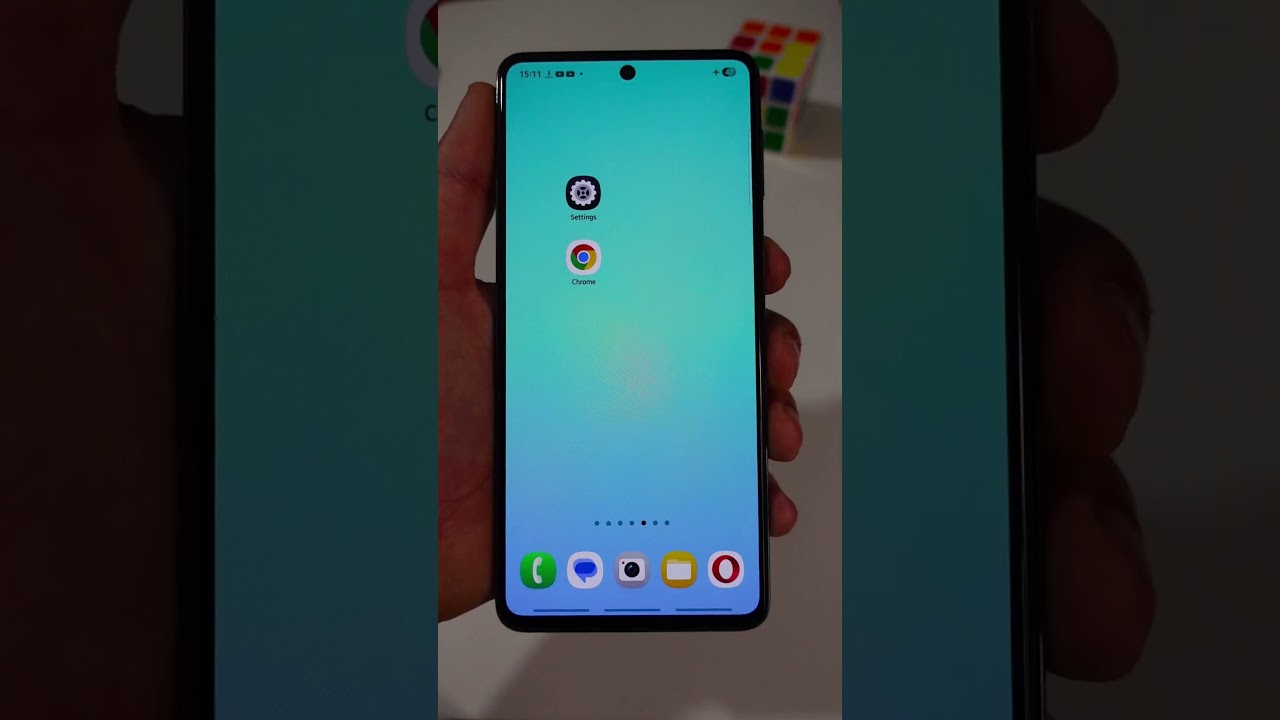
Fix slow internet on Android with Cloudflare DNS.
Two quick settings make browsing and streaming smoother.
Steps:
1. Settings → Connections → More Connection Settings → Private DNS
2. Set provider hostname to dns.cloudflare.com, Save
3. Open Chrome → Settings → Privacy and Security
4. Use Secure DNS → Choose another provider → Custom → Cloudflare (1.1.1.1)
Tools used: built-in Android settings, Google Chrome.
Did your speed jump? Like, subscribe, and comment your new Mbps!
#AndroidTips #InternetSpeed #Shorts
Two quick settings make browsing and streaming smoother.
Steps:
1. Settings → Connections → More Connection Settings → Private DNS
2. Set provider hostname to dns.cloudflare.com, Save
3. Open Chrome → Settings → Privacy and Security
4. Use Secure DNS → Choose another provider → Custom → Cloudflare (1.1.1.1)
Tools used: built-in Android settings, Google Chrome.
Did your speed jump? Like, subscribe, and comment your new Mbps!
#AndroidTips #InternetSpeed #Shorts
Video Information
Views
10.9K
Likes
319
Duration
1:02
Published
Jul 25, 2025
User Reviews
4.6
(2) Related Trending Topics
LIVE TRENDSRelated trending topics. Click any trend to explore more videos.
No specific trending topics match this video yet.
Explore All Trends