Boost Your Android Speed: Turn Off Animations in Developer Mode 🚀
Learn how to disable animations in Developer Mode to make your Android phone faster and smoother. Quick tips to enhance your device's performance!

Tech School India
105.7K views • Mar 31, 2025
About this video
🔥 Speed Up Your Android: Disable Animations for a Faster Phone!
Is your Android phone feeling slow or laggy? Want to make it super fast without installing any apps? Turning off animations in Developer Mode is a quick and effective way to boost performance instantly!
✅ What You’ll Learn in This Video:
🔹 How to enable Developer Mode on Android
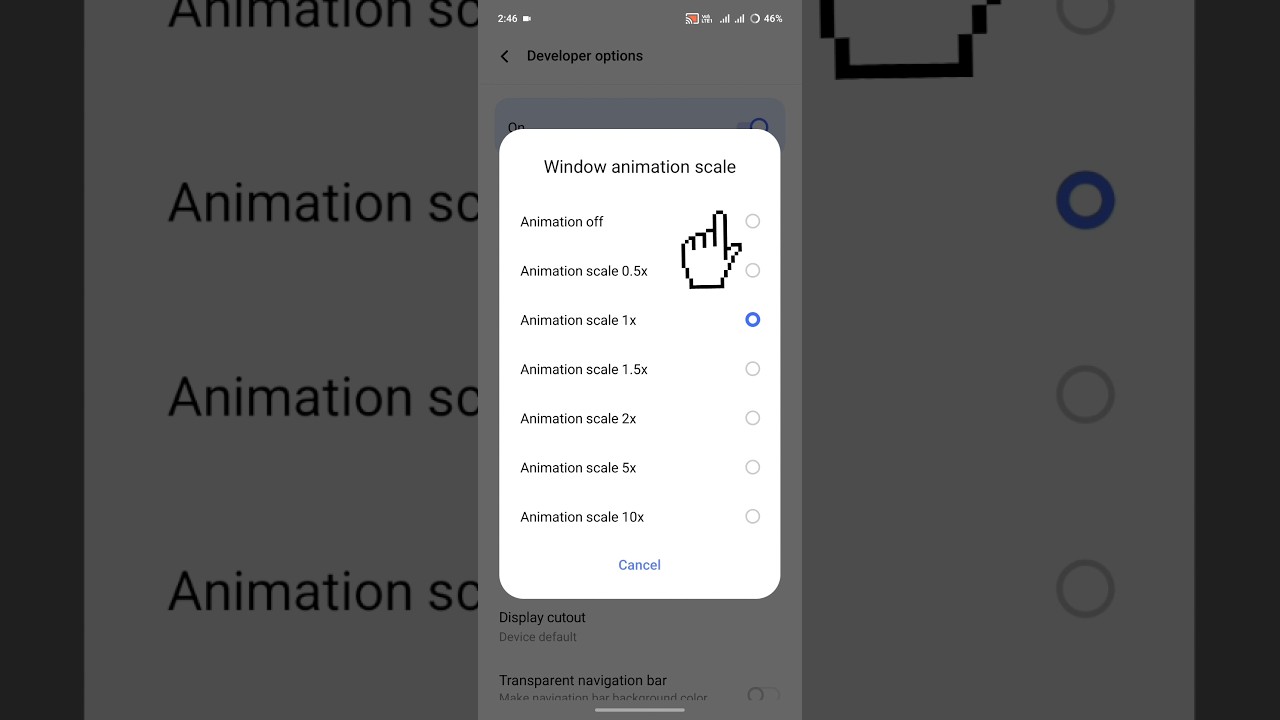
🔹 How to turn off or reduce animations (Window, Transition & Animator scale)
🔹 How this trick makes your phone faster & smoother
🔹 Bonus: Will it improve battery life?
💡 Why Should You Turn Off Animations?
✔️ Boost Performance – Faster app loading & smoother transitions
✔️ Reduce Lag – No more slow UI delays
✔️ Improve Battery Life – Less processing = better efficiency
📌 Works on: All Android phones including Samsung, Xiaomi, OnePlus, Realme, Vivo, Oppo & more!
🚀 Try this trick now and let me know in the comments if your phone feels faster!
If you love tech tips, smartphone hacks, and Android tricks, don’t forget to SUBSCRIBE and hit the 🔔 bell icon to stay updated! 🚀
developer options
android developer options
developer options android
window animation scale settings
window animation scale developer option setting
window animation scale
developer options hidden settings
developer window animation scale
how to enable developer options
window animation scale android
enable developer options
how to use window animation scale developer
android developer options
window animation scale
developer options setting
how to speed up your phone performance
#AndroidSpeedUp #FasterPhone #DisableAnimations #DeveloperMode #TechTips #BoostPerformance #AndroidHacks #FixLag #SpeedUpAndroid
Is your Android phone feeling slow or laggy? Want to make it super fast without installing any apps? Turning off animations in Developer Mode is a quick and effective way to boost performance instantly!
✅ What You’ll Learn in This Video:
🔹 How to enable Developer Mode on Android
🔹 How to turn off or reduce animations (Window, Transition & Animator scale)
🔹 How this trick makes your phone faster & smoother
🔹 Bonus: Will it improve battery life?
💡 Why Should You Turn Off Animations?
✔️ Boost Performance – Faster app loading & smoother transitions
✔️ Reduce Lag – No more slow UI delays
✔️ Improve Battery Life – Less processing = better efficiency
📌 Works on: All Android phones including Samsung, Xiaomi, OnePlus, Realme, Vivo, Oppo & more!
🚀 Try this trick now and let me know in the comments if your phone feels faster!
If you love tech tips, smartphone hacks, and Android tricks, don’t forget to SUBSCRIBE and hit the 🔔 bell icon to stay updated! 🚀
developer options
android developer options
developer options android
window animation scale settings
window animation scale developer option setting
window animation scale
developer options hidden settings
developer window animation scale
how to enable developer options
window animation scale android
enable developer options
how to use window animation scale developer
android developer options
window animation scale
developer options setting
how to speed up your phone performance
#AndroidSpeedUp #FasterPhone #DisableAnimations #DeveloperMode #TechTips #BoostPerformance #AndroidHacks #FixLag #SpeedUpAndroid
Tags and Topics
Browse our collection to discover more content in these categories.
Video Information
Views
105.7K
Duration
0:32
Published
Mar 31, 2025
User Reviews
3.9
(21) Related Trending Topics
LIVE TRENDSRelated trending topics. Click any trend to explore more videos.
No specific trending topics match this video yet.
Explore All Trends