Boost Productivity with Copilot in OneDrive: Manage Multiple Files at Once 🚀
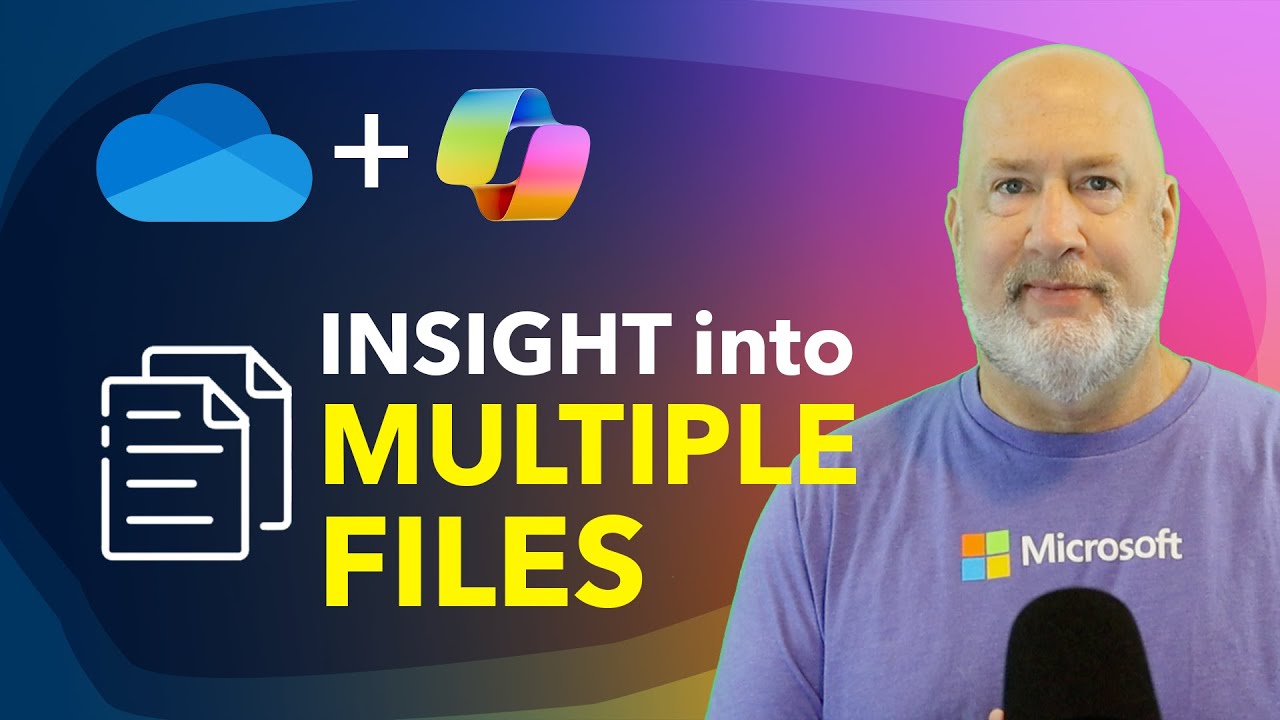
Discover how Copilot in Microsoft OneDrive can help you analyze and manage multiple files simultaneously. Watch this video to see this powerful new feature in action!

Chris Menard
2.4K views • Aug 21, 2024
About this video
In this video, I demonstrate an exciting new feature of Copilot in Microsoft OneDrive that's truly a game-changer: the ability to ask questions about multiple files without opening them. Here's what I cover:
I show you how to select multiple Excel files in OneDrive and use Copilot to ask questions about their combined data. Using two sample Excel files I created, I walk you through the process of asking questions and verifying the accuracy of Copilot's answers.
I also discuss the potential applications of this feature, especially when dealing with larger numbers of files, and how it compares to traditional methods like using Power Query.
0:00 Introduction to New Copilot Feature
0:15 Selecting Multiple Files in OneDrive
0:30 Accessing Copilot for Multiple Files
0:45 Asking Questions About Combined Data
1:00 Verifying Copilot's Answers in Excel Online
1:30 Testing Copilot with Numerical Queries
2:00 Discussing the Feature's Potential
2:30 Wrap-up and Course
Thanks for watching and supporting my channel. Have a wonderful day!
#CopilotInOneDrive #MultiFileAnalysis #MicrosoftProductivityAnd make sure you subscribe to my channel!
-- EQUIPMENT USED ---------------------------------
○ My camera – https://amzn.to/3vdgF5E
○ Microphone - https://amzn.to/3gphDXh
○ Camera tripod – https://amzn.to/3veN6Rg
○ Studio lights - https://amzn.to/3vaxyy5
○ Dual monitor mount stand - https://amzn.to/3vbZSjJ
○ Web camera – https://amzn.to/2Tg75Sn
○ Shock mount - https://amzn.to/3g96FGj
○ Boom Arm - https://amzn.to/3g8cNi6
-- SOFTWARE USED ---------------------------------
○ Screen recording – Camtasia – https://chrismenardtraining.com/camtasia
○ Screenshots – Snagit – https://chrismenardtraining.com/snagit
○ YouTube keyword search – TubeBuddy – https://www.tubebuddy.com/chrismenard
DISCLAIMER: Links included in this description might be affiliate links. If you purchase a product or service with the links I provide, I may receive a small commission. There is no additional charge to you! Thank you for supporting my channel, so I can continue to provide you with free content each week!
I show you how to select multiple Excel files in OneDrive and use Copilot to ask questions about their combined data. Using two sample Excel files I created, I walk you through the process of asking questions and verifying the accuracy of Copilot's answers.
I also discuss the potential applications of this feature, especially when dealing with larger numbers of files, and how it compares to traditional methods like using Power Query.
0:00 Introduction to New Copilot Feature
0:15 Selecting Multiple Files in OneDrive
0:30 Accessing Copilot for Multiple Files
0:45 Asking Questions About Combined Data
1:00 Verifying Copilot's Answers in Excel Online
1:30 Testing Copilot with Numerical Queries
2:00 Discussing the Feature's Potential
2:30 Wrap-up and Course
Thanks for watching and supporting my channel. Have a wonderful day!
#CopilotInOneDrive #MultiFileAnalysis #MicrosoftProductivityAnd make sure you subscribe to my channel!
-- EQUIPMENT USED ---------------------------------
○ My camera – https://amzn.to/3vdgF5E
○ Microphone - https://amzn.to/3gphDXh
○ Camera tripod – https://amzn.to/3veN6Rg
○ Studio lights - https://amzn.to/3vaxyy5
○ Dual monitor mount stand - https://amzn.to/3vbZSjJ
○ Web camera – https://amzn.to/2Tg75Sn
○ Shock mount - https://amzn.to/3g96FGj
○ Boom Arm - https://amzn.to/3g8cNi6
-- SOFTWARE USED ---------------------------------
○ Screen recording – Camtasia – https://chrismenardtraining.com/camtasia
○ Screenshots – Snagit – https://chrismenardtraining.com/snagit
○ YouTube keyword search – TubeBuddy – https://www.tubebuddy.com/chrismenard
DISCLAIMER: Links included in this description might be affiliate links. If you purchase a product or service with the links I provide, I may receive a small commission. There is no additional charge to you! Thank you for supporting my channel, so I can continue to provide you with free content each week!
Video Information
Views
2.4K
Likes
21
Duration
4:16
Published
Aug 21, 2024
User Reviews
4.2
(2) Related Trending Topics
LIVE TRENDSRelated trending topics. Click any trend to explore more videos.
No specific trending topics match this video yet.
Explore All Trends