Top OCR Tool in Google Drive for Easy Text Extraction
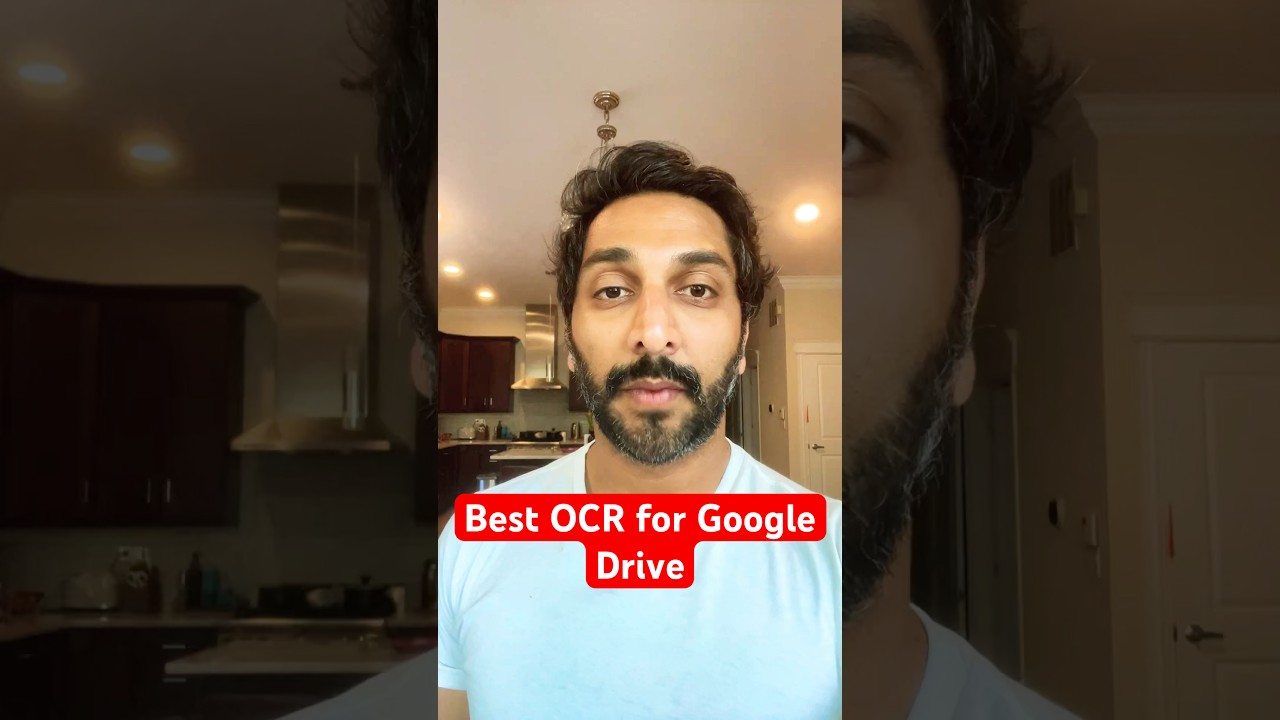
Instantly extract text from PDFs and images with Super OCR in Google Drive! Save time retyping scanned pages and screenshots. 🚀

Automagical Apps
5.4K views • May 15, 2025
About this video
🚀 Super OCR – Text Extractor | Instantly Unlock Text from PDFs & Images! 🚀
Tired of manually retyping scanned pages, screenshots, or PDFs? Super OCR – Text Extractor by Automagical Apps lets you transform any document—PDFs, photos, screenshots, even handwriting—into fully editable Google Docs in one click, right from Google Drive. Perfect for educators, marketers, researchers, and busy professionals.
✨ WHY SUPER OCR?
• **One‑Click Text Extraction** – Select your file in Drive, click GO, and watch Super OCR pull every word into a Google Doc.
• **Industrial‑Grade Accuracy** – Best‑in‑class OCR engine handles complex layouts, multi‑column text, tables, and even cursive handwriting.
• **Batch Processing** – OCR up to 10 files at once to power through stacks of documents in minutes.
• **Formatting Preserved** – Keep fonts, line breaks, bullets, and tables intact so your output looks just like the original.
• **Multilingual Support** – Extract text in over 90 languages, ideal for global teams and cross‑border projects.
• **Seamless Google Drive Integration** – No external tools or downloads—Super OCR lives inside your Workspace for ultimate convenience.
• **Automagical Translate Ready** – Instantly translate your extracted text with our built‑in translation add‑on and reach audiences worldwide.
⚡ HOW TO USE
1️⃣ Go to your Google Drive™ and select any PDF, image, or scanned file.
2️⃣ Click **Super OCR – Text Extractor → Open**.
3️⃣ Hit **GO** and let our OCR engine work its magic.
4️⃣ Open the generated Google Doc, edit, share, or translate—done!
🎯 WHO BENEFITS MOST?
• **Teachers & Administrators** turning paper tests or worksheets into digital quizzes
• **Researchers & Writers** digitizing archive articles, reports, and hand‑written notes
• **Marketers & HR Teams** extracting text from brochures, event flyers, and intake forms
• **Legal & Finance Pros** pulling data from contracts, invoices, and receipts in a flash
💡 PRO TIPS
✔️ Use batch mode for big document batches (up to 10 files) to save hours.
✔️ Leverage formatting preservation for fast copy‑and‑paste into reports or presentations.
✔️ Pair with Automagical Translate for multilingual document workflows.
🔗 Download Super OCR – Text Extractor now on the Google Workspace Marketplace:
https://workspace.google.com/marketplace/app/super_ocr_text_extractor/184359067352
👇 Subscribe for more Google Workspace hacks, OCR tutorials, and productivity tips—hit the bell 🔔 so you never miss an update!
#SuperOCR #TextExtractor #OCR #GoogleDrive #GoogleDocs #Productivity #EdTech #AutomagicalApps
Tired of manually retyping scanned pages, screenshots, or PDFs? Super OCR – Text Extractor by Automagical Apps lets you transform any document—PDFs, photos, screenshots, even handwriting—into fully editable Google Docs in one click, right from Google Drive. Perfect for educators, marketers, researchers, and busy professionals.
✨ WHY SUPER OCR?
• **One‑Click Text Extraction** – Select your file in Drive, click GO, and watch Super OCR pull every word into a Google Doc.
• **Industrial‑Grade Accuracy** – Best‑in‑class OCR engine handles complex layouts, multi‑column text, tables, and even cursive handwriting.
• **Batch Processing** – OCR up to 10 files at once to power through stacks of documents in minutes.
• **Formatting Preserved** – Keep fonts, line breaks, bullets, and tables intact so your output looks just like the original.
• **Multilingual Support** – Extract text in over 90 languages, ideal for global teams and cross‑border projects.
• **Seamless Google Drive Integration** – No external tools or downloads—Super OCR lives inside your Workspace for ultimate convenience.
• **Automagical Translate Ready** – Instantly translate your extracted text with our built‑in translation add‑on and reach audiences worldwide.
⚡ HOW TO USE
1️⃣ Go to your Google Drive™ and select any PDF, image, or scanned file.
2️⃣ Click **Super OCR – Text Extractor → Open**.
3️⃣ Hit **GO** and let our OCR engine work its magic.
4️⃣ Open the generated Google Doc, edit, share, or translate—done!
🎯 WHO BENEFITS MOST?
• **Teachers & Administrators** turning paper tests or worksheets into digital quizzes
• **Researchers & Writers** digitizing archive articles, reports, and hand‑written notes
• **Marketers & HR Teams** extracting text from brochures, event flyers, and intake forms
• **Legal & Finance Pros** pulling data from contracts, invoices, and receipts in a flash
💡 PRO TIPS
✔️ Use batch mode for big document batches (up to 10 files) to save hours.
✔️ Leverage formatting preservation for fast copy‑and‑paste into reports or presentations.
✔️ Pair with Automagical Translate for multilingual document workflows.
🔗 Download Super OCR – Text Extractor now on the Google Workspace Marketplace:
https://workspace.google.com/marketplace/app/super_ocr_text_extractor/184359067352
👇 Subscribe for more Google Workspace hacks, OCR tutorials, and productivity tips—hit the bell 🔔 so you never miss an update!
#SuperOCR #TextExtractor #OCR #GoogleDrive #GoogleDocs #Productivity #EdTech #AutomagicalApps
Video Information
Views
5.4K
Likes
77
Duration
0:45
Published
May 15, 2025
User Reviews
4.5
(1) Related Trending Topics
LIVE TRENDSRelated trending topics. Click any trend to explore more videos.
No specific trending topics match this video yet.
Explore All Trends