Free PDF Editor | PDFgear Review & Demo
Try PDFgear online for a free, powerful PDF editing tool—no paid software needed! 🚀 Full demo and review included.

XploreBio
3.2K views • Jul 14, 2025
About this video
👉 Try PDFgear online: https://www.pdfgear.com
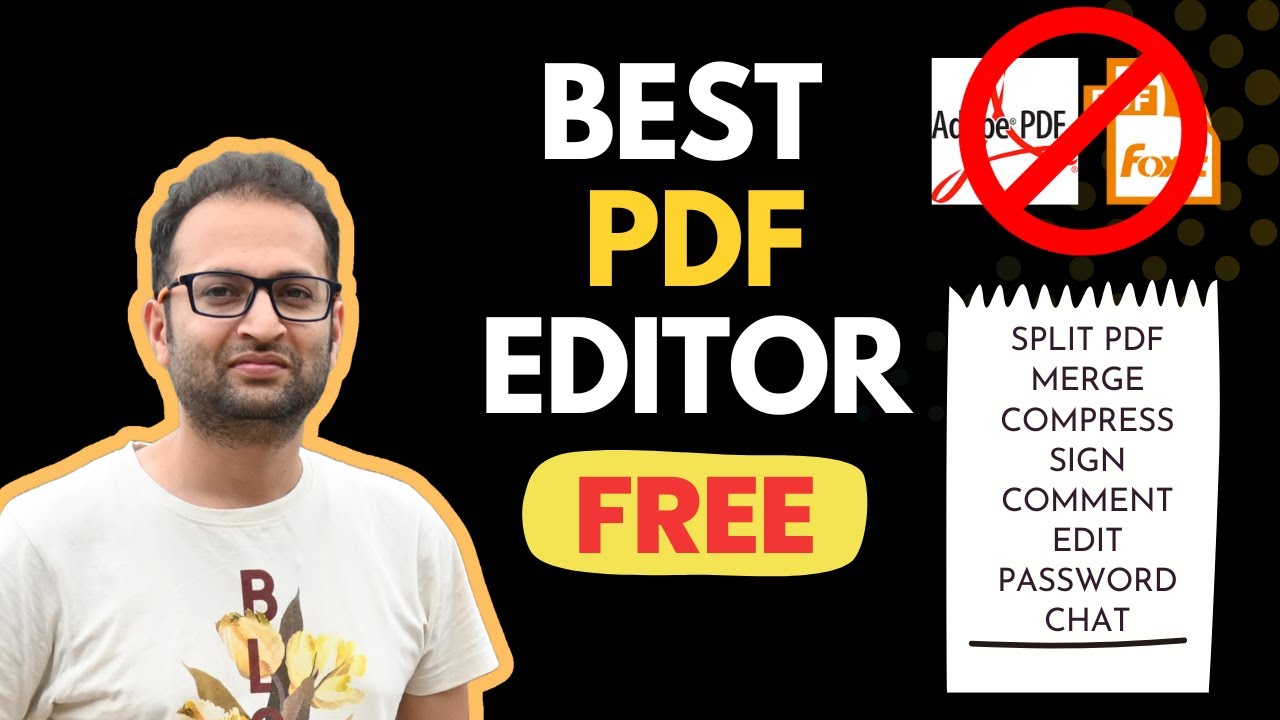
Tired of paying for PDF software like Adobe Acrobat or Foxit? Meet PDFgear – a completely FREE, powerful, and ad-free PDF tool for Windows, Mac, Android, and iOS.
In this video, I’ll show you why I stopped using paid PDF editors and how PDFgear can handle editing, compressing, merging, converting, signing, filling forms, and even AI-powered PDF chat – all without sign-up or watermarks.
Whether you're a student, researcher, professional, or freelancer — this tool will save your time and money.
In this video you will get:
- Completely FREE PDF reader and editor
- Get premium features for free
- For students, professional, businessman
- How to use PDFgear
- Highlight, edit text, add text box
- Add signature, stamps
- Split and merge PDF
- Convert PDF to word
- Convert PDF to excel and other formats
- Add comments/notes
- Add image/logo
- Rotate PDF
- Compress PDF
- Chat with PDF
-Summarize PDF
✅ Leveraging Copilot AI for PDF Queries: Stuck on something? Learn how to use Copilot AI to ask questions and get instant help with your PDFs.
✅ Conversion and Compression: Find out how to convert your PDFs into different file formats for versatile use and how to compress PDF files without compromising quality, perfect for sending and saving space.
Join this channel to get access to perks:
https://www.youtube.com/channel/UCjUZyveMN14k1zAsvwuQ4DA/join
#PDFgear #pdf #pdfeditor #howto
Tired of paying for PDF software like Adobe Acrobat or Foxit? Meet PDFgear – a completely FREE, powerful, and ad-free PDF tool for Windows, Mac, Android, and iOS.
In this video, I’ll show you why I stopped using paid PDF editors and how PDFgear can handle editing, compressing, merging, converting, signing, filling forms, and even AI-powered PDF chat – all without sign-up or watermarks.
Whether you're a student, researcher, professional, or freelancer — this tool will save your time and money.
In this video you will get:
- Completely FREE PDF reader and editor
- Get premium features for free
- For students, professional, businessman
- How to use PDFgear
- Highlight, edit text, add text box
- Add signature, stamps
- Split and merge PDF
- Convert PDF to word
- Convert PDF to excel and other formats
- Add comments/notes
- Add image/logo
- Rotate PDF
- Compress PDF
- Chat with PDF
-Summarize PDF
✅ Leveraging Copilot AI for PDF Queries: Stuck on something? Learn how to use Copilot AI to ask questions and get instant help with your PDFs.
✅ Conversion and Compression: Find out how to convert your PDFs into different file formats for versatile use and how to compress PDF files without compromising quality, perfect for sending and saving space.
Join this channel to get access to perks:
https://www.youtube.com/channel/UCjUZyveMN14k1zAsvwuQ4DA/join
#PDFgear #pdf #pdfeditor #howto
Tags and Topics
Browse our collection to discover more content in these categories.
Video Information
Views
3.2K
Likes
1.4K
Duration
8:12
Published
Jul 14, 2025
User Reviews
4.6
(3) Related Trending Topics
LIVE TRENDSRelated trending topics. Click any trend to explore more videos.