Top Free OCR Apps for Android 📱 to Edit PDFs
Discover the best free OCR apps for Android to make PDFs searchable and editable easily. Perfect for scanned documents!

AppFlix Review
137 views • Nov 22, 2025
About this video
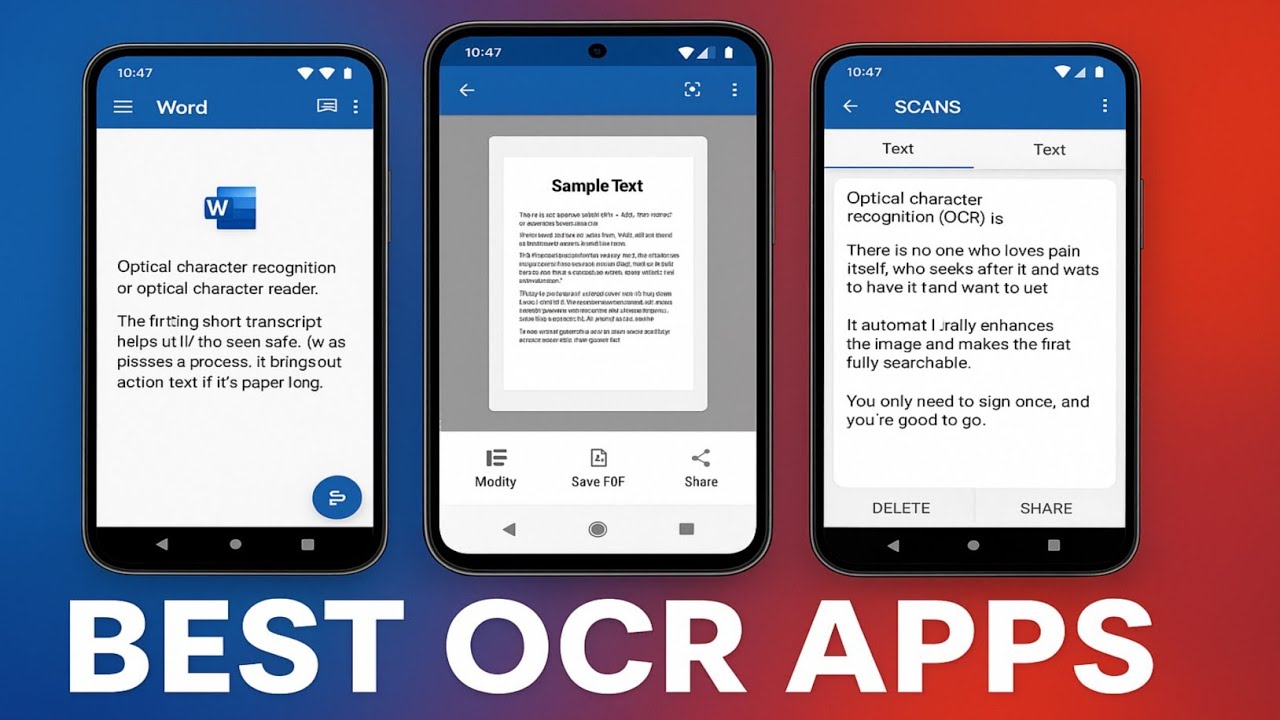
In this video, I share the best free OCR apps for Android that can turn any image or PDF into fully searchable and editable text. If you work with scanned documents, school notes, office files, or receipts, these apps will help you extract clean text quickly and easily.
Apps Mentioned in This Video:
Microsoft Lens – A powerful document scanner with accurate OCR, great for notes, receipts, and printed pages. Exports to Word, OneNote, and PDF.
https://play.google.com/store/apps/details?id=com.microsoft.office.officelens
Text Fairy – Free and open-source OCR app with clean text extraction and the ability to save searchable PDFs.
https://play.google.com/store/apps/details?id=com.renard.ocr
Adobe Scan – High-quality OCR with strong automatic enhancement for low-quality documents and photos.
https://play.google.com/store/apps/details?id=com.adobe.scan.android
CamScanner (Free Version) – Fast and sharp scanning with reliable OCR results and multiple export options.
https://play.google.com/store/apps/details?id=com.intsig.camscanner
OCR Text Scanner (Off-Sure) – Lightweight and quick app that accurately extracts text in multiple languages.
https://play.google.com/store/apps/details?id=image.to.text.ocr
Clear Scan – Simple and smooth scanner with built-in OCR, perfect for clean PDFs and quick text extraction.
https://play.google.com/store/apps/details?id=com.indymobileapp.document.scanner
Whether you're a student, professional, or someone dealing with documents daily, these apps will help you scan, convert, edit, and search text directly from your phone.
If you want a full tutorial on turning an entire scanned PDF into a searchable PDF step-by-step, drop a comment!
---
#android #bestandroidapps #ocr #pdfscanner #ocrscanner #topapps
#freeapps #usefulapps #androidtips #productivityapps #techapps
Apps Mentioned in This Video:
Microsoft Lens – A powerful document scanner with accurate OCR, great for notes, receipts, and printed pages. Exports to Word, OneNote, and PDF.
https://play.google.com/store/apps/details?id=com.microsoft.office.officelens
Text Fairy – Free and open-source OCR app with clean text extraction and the ability to save searchable PDFs.
https://play.google.com/store/apps/details?id=com.renard.ocr
Adobe Scan – High-quality OCR with strong automatic enhancement for low-quality documents and photos.
https://play.google.com/store/apps/details?id=com.adobe.scan.android
CamScanner (Free Version) – Fast and sharp scanning with reliable OCR results and multiple export options.
https://play.google.com/store/apps/details?id=com.intsig.camscanner
OCR Text Scanner (Off-Sure) – Lightweight and quick app that accurately extracts text in multiple languages.
https://play.google.com/store/apps/details?id=image.to.text.ocr
Clear Scan – Simple and smooth scanner with built-in OCR, perfect for clean PDFs and quick text extraction.
https://play.google.com/store/apps/details?id=com.indymobileapp.document.scanner
Whether you're a student, professional, or someone dealing with documents daily, these apps will help you scan, convert, edit, and search text directly from your phone.
If you want a full tutorial on turning an entire scanned PDF into a searchable PDF step-by-step, drop a comment!
---
#android #bestandroidapps #ocr #pdfscanner #ocrscanner #topapps
#freeapps #usefulapps #androidtips #productivityapps #techapps
Video Information
Views
137
Likes
6
Duration
3:36
Published
Nov 22, 2025
Related Trending Topics
LIVE TRENDSRelated trending topics. Click any trend to explore more videos.
No specific trending topics match this video yet.
Explore All Trends