Belgian vs. French AZERTY Keyboard: Top 6 Key Differences 🇧🇪🇫🇷
Discover the main differences between Belgian and French AZERTY keyboards, including layout variations and unique features. Perfect for users switching between these layouts!
Faulkenberry
135 views • Jan 22, 2016
About this video
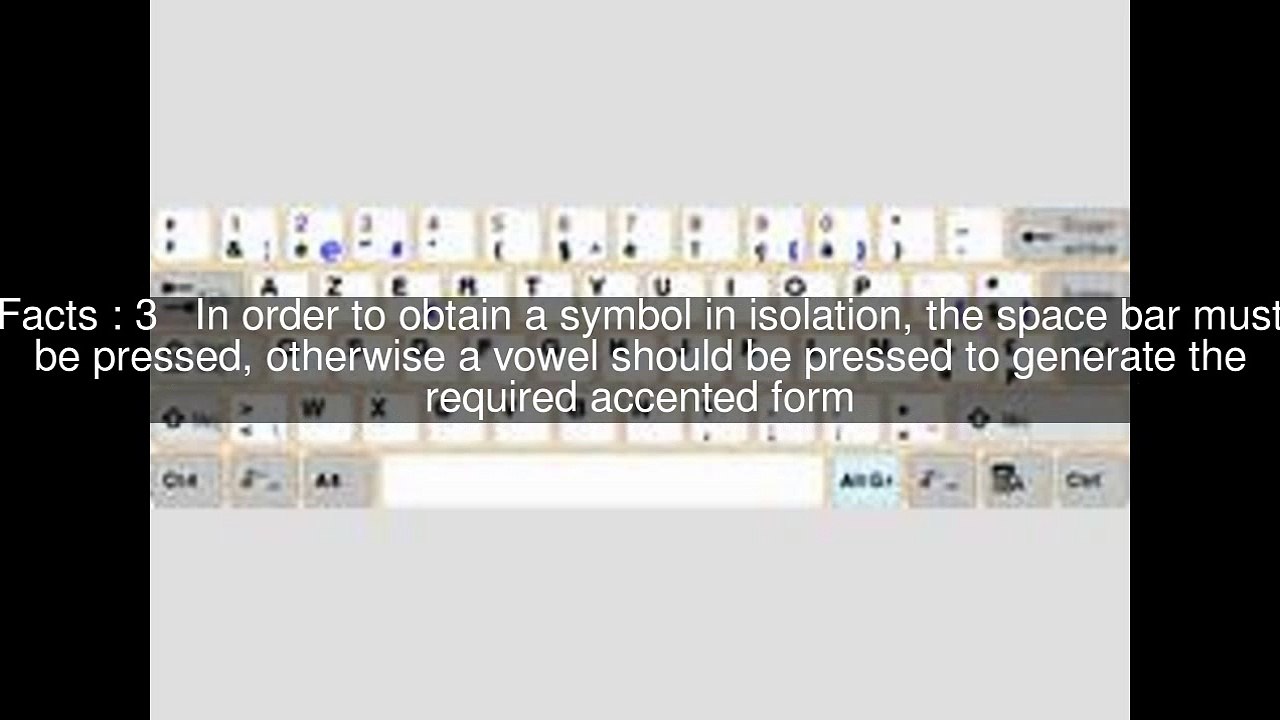
Facts : 1 Differences between the Belgian and French layouts of the AZERTY keyboard AZERTY layout used in Belgium Same Belgian keyboard under Linux (Ubuntu 9.10) The Belgian AZERTY keyboard allows for the placing of accents on vowels without recourse to encoding via the Alt key + code<br />Facts : 2 The description partially dead means that pressing the key in question sometimes generates the desired symbol directly, but that at least one of the symbols represented on the key will only appear after a second key has been pressed<br />Facts : 3 In order to obtain a symbol in isolation, the space bar must be pressed, otherwise a vowel should be pressed to generate the required accented form<br />Facts : 4 The other keys are identical, even though traditionally the names of special keys are printed on them in English<br />Facts : 5 This is because Belgium is predominantly bilingual (French-Dutch) and officially trilingual (a third language, German, is spoken in the East Cantons)<br />Facts : 6 It should be noted that the key to the right of 0 on the numeric keypad corresponds either to the full stop or to the comma (which is why there are two dinstinct keyboard drivers under Windows)
Video Information
Views
135
Duration
1:00
Published
Jan 22, 2016
Related Trending Topics
LIVE TRENDSRelated trending topics. Click any trend to explore more videos.
No specific trending topics match this video yet.
Explore All Trends