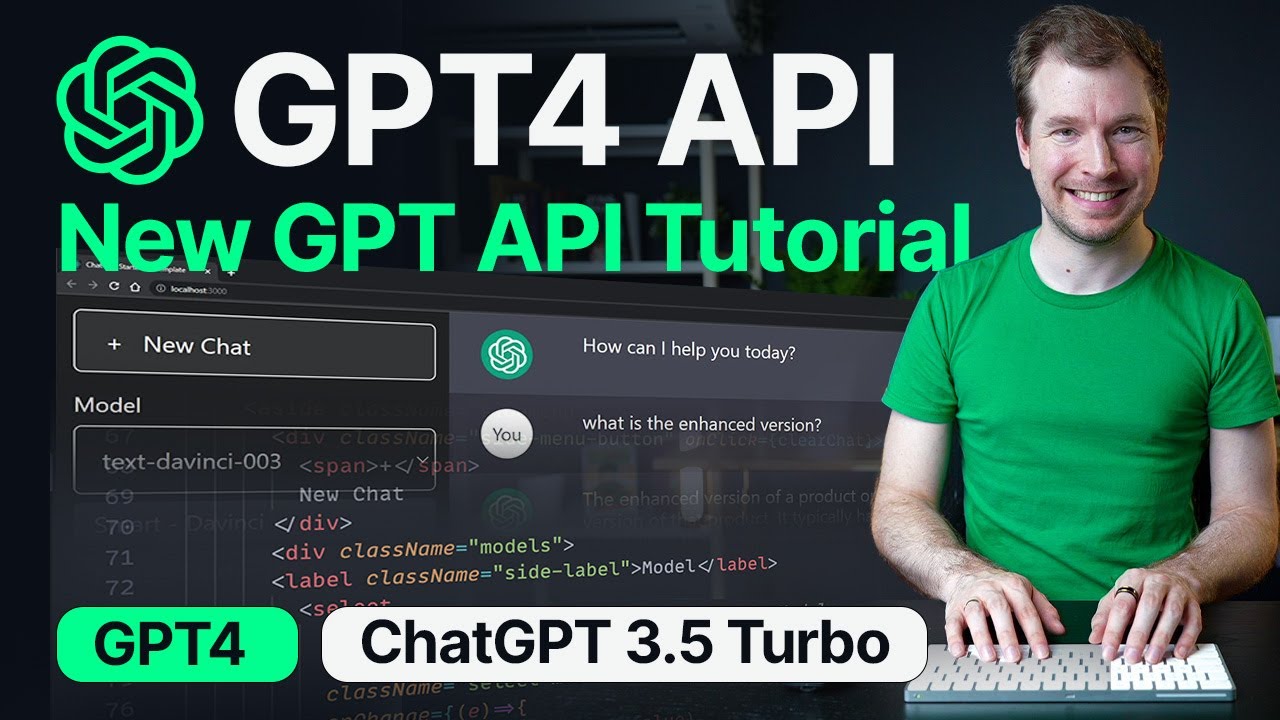
Beginners Guide to GPT4 API & ChatGPT 3.5 Turbo API Tutorial
Crash Course GPT4 API and ChatGPT 3.5 API for Beginners. Also learn more about Microsoft Azure here: https://aka.ms/AdrianTwarog The documentation for the C...
Adrian Twarog
324.3K views • Mar 28, 2023
About this video
Crash Course GPT4 API and ChatGPT 3.5 API for Beginners. Also learn more about Microsoft Azure here: https://aka.ms/AdrianTwarog
The documentation for the Chat Completion API for GPT-3.5-Turbo and GPT4 are identical, so this video should serve as a way to implement new Chat API into your next product!
Learn more about OpenAI and GPT4 and GPT 3.5 Turbo below
https://openai.com/
I cover how to use the latest GPT3.5 Turbo API (which is also the same Chat API that OpenAI uses for GPT4). If you're looking to use OpenAI API this video should cover the whole process. In it, we will integrate Open AI API for GPT and add it to a simple application to interact with the artificial intelligence models.
#gpt4 #ai #openai
00:00 - Introduction
00:37 - OpenAI Account Setup
01:31 - NodeJS and VSCode Setup
02:16 - Setup Project Environment
02:58 - OpenAI Initialisation
03:55 - GPT4 Chat Completion
05:44 - Express REST Setup
06:50 - ChatGPT 3.5 Chat Message
07:10 - Frontend ChatGPT API
08:06 - Frontend JavaScript Setup
09:16 - Frontend Fetch Request to OpenAI Backend
10:20 - OpenAI Chat Competitions API Configuration
11:05 - Backend GPT Message History Setup
11:39 - Frontend GPT Message History Setup
13:02 - Testing Local GPT3.5 API Chat Bot Setup
13:45 - Microsoft Azure Function Initialisation
14:30 - VS Code Azure Extension
15:00 - Create Azure Serverless Function
16:00 - Prepare Test Local Azure Function
17:04 - Deploy Azure Function to the Cloud
18:04 - Integrate OpenAI Chat GPT into Azure Function
20:13 - Deploy ChatGPT API Function into Cloud
21:18 - Conclusion
This video was made with Microsoft Azure as a sponsor. Thanks for the support. You can learn more about Azure Functions and download this project on the link below!
https://aka.ms/AdrianTwarog
⭐ New - Teach Me OpenAI Digital Book ⭐
https://enhanceui.gumroad.com/l/teach-me-openai
I've put together a easy to understand book with ~60 pages about OpenAI and GPT with how to get started to integrate it into projects, code examples, and much more!
Learn Design for Developers!
A book I've created to help you improve the look of your apps and websites.
📘 Enhance UI: https://www.enhanceui.com/
Feel free to follow me on:
🐦 Twitter: https://twitter.com/intent/follow?screen_name=adrian_twarog
💬 Discord: https://discord.gg/6gmmFvxkD7
💸 Patreon: https://www.patreon.com/adriantwarog
Software & Discounts:
🚾 Webflow: https://webflow.grsm.io/adrian
🌿 Envato: https://1.envato.market/yRZjz2
🌿 Envato Elements: https://1.envato.market/LP0OJZ
🔴 Elementor: https://elementor.com/adrian/?ref=23140
✖ Editor X: https://www.editorx.com/adrian-twarog
Computer Gear:
⬛ Monitor: https://amzn.to/3f9DOQI
⌨ Keyboard: https://amzn.to/3eA5UFD
🐁 Mouse: https://amzn.to/3xVJO8l
🎤 Mic: https://amzn.to/3hgCfms
📱 Tablet: https://amzn.to/3ewt7sa
💡 Lighting: https://amzn.to/3vOZeZY
💡 Key Lighting: https://amzn.to/3f6qP2f
Camera Equipment:
📷 Camera: https://amzn.to/3uCv4J9
📸 Primary Lens: https://amzn.to/3vT6wMm
📸 Secondary Lens: https://amzn.to/3tyqWIX
🎥 Secondary Camera: https://amzn.to/3o2zCGi
🎙 Camera Mic: https://amzn.to/33tCz9l
🎞 USB to HDMI: https://amzn.to/33yW9RE
The documentation for the Chat Completion API for GPT-3.5-Turbo and GPT4 are identical, so this video should serve as a way to implement new Chat API into your next product!
Learn more about OpenAI and GPT4 and GPT 3.5 Turbo below
https://openai.com/
I cover how to use the latest GPT3.5 Turbo API (which is also the same Chat API that OpenAI uses for GPT4). If you're looking to use OpenAI API this video should cover the whole process. In it, we will integrate Open AI API for GPT and add it to a simple application to interact with the artificial intelligence models.
#gpt4 #ai #openai
00:00 - Introduction
00:37 - OpenAI Account Setup
01:31 - NodeJS and VSCode Setup
02:16 - Setup Project Environment
02:58 - OpenAI Initialisation
03:55 - GPT4 Chat Completion
05:44 - Express REST Setup
06:50 - ChatGPT 3.5 Chat Message
07:10 - Frontend ChatGPT API
08:06 - Frontend JavaScript Setup
09:16 - Frontend Fetch Request to OpenAI Backend
10:20 - OpenAI Chat Competitions API Configuration
11:05 - Backend GPT Message History Setup
11:39 - Frontend GPT Message History Setup
13:02 - Testing Local GPT3.5 API Chat Bot Setup
13:45 - Microsoft Azure Function Initialisation
14:30 - VS Code Azure Extension
15:00 - Create Azure Serverless Function
16:00 - Prepare Test Local Azure Function
17:04 - Deploy Azure Function to the Cloud
18:04 - Integrate OpenAI Chat GPT into Azure Function
20:13 - Deploy ChatGPT API Function into Cloud
21:18 - Conclusion
This video was made with Microsoft Azure as a sponsor. Thanks for the support. You can learn more about Azure Functions and download this project on the link below!
https://aka.ms/AdrianTwarog
⭐ New - Teach Me OpenAI Digital Book ⭐
https://enhanceui.gumroad.com/l/teach-me-openai
I've put together a easy to understand book with ~60 pages about OpenAI and GPT with how to get started to integrate it into projects, code examples, and much more!
Learn Design for Developers!
A book I've created to help you improve the look of your apps and websites.
📘 Enhance UI: https://www.enhanceui.com/
Feel free to follow me on:
🐦 Twitter: https://twitter.com/intent/follow?screen_name=adrian_twarog
💬 Discord: https://discord.gg/6gmmFvxkD7
💸 Patreon: https://www.patreon.com/adriantwarog
Software & Discounts:
🚾 Webflow: https://webflow.grsm.io/adrian
🌿 Envato: https://1.envato.market/yRZjz2
🌿 Envato Elements: https://1.envato.market/LP0OJZ
🔴 Elementor: https://elementor.com/adrian/?ref=23140
✖ Editor X: https://www.editorx.com/adrian-twarog
Computer Gear:
⬛ Monitor: https://amzn.to/3f9DOQI
⌨ Keyboard: https://amzn.to/3eA5UFD
🐁 Mouse: https://amzn.to/3xVJO8l
🎤 Mic: https://amzn.to/3hgCfms
📱 Tablet: https://amzn.to/3ewt7sa
💡 Lighting: https://amzn.to/3vOZeZY
💡 Key Lighting: https://amzn.to/3f6qP2f
Camera Equipment:
📷 Camera: https://amzn.to/3uCv4J9
📸 Primary Lens: https://amzn.to/3vT6wMm
📸 Secondary Lens: https://amzn.to/3tyqWIX
🎥 Secondary Camera: https://amzn.to/3o2zCGi
🎙 Camera Mic: https://amzn.to/33tCz9l
🎞 USB to HDMI: https://amzn.to/33yW9RE
Tags and Topics
Browse our collection to discover more content in these categories.
Video Information
Views
324.3K
Likes
5.5K
Duration
21:32
Published
Mar 28, 2023
User Reviews
4.8
(64) Related Trending Topics
LIVE TRENDSRelated trending topics. Click any trend to explore more videos.
No specific trending topics match this video yet.
Explore All Trends